
Housing Society ERP · Members
Find a member and open their profile
Search the Member List by name, CNIC or registration number and open the member profile with files, payments, tokens, nominees and history.
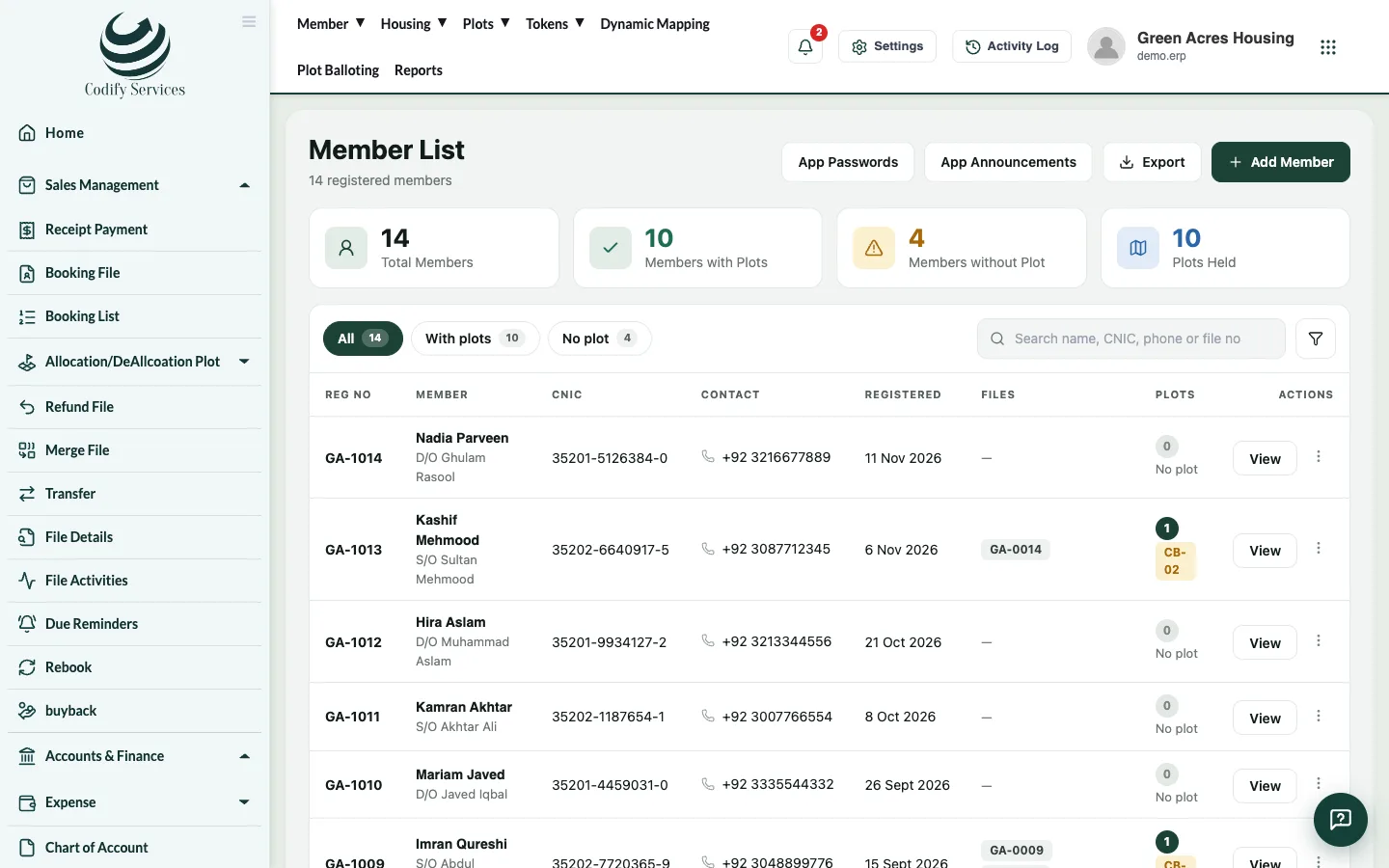
The Member List shows every member with their files. The member profile brings everything about one member onto one page.
Steps
- In the top menu, open Member > Member List.
- Type a name, CNIC or registration number in the search box, or filter Files: All, Has a file, No file.
- Click the member's name (or View) to open the profile.
- Use the menu on the left of the profile to jump to a part or start an action.
What the profile has
- Member information, the member's files and plot details, payments, tokens, refunds and history.
- Payment Details, Nominee, Associate Member, Comment, Rental Agreement and Commission sections.
- Actions: Receive Payment, Transfer Plot, Cancellation, Apply for Possession, Reallocation, Update Membership, Update Finance Detail, Update Installment Plan.
- Prints: Print Profile and Print Installment Plan.
- Mobile App Login: make or reset the member's app password and send it on WhatsApp.
Good to know
- From the Member List row you can also Edit, Delete, Print, see Payments History and Current Files, upload Member Docs, or Book File.
- Export downloads the list to Excel. Column Visibility Settings chooses which columns show.
- App Passwords makes app passwords for every member who has none.
Related
More in Members
Ready to try it? Open Housing Society ERP