
Housing Society ERP · Tokens and bookings
Build and change a file's installment plan
Split a file's price over plan heads and installments, set the due dates, and update the plan later if the terms change.
Each file has its own installment plan: how much is paid under each plan head, in how many installments, and on which dates. You build it when you book the file.
Steps: build the plan
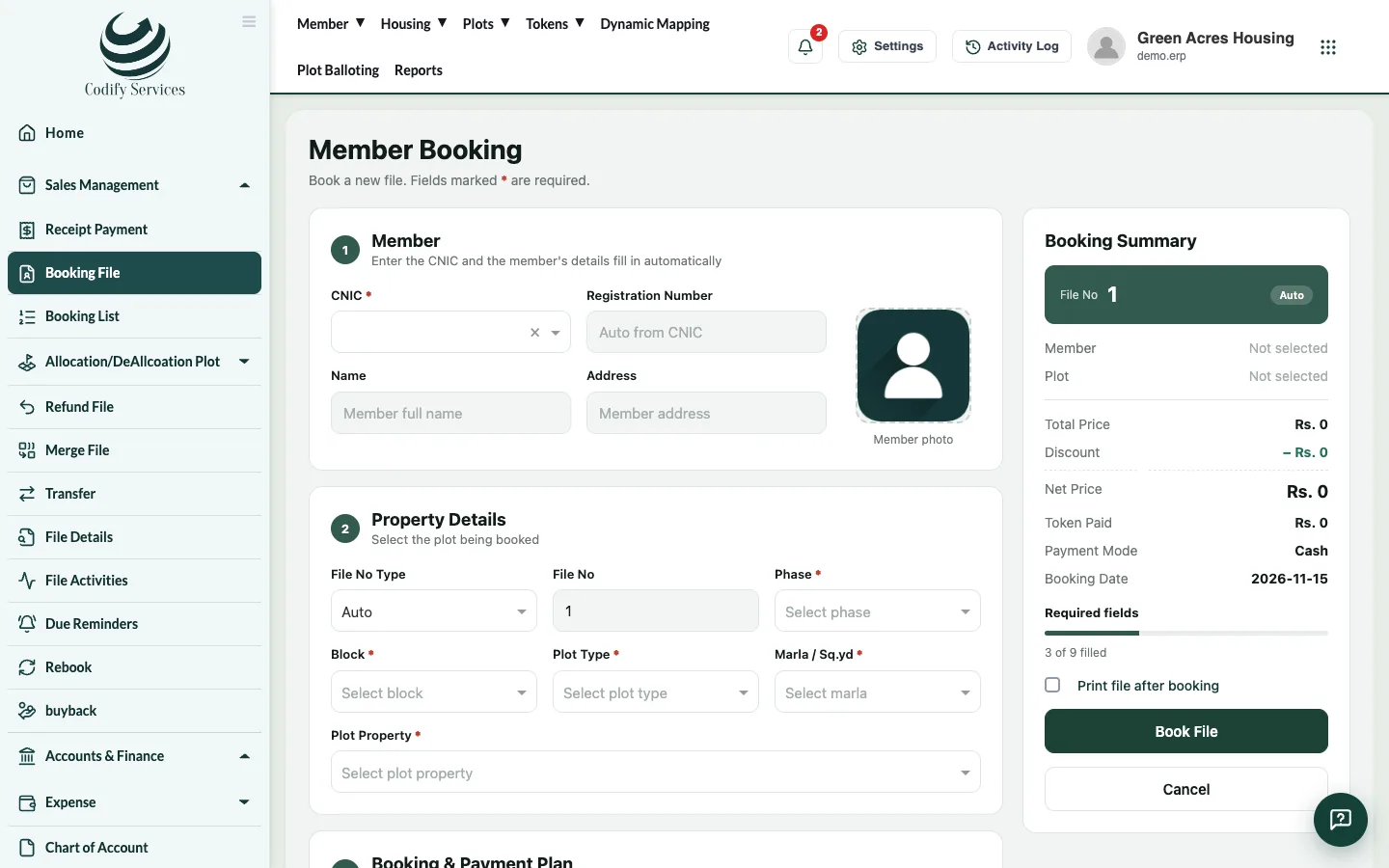
- Book the file (Sales Management > Booking File) and press Book File.
- In the Plan Details window, each plan head has a row. Enter the Amount and the Installments Count for each head you use (leave the others at 0).
- Press Update & Generate Installment.
- The Installment Plan window lists each installment with its amount and Due Date. Change a date if needed.
- Press Update Installments Dates to save the dates.
Steps: change a plan later
- Open Sales Management > Booking List and choose View on the file. Its plan and installments open.
- To move due dates, change them and press Update Installments Dates.
- To change the price or the booking itself, use Edit File in the Booking List (or Update Finance Detail on the member profile) and press Update File.
Good to know
- The total of all heads should match the file's net price.
- Changing installment dates needs its own permission. Ask your administrator if the button is missing.
- Print Installment Plan on the member profile prints the schedule for the member.
Related
More in Tokens and bookings
Manage tokens in the Reservation ListSee every token with its status, print a token, turn a token into a booking, or refund it.Book a file for a memberBook a plot file for a member, set the price and discount, build the installment plan, add a dealer commission and print the file.Work with the Booking ListSee every booked file, filter by status or dues, open its payments, edit the file, upload documents, send a notice or print.Reserve a plot with a tokenHold a free plot for a member with a token payment until an end date, then turn the token into a booking.
Ready to try it? Open Housing Society ERP