
Housing Society ERP · Payments
Add other charges to a file
Add a one-off charge such as possession, development or transfer charges to a member's file, so it is collected with the installments.
Other charges are amounts outside the original plan, for example possession charges or development charges. Once added to a file, they show as due on the Receipt Payment page.
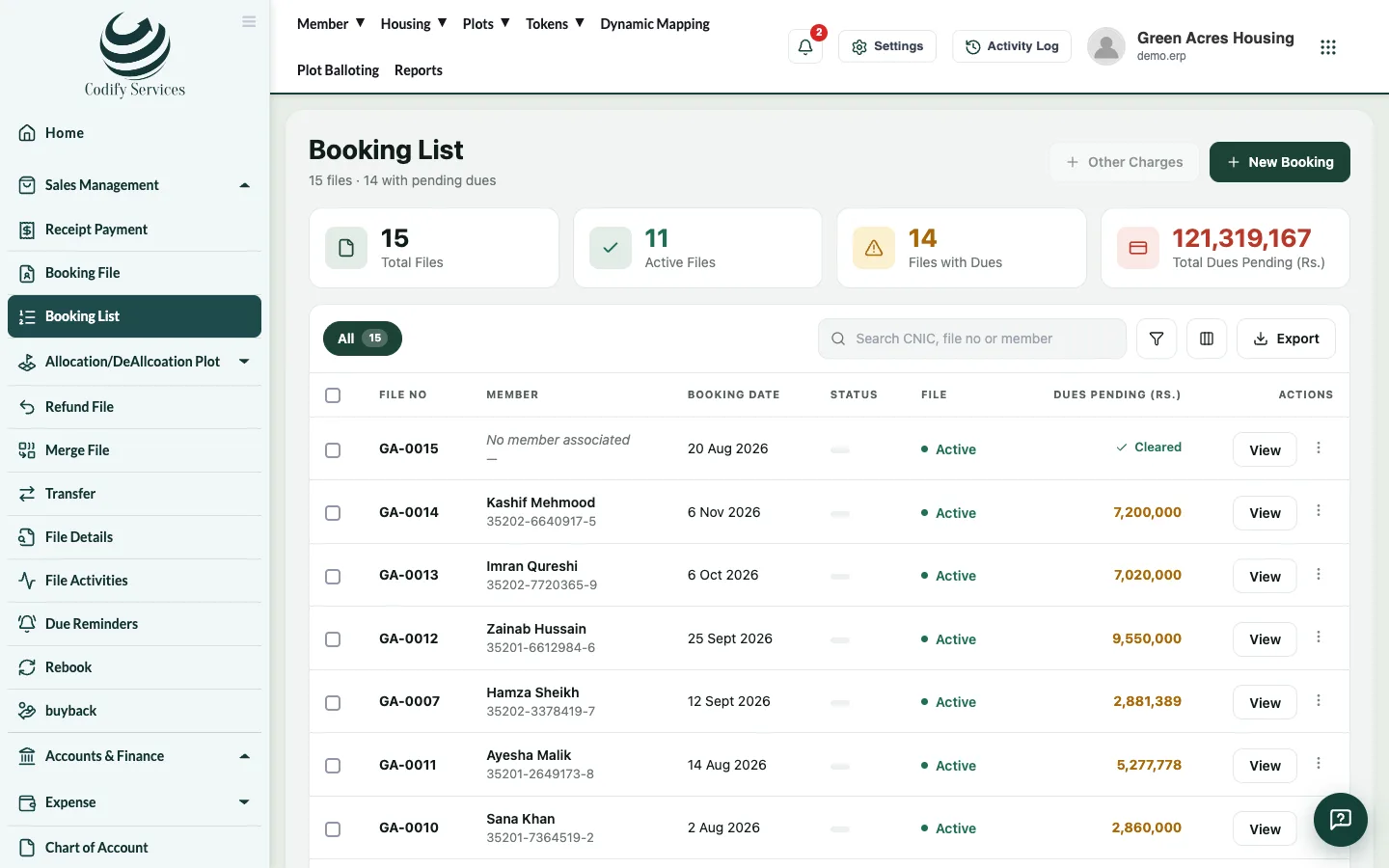
Steps
- Open Sales Management > Booking List.
- Press Other Charges.
- Choose the member and the File.
- Choose the Head, enter the Amount and the Date.
- Press Submit.
Good to know
- The head must exist in Plan Head first.
- Receive the payment as usual on Receipt Payment.
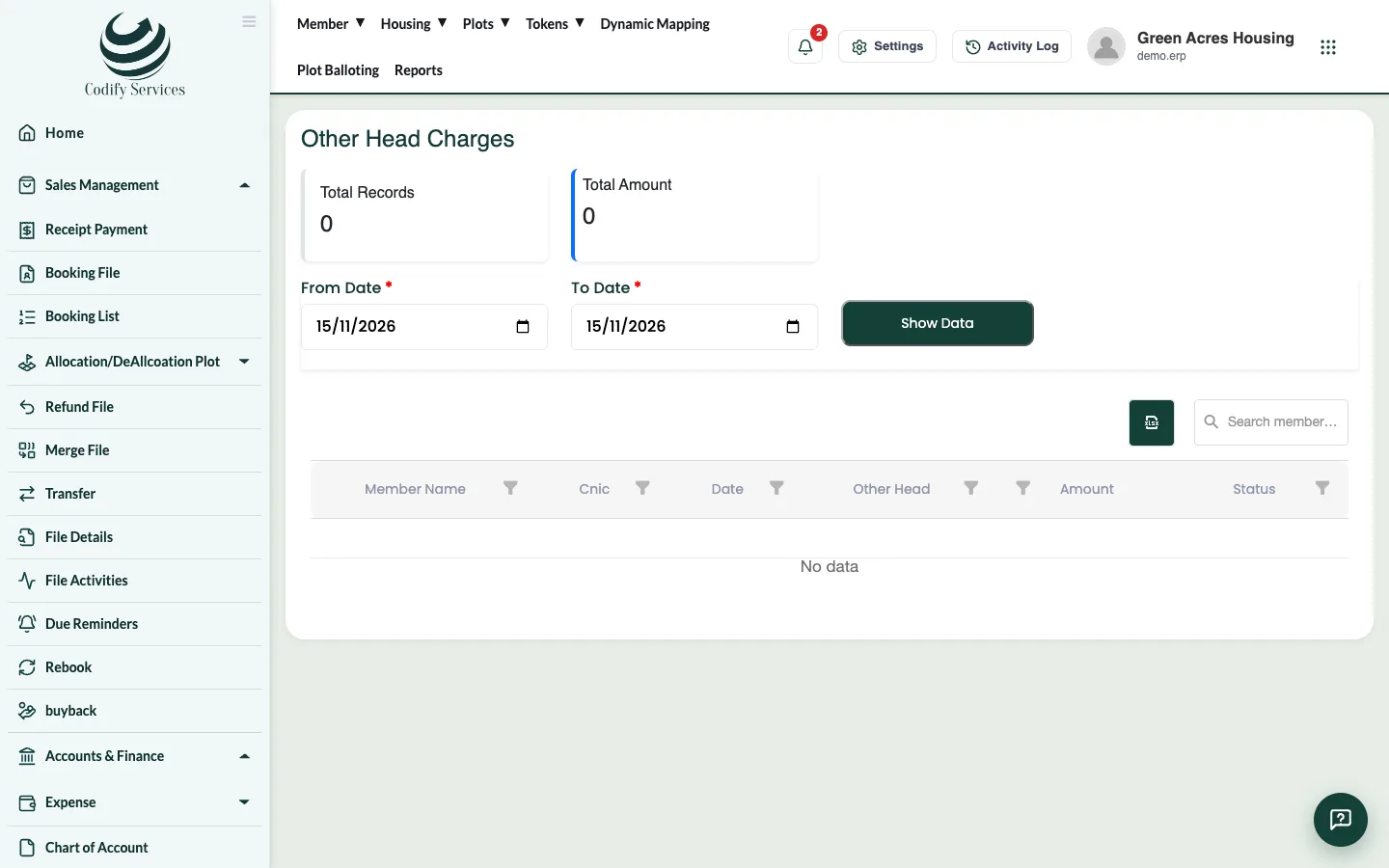
- Reports > Society Charges & Notices > Other Charges lists every charge with its status.
- On the member profile, Plot Charges opens the same report.
Related
More in Payments
Receive an installment paymentFind the member's file, see what is due, receive cash, cheque or bank payment against the installments, and print the receipt.Give a discount on a fileGive a member a discount on an installment or another charge of their file, and see the discount history.Print or email a receiptPrint a payment receipt again, choose its template, add the receiver and signature, or email it to the member.Cancel a receiptCancel a wrong receipt and reverse its accounting voucher, with a reason, from All Receipt Details.
Ready to try it? Open Housing Society ERP