
Housing Society ERP · Members
Post news to the members' app
Use App Announcements to show news, notices and reminders to your members in the mobile app, for a set period.
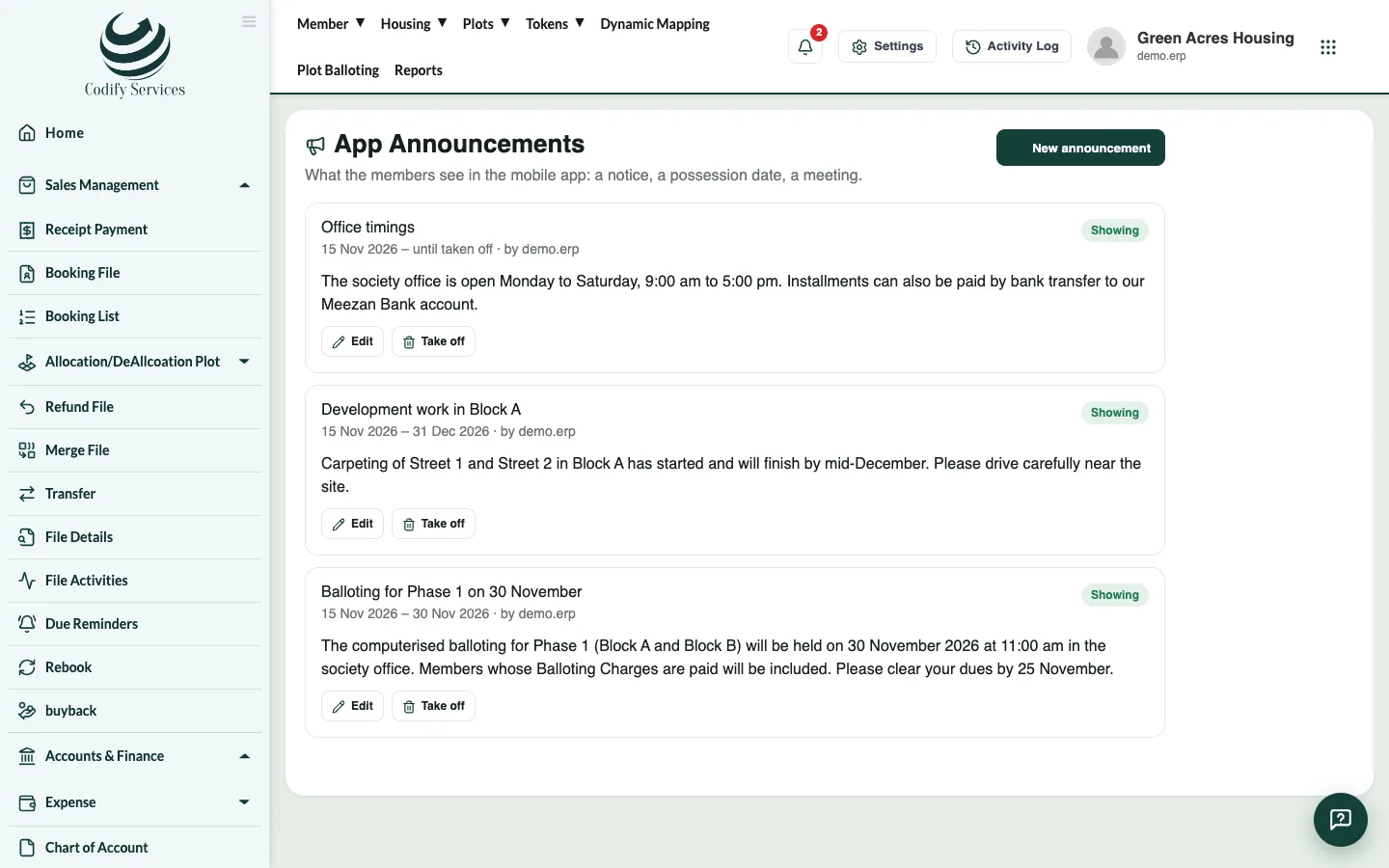
App Announcements are messages your members see in the mobile app, for example a meeting, a ballot date or new office hours.
Steps
- In the sidebar, press App Announcements.
- Press New announcement.
- Enter the Title and the Message.
- Choose Show from and, if you want it to stop by itself, Show until (leave it empty to keep it until you take it off).
- Save.
Good to know
- Edit changes an announcement; Take off removes it from the app.
- Members need an app password to log in. See Give members access to the mobile app.
Related
More in Members
Register a new memberAdd a member with their CNIC, name, contact number, city, address and photo, so you can reserve plots and book files for them.Find a member and open their profileSearch the Member List by name, CNIC or registration number and open the member profile with files, payments, tokens, nominees and history.
Ready to try it? Open Housing Society ERP