
Housing Society ERP · Dealers
Add dealers and agents
Register the agencies and agents who sell plots for you, with their commission percent, so commission is worked out on each sale.
If you sell through property dealers, add each agency and its agents in Dealer Management. Then pick them on tokens and bookings, and the software tracks the commission they earn.
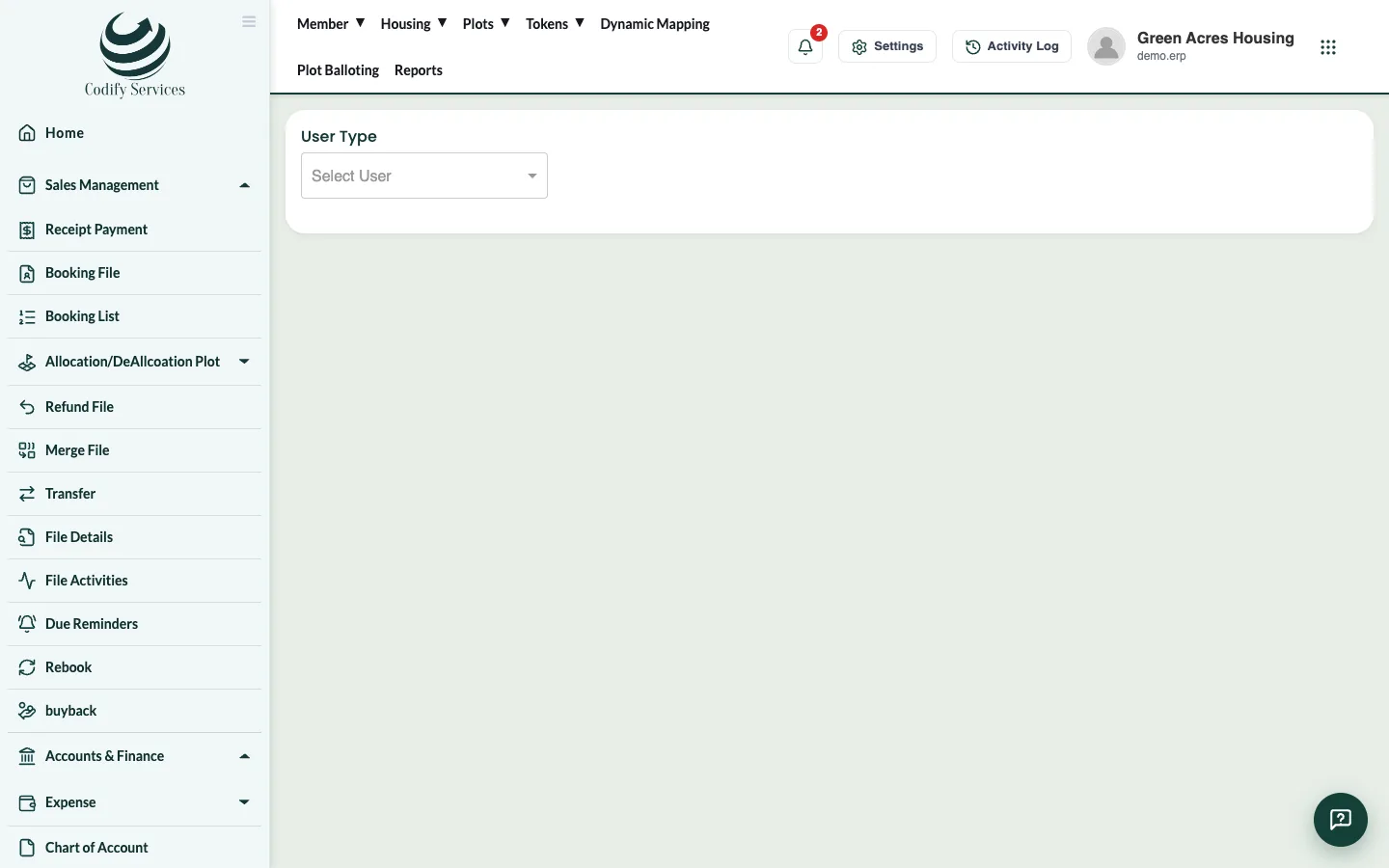
Steps: add an agency
- In the sidebar, open Dealer Management > Dealer/Agency.
- Choose the User Type: agency.
- Enter the Agency name, Representative Name, CNIC / NTN #, Company Contact, Personal Contact, Email Address and Company Address.
- Enter the Agency Code, Agency Date, Agency Status and Commission %.
- Press Submit.
Steps: add an agent
- Choose the User Type: agent.
- Choose the Agency they work for (if any), and enter the Agent Name, CNIC, Contact Number, Agent Code, Agent Date and Agent Status.
- Press Submit.
Good to know
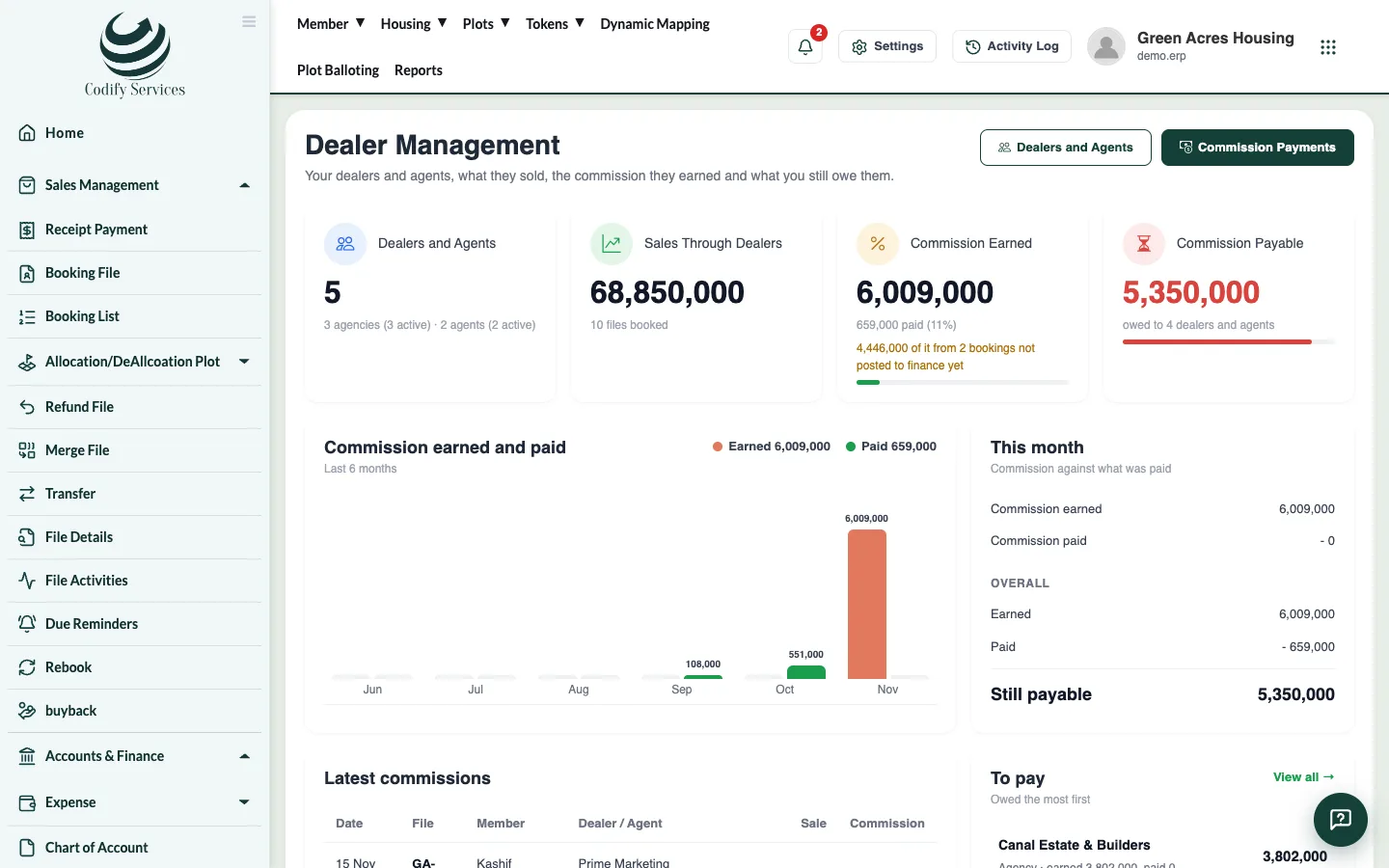
- The Dashboard shows commission earned and paid this month and overall, the latest commissions, what is still to pay and the best sellers.
- A dealer's commission on a file is set when you book it (Dealer / Agent Commission).
- Dealer reports: Reports > Sales & Members > Dealer Wise Sale Summary and Agency Wise Sale Summary.
- Dealer Management is part of some packages, or an add-on. See your Subscription page.
Related
More in Dealers
Ready to try it? Open Housing Society ERP