
Housing Society ERP · Plots and maps
Run a plot ballot
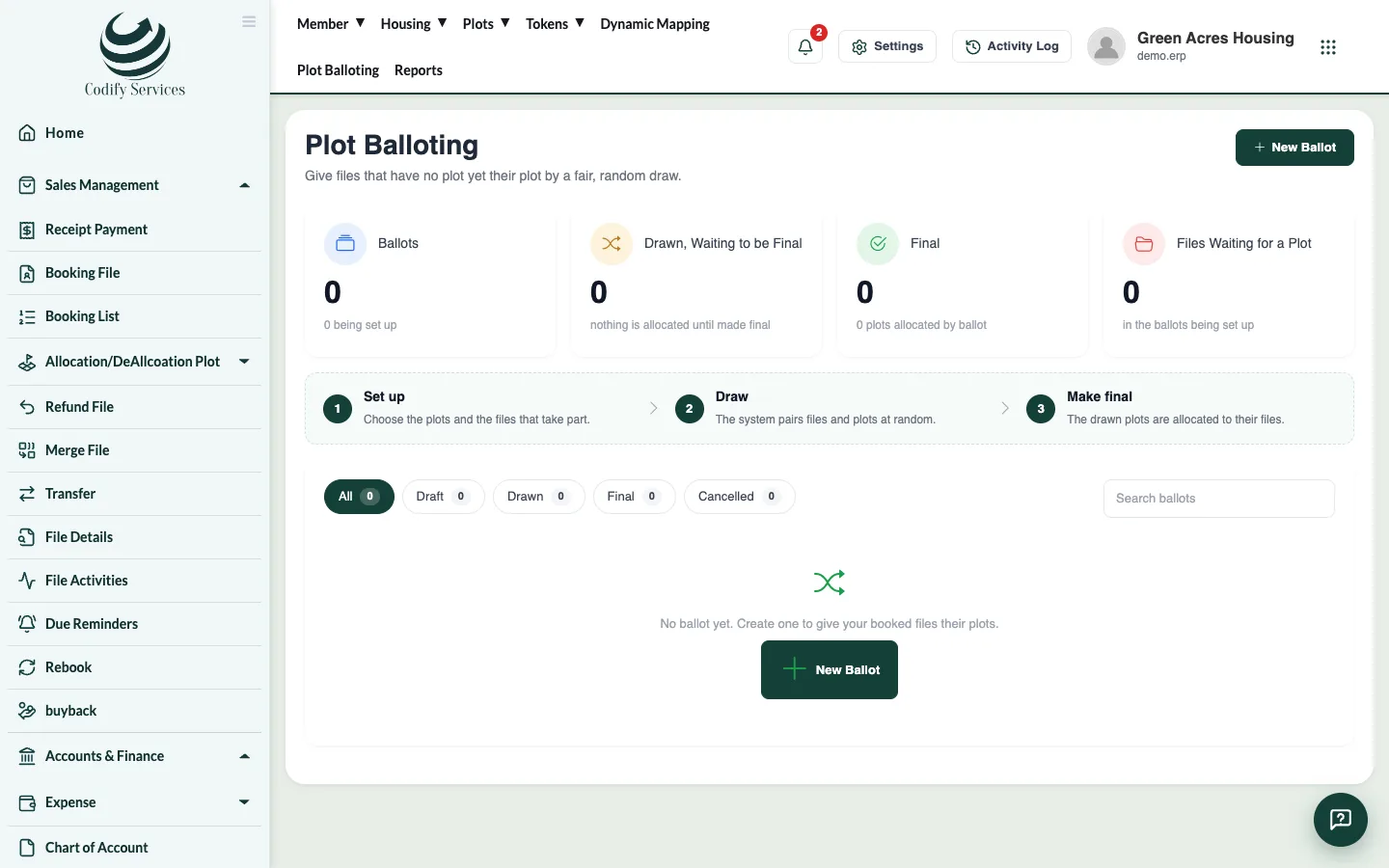
Create a ballot for a plot size and category, choose the files that take part, run the draw, show it on screen and make it final.
A ballot gives free plots to booked files by a fair computer draw. Nothing is allotted until you make the ballot final.
Steps
- In the top menu, press Plot Balloting.
- Press New Ballot.
- Enter the Name and Ballot Date, choose the Size, Category and Type, and the Minimum paid % (only files that have paid at least this share take part; 0 means every file). Add Notes if needed.
- Press Create Ballot.
- Open the ballot. Check the files and plots taking part; leave out any that should not.
- Press Run the Draw. The draw is made at once.
- Press Show Draw to show the result on a big screen, one file at a time. Skip to the End shows all of it.
- Check the result. Print Result prints it.
- Press Make Final. Every drawn file gets its plot.
Good to know
- Before it is final you can Draw Again or Cancel the Draw (the ballot goes back to a draft).
- Cancel Ballot keeps it in the list as cancelled; Delete removes it.
- There must be at least one file and one free plot in the ballot.
- After it is final, an allotment is undone file by file on the Allocation page.
Related
More in Plots and maps
Allot a plot to a fileAllot a specific plot to a member's file, or take it back (de-allocate) with a reason, and print the allotment.Give possession and print the possession letterCharge possession fees, then print the member's possession letter with the allotment and possession dates.See plots on the society mapUse Dynamic Mapping to see every plot by status, find a plot, owner or file, and place plots on your uploaded master plan.
Ready to try it? Open Housing Society ERP