
Housing Society ERP · Plots and maps
Give possession and print the possession letter
Charge possession fees, then print the member's possession letter with the allotment and possession dates.
When a member takes over their plot, you collect any possession charges and give them a possession letter.
Before you start
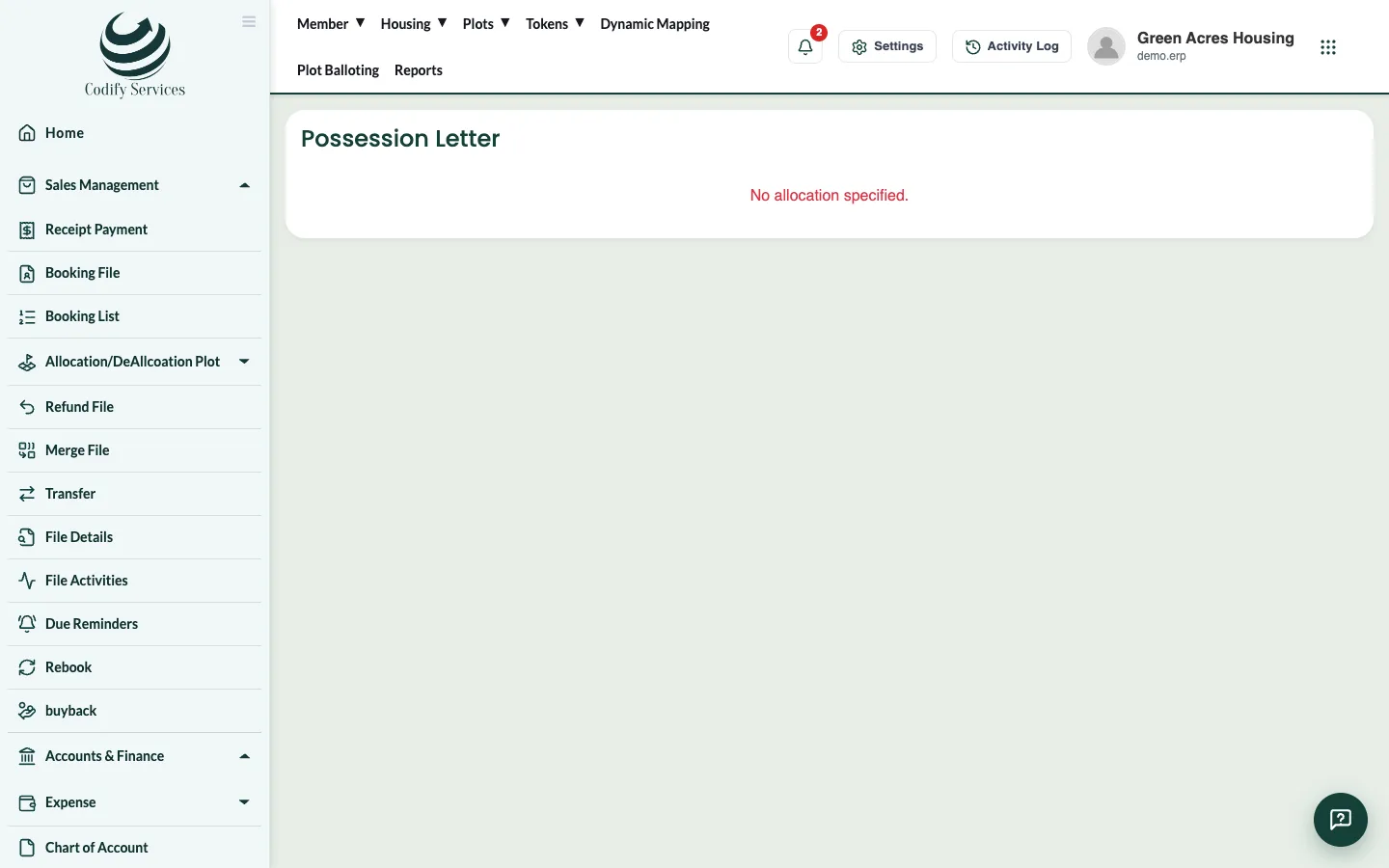
- The file must have an allotted plot.
Steps
- If the society charges for possession, add the charge to the file: Booking List > Other Charges, head Possession Charges.
- Receive the payment on Receipt Payment.
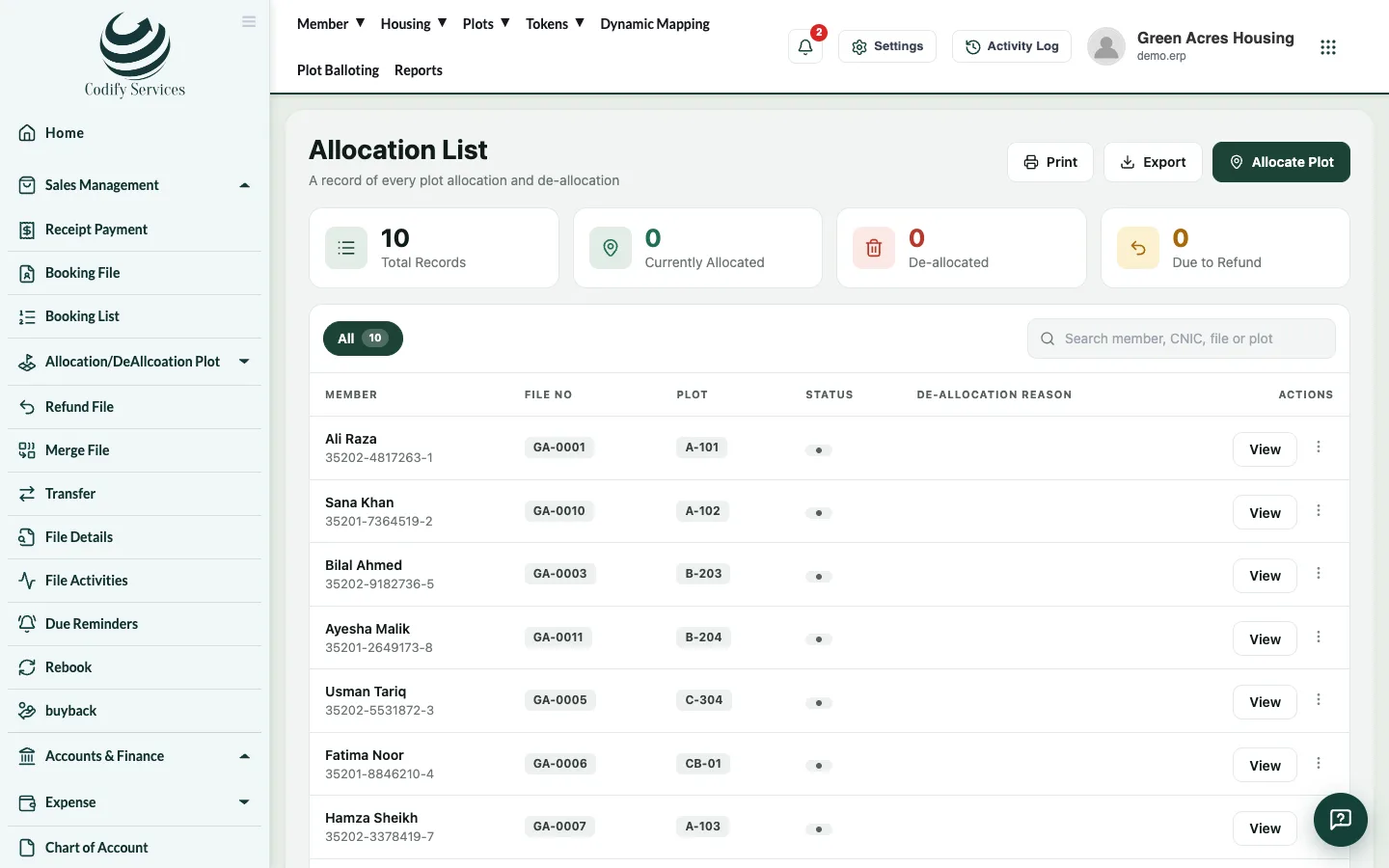
- Open Sales Management > Allocation/DeAllcoation Plot > Allocation List and press Possession Letter on the file (or Apply for Possession on the member profile).
- Enter the Ref No, Date, Allotment Date and Possession Date.
- Press Print, or Export PDF.
Good to know
- Allow pop-ups so the print window can open.
- The letter uses your society's name and logo from Society Profile.
Related
More in Plots and maps
Allot a plot to a fileAllot a specific plot to a member's file, or take it back (de-allocate) with a reason, and print the allotment.See plots on the society mapUse Dynamic Mapping to see every plot by status, find a plot, owner or file, and place plots on your uploaded master plan.Run a plot ballotCreate a ballot for a plot size and category, choose the files that take part, run the draw, show it on screen and make it final.
Ready to try it? Open Housing Society ERP