
Housing Society ERP · Tokens and bookings
Work with the Booking List
See every booked file, filter by status or dues, open its payments, edit the file, upload documents, send a notice or print.
The Booking List shows all booked files with the member, booking date, status and dues.
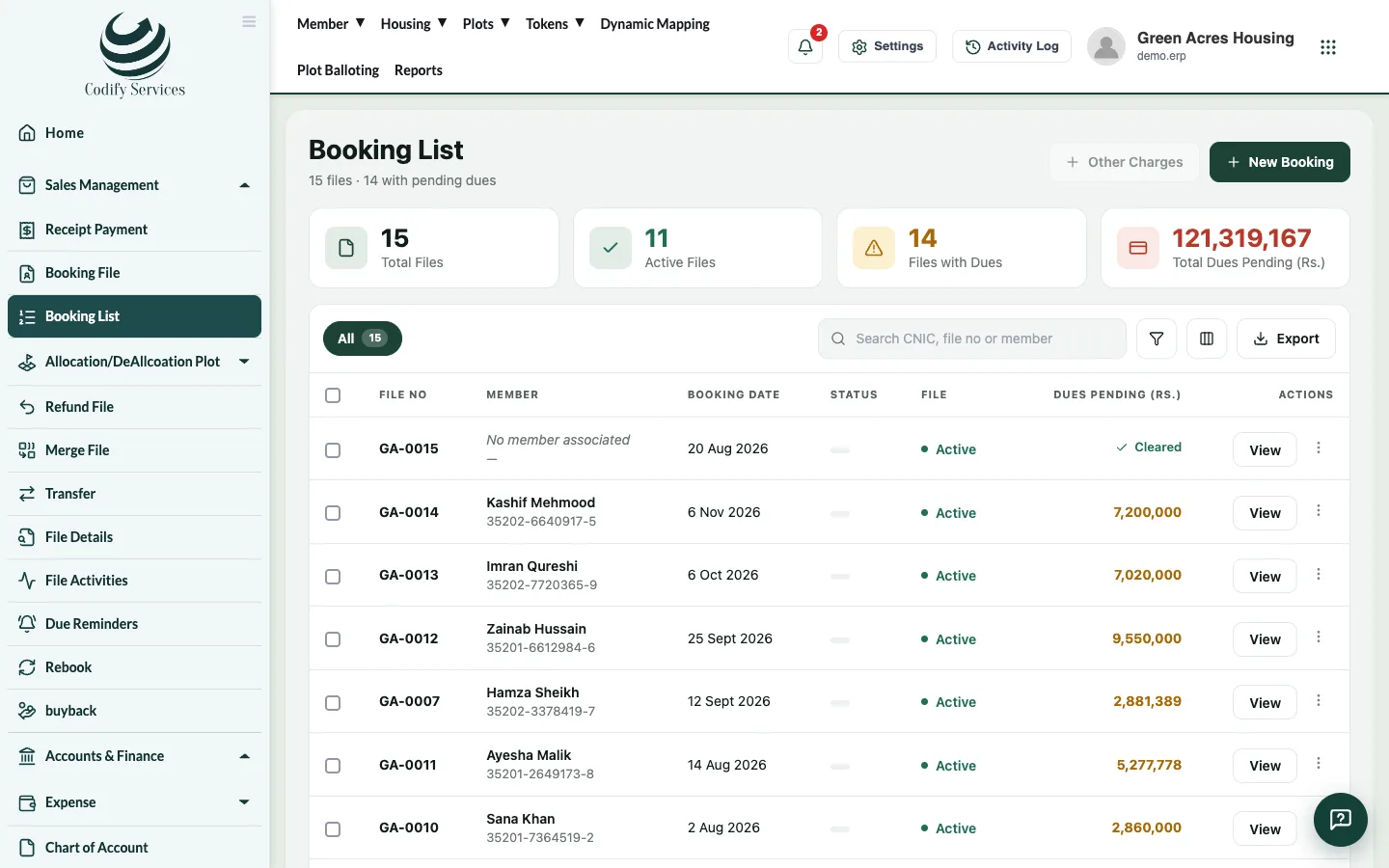
Steps
- In the sidebar, open Sales Management > Booking List.
- Filter with File (All, Active, Inactive) and Dues (All, Pending, Cleared), or search.
- Open a file's menu for:
- View: the file's plan and installments.
- Upload Doc: add scanned documents to the file.
- Payments: the file's receipts.
- Edit File: change the booking.
- Activate / Cancel: make the file active or inactive.
- Print Report: print the file.
- Press Send Notice to send a notice to the member by WhatsApp or email.
Good to know
- Other Charges adds a charge such as possession charges to a file.
- New Booking opens the Booking File page.
- Export downloads the list; Clear filters shows everything again.
Related
More in Tokens and bookings
Manage tokens in the Reservation ListSee every token with its status, print a token, turn a token into a booking, or refund it.Book a file for a memberBook a plot file for a member, set the price and discount, build the installment plan, add a dealer commission and print the file.Build and change a file's installment planSplit a file's price over plan heads and installments, set the due dates, and update the plan later if the terms change.Reserve a plot with a tokenHold a free plot for a member with a token payment until an end date, then turn the token into a booking.
Ready to try it? Open Housing Society ERP