
Codify HR · Employees
When an employee leaves: last day and final settlement
Mark an employee as left with their last day and reason, then work out and pay their final settlement with leave and gratuity.
When someone leaves, mark them as left so they drop out of attendance and future salary sheets. Then make their final settlement: the unpaid days of their last month, the paid leave left, gratuity, and any advance they still owe.
Before you start
- Marking as left needs Can Manage Employees. The final settlement needs Can Manage Salaries.
Steps
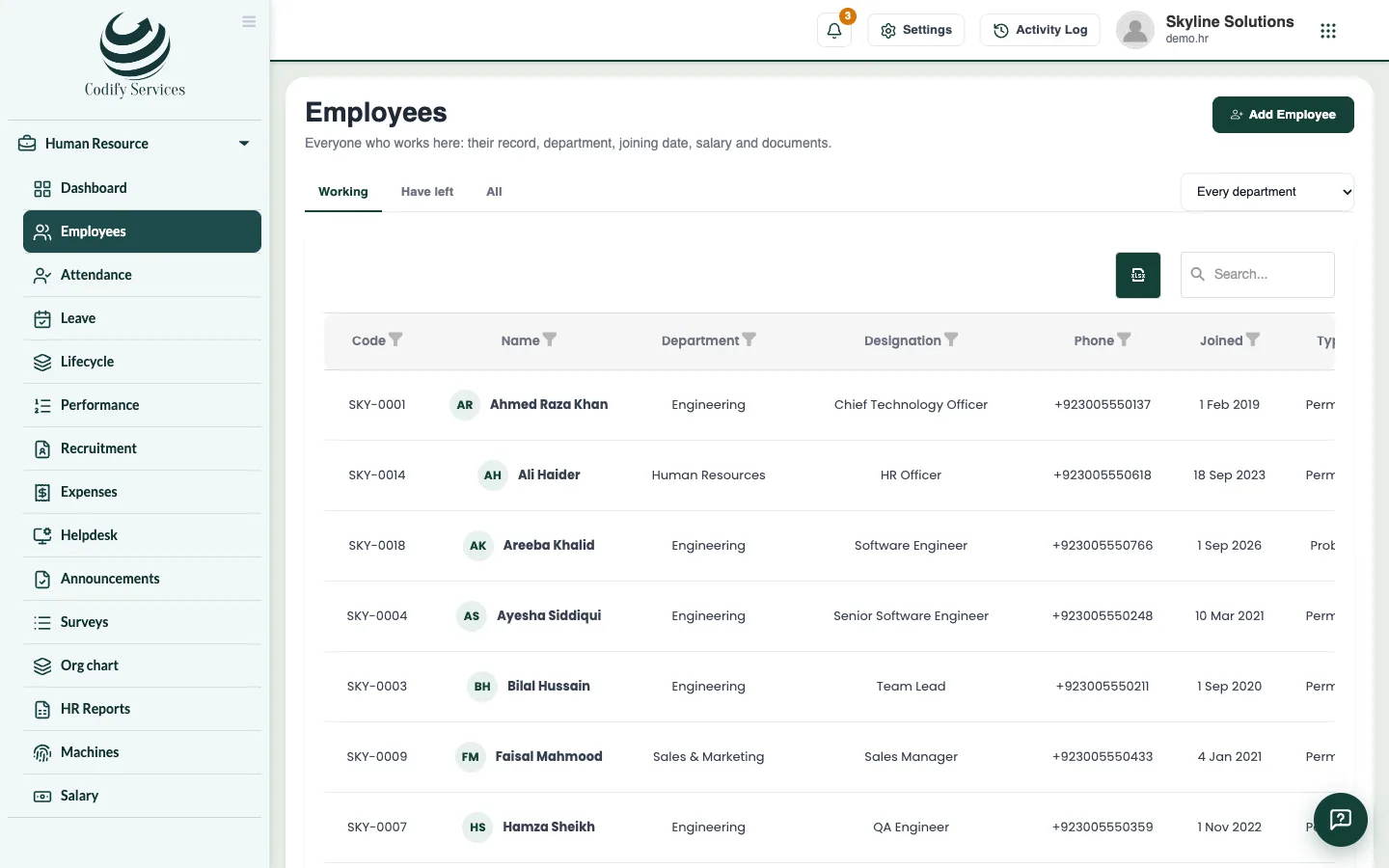
- Open Sidebar > Human Resource > Employees and click the employee.
- Press Has left.
- Enter the Last day and Why, then press Mark as left.
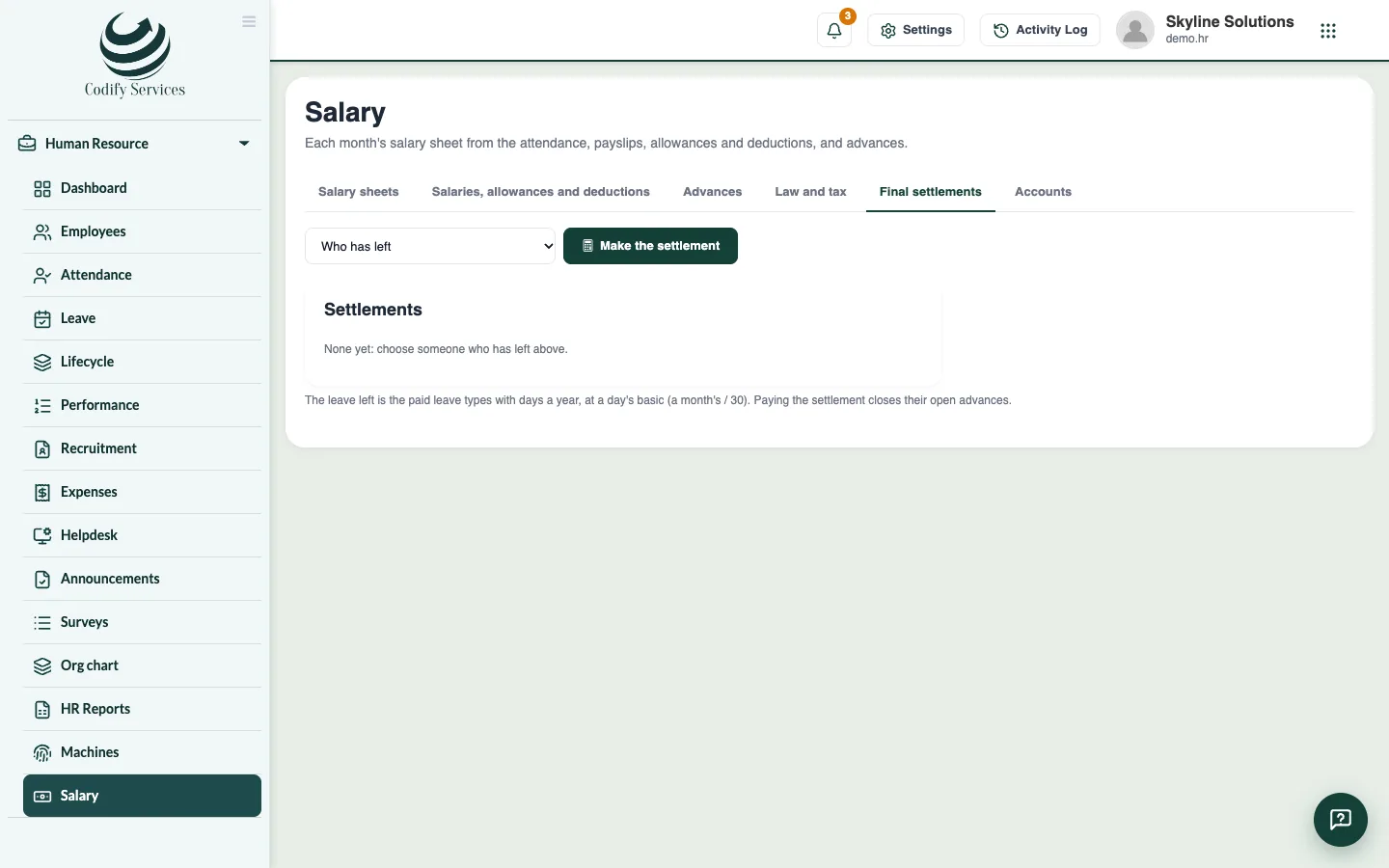
- Open Sidebar > Human Resource > Salary and the tab Final settlements.
- Under Who has left, press Make the settlement next to the person.
- Check the lines: last month's days not paid, paid leave left, Gratuity and Advances still owed.
- If needed, enter Also pay or Also cut with a Note, and press Work it out again.
- Press Save. When the money is paid, press Mark as paid.
Good to know
- Take back on a left employee's record reverses the leaving (for example if it was entered by mistake).
- The leave left counts the paid leave types that have days a year, at a day's basic (a month's basic divided by 30).
- Gratuity follows the rule chosen in Salary > Law and tax > End of service (gratuity).
- Paying the settlement closes the person's open advances.
- Company assets still with people who left are listed on Lifecycle > Reminders. Take them back there.
Related
More in Employees
Add an employeeAdd a new staff member with their personal details, job, machine number, shift, salary and bank account.Open an employee's record and keep their documentsSee an employee's attendance, leave, salary items and advances, confirm probation, and upload documents such as a CNIC copy or contract.Onboarding and exit steps, company assets and lettersUse Lifecycle to track joining and leaving steps, who holds which company asset, and to print letters for employees.
Ready to try it? Open Codify HR