
Codify HR · Hiring and performance
Run performance reviews, goals and salary increments
Set goals, run review cycles with self and manager ratings, give feedback, and record increments and promotions with a salary change.
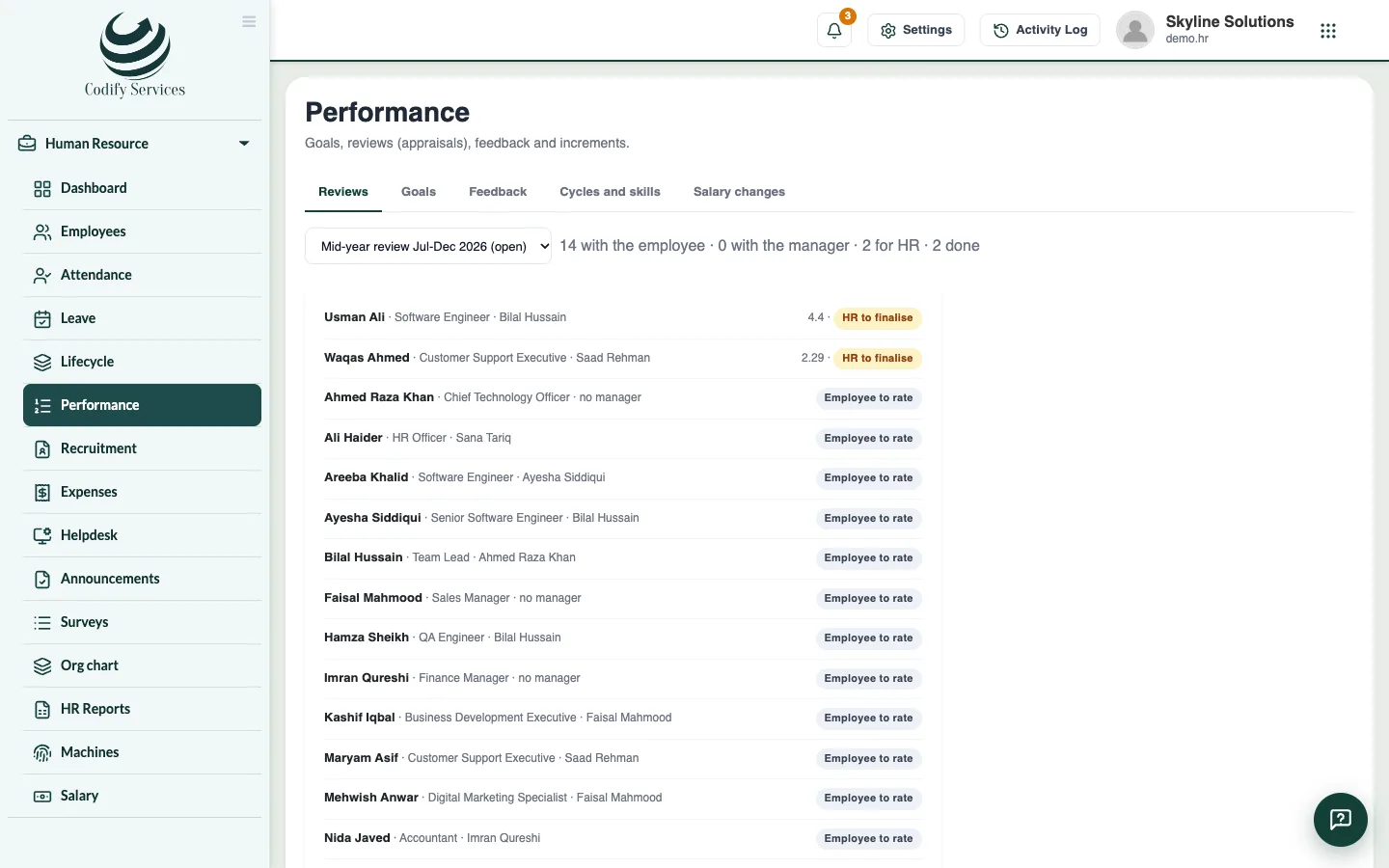
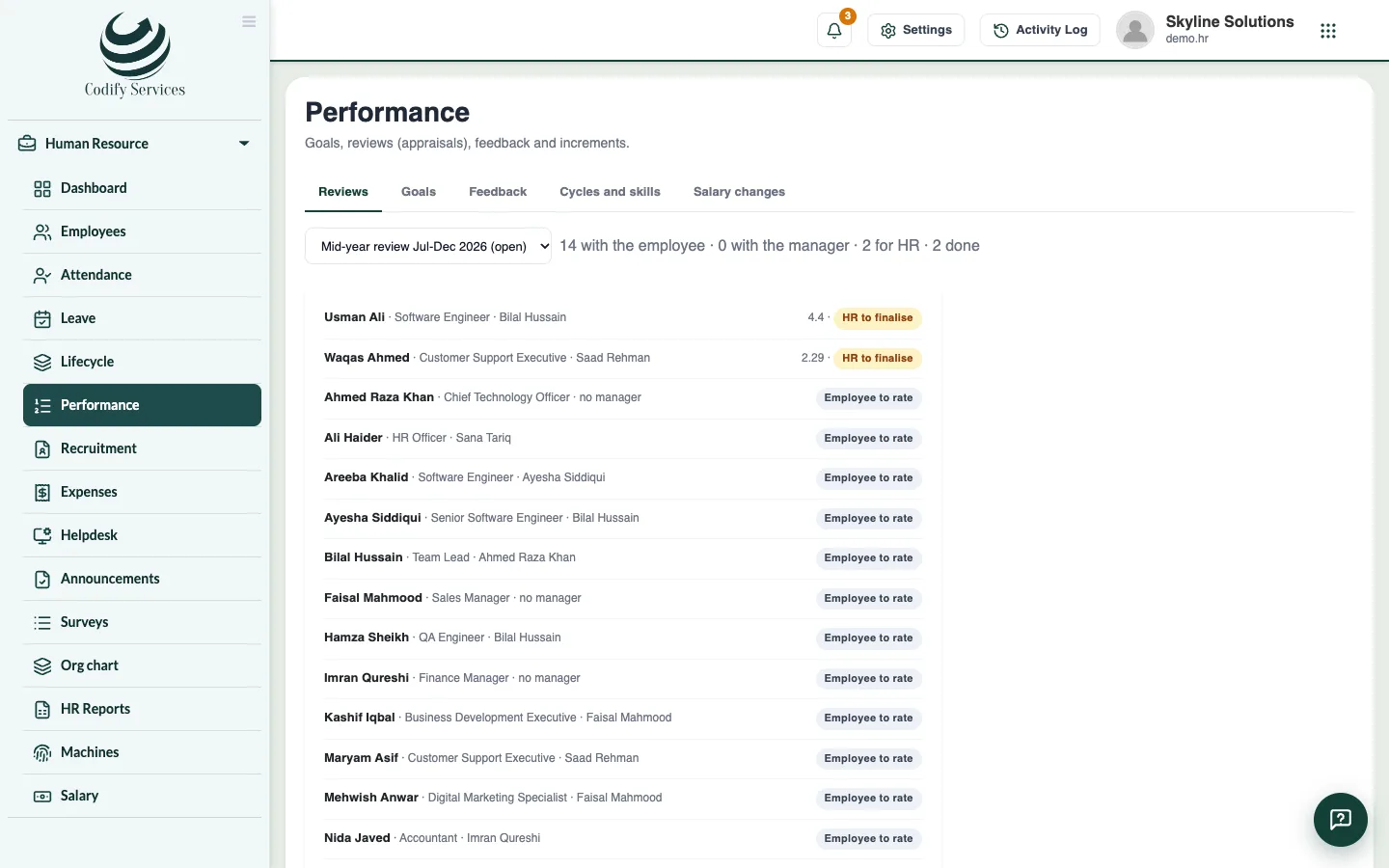
Performance helps you review staff fairly. Each review cycle covers a period; employees rate themselves, managers rate them, and HR finalises the result, which can lead to an increment or promotion.
Steps
Set up a cycle
- Open Sidebar > Human Resource > Performance and the tab Cycles and skills.
- Press New review cycle. Enter the Name, the period, To be done by, the rating scale, the Goals' part of the rating (%), and whether Employees rate themselves first. Press Save.
- Under Skills to rate, press Add a skill for each skill you rate.
- Press Start on the cycle.
Goals
- Open the tab Goals and press New goal. Choose who it is For, the cycle it Counts in, the goal, how it is measured, its Weight and Target date. Press Save.
Reviews
- Employees and managers fill in their parts in My HR (Send to my manager, Send to HR).
- On the tab Reviews, open a review sent to HR and press Finalise. Enter the Final rating, the Recommendation (No change, Increment, Promotion or Improvement plan) and HR's words.
- Tick Share with the employee if they may see the ratings, and press Finalise.
- For an increment, press Give the increment.
Feedback and salary changes
- Press Feedback to record Praise (they see it) or a Private note (HR only).
- Press Change a salary, choose the employee, enter the Increment % or the new basic, From which date and the Reason, and press Change the salary.
Good to know
- The Salary changes tab (only for roles that may see salaries) lists every change with the old and new basic.
- Back to the manager returns a review for more work.
- If the page says a database update is needed first, contact Codify support.
Related
More in Hiring and performance
Hire staff: jobs, candidates, interviews and offersPost a job, follow candidates through the hiring pipeline, schedule interviews, send an offer and hire the person as an employee.Publish your careers pageTurn on a public careers page that lists your open jobs, where people apply with their CV straight into Recruitment.
Ready to try it? Open Codify HR