
Codify HR · Workplace
Answer employees' questions in the HR helpdesk
Reply to requests employees send to HR from My HR, add internal notes, and mark each request resolved.
Employees use Ask HR in My HR to send a question or request (a salary certificate, a payslip question, a leave problem). Each one becomes a numbered request in the Helpdesk, where HR answers it.
Steps
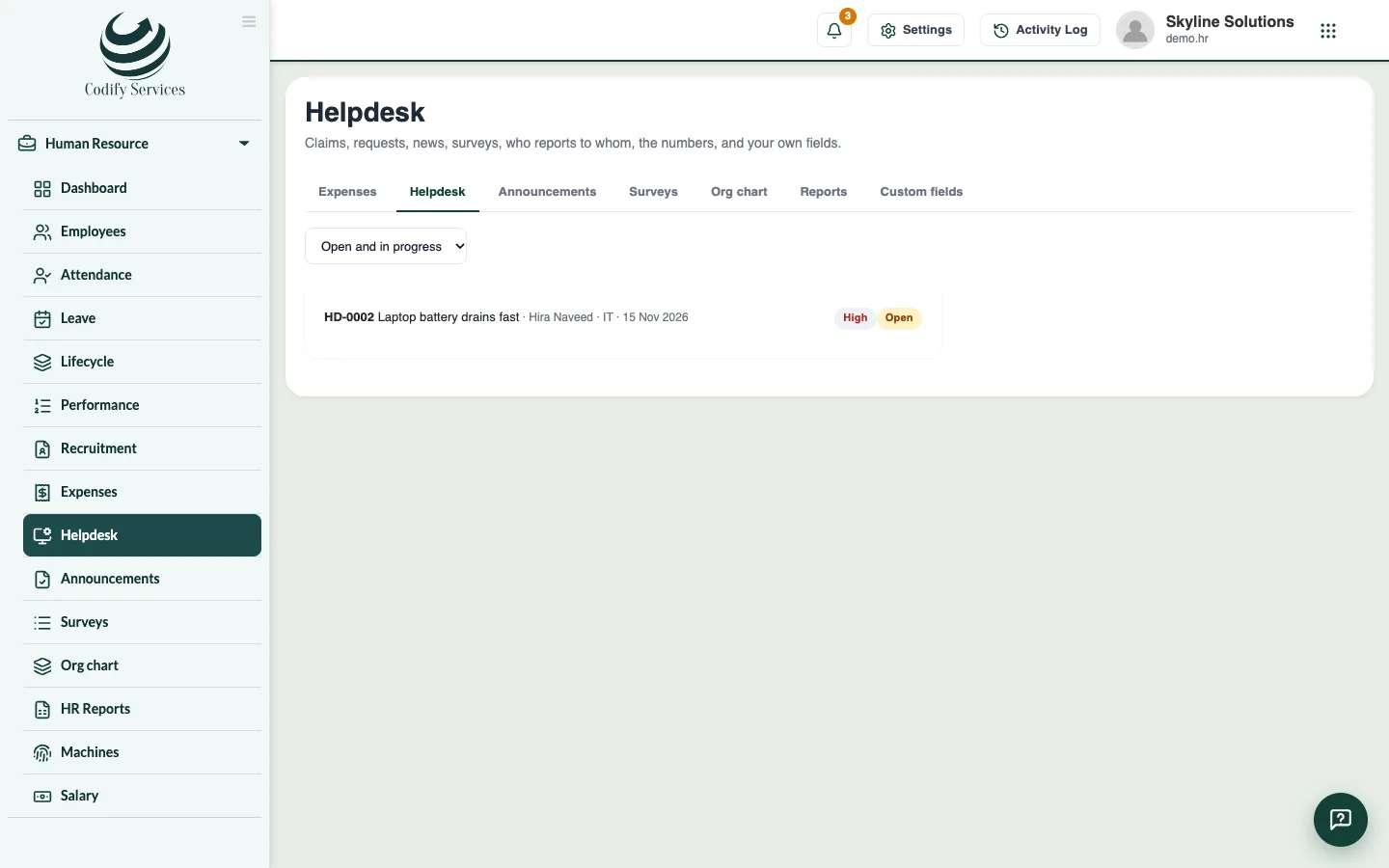
- Open Sidebar > Human Resource > Helpdesk.
- Choose Open and in progress in the status list. High-priority requests are marked High.
- Click a request to read the conversation.
- Type your answer and press Send. The employee sees it in My HR.
- To write something only HR should see, tick A note inside HR (the employee does not see it) before you press Send.
- When it is done, press Resolved, or Close if no answer is needed.
Good to know
- Choose Resolved, Closed or All in the status list to see past requests.
- Each request shows its number, subject, employee, category and last update.
Related
More in Workplace
Approve expense claimsSee employees' expense claims with their receipts, approve or reject them, and pay them now or with the next salary.Post announcements and run staff surveysPost news for everyone or one department in My HR, and run surveys with ratings, choices or written answers, named or anonymous.See the org chart and HR reportsSee who reports to whom, and HR numbers for the last 12 months: headcount, joiners and leavers, leave, attendance and salary cost.Add your own fields to employee recordsAdd fields your company needs on every employee, such as blood group or vehicle number, and choose whether employees see them.
Ready to try it? Open Codify HR