
Codify HR · Workplace
Approve expense claims
See employees' expense claims with their receipts, approve or reject them, and pay them now or with the next salary.
Employees claim money they spent for work (travel, fuel, a meal with a client) in My HR, with a picture of the receipt. HR approves the claims, and approved claims are paid back with the next salary sheet.
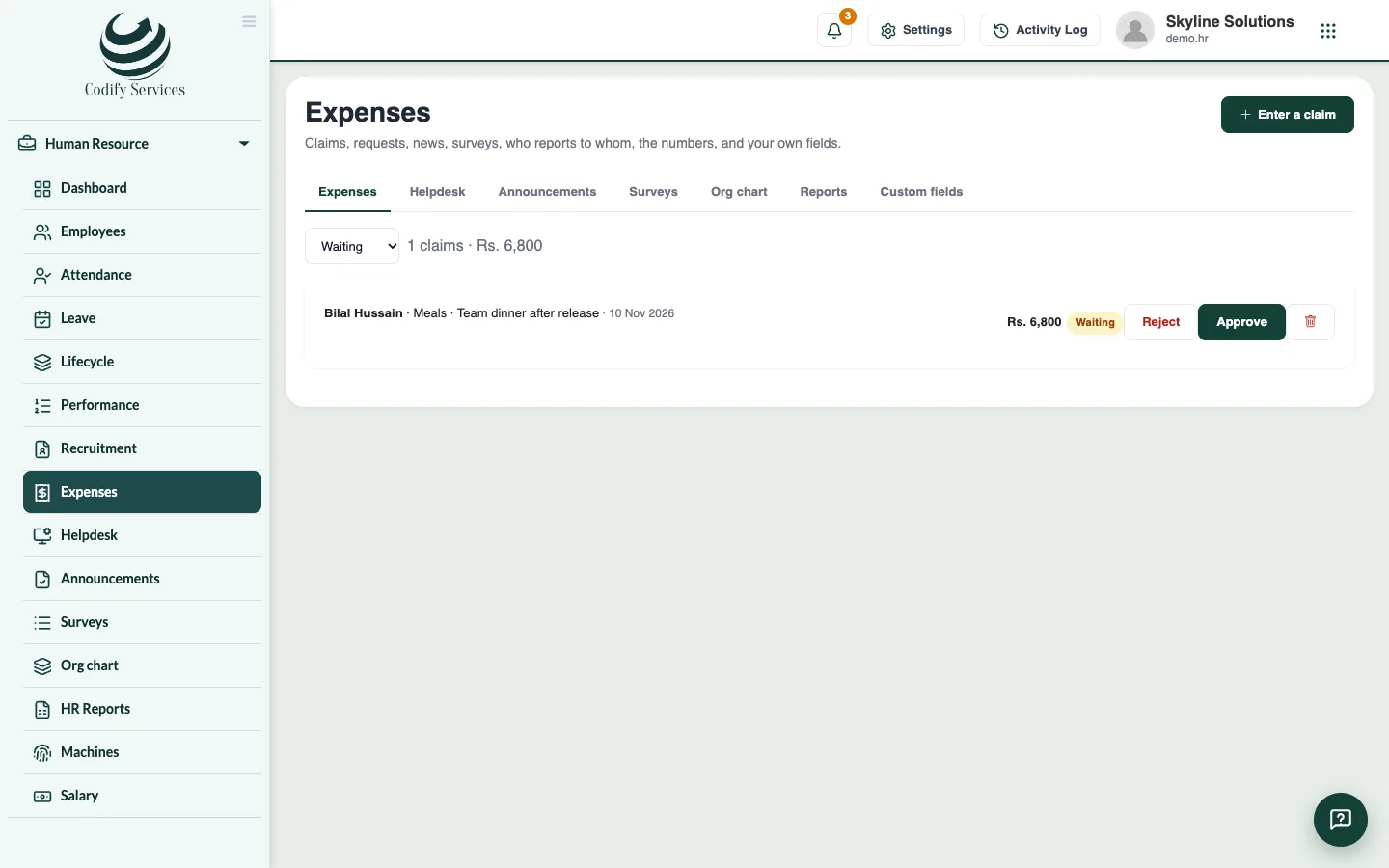
Steps
- Open Sidebar > Human Resource > Expenses.
- Choose Waiting in the status list. Click receipt to see the picture or PDF.
- Press Approve or Reject on each claim.
- If you pay an approved claim in cash now, press Paid now on it so it is not added to the salary.
- To enter a claim for someone, press Enter a claim, choose the Employee, Spent on, For, the Amount and What it was, and press Save.
Good to know
- Approved claims are paid back with the next salary sheet unless marked paid now.
- A manager can approve their own team's claims in My HR.
- Choose Approved, Rejected or All in the status list to see other claims. The list shows how many claims and their total.
Related
More in Workplace
Answer employees' questions in the HR helpdeskReply to requests employees send to HR from My HR, add internal notes, and mark each request resolved.Post announcements and run staff surveysPost news for everyone or one department in My HR, and run surveys with ratings, choices or written answers, named or anonymous.See the org chart and HR reportsSee who reports to whom, and HR numbers for the last 12 months: headcount, joiners and leavers, leave, attendance and salary cost.Add your own fields to employee recordsAdd fields your company needs on every employee, such as blood group or vehicle number, and choose whether employees see them.
Ready to try it? Open Codify HR