
Codify HR · Set up
HR roles and permissions
Which permission opens which part of Codify HR, and how to give your staff the right access.
Each part of Codify HR has its own permission, so you can let a receptionist mark attendance without showing salaries. Permissions are given to roles, and users get the permissions of their role.
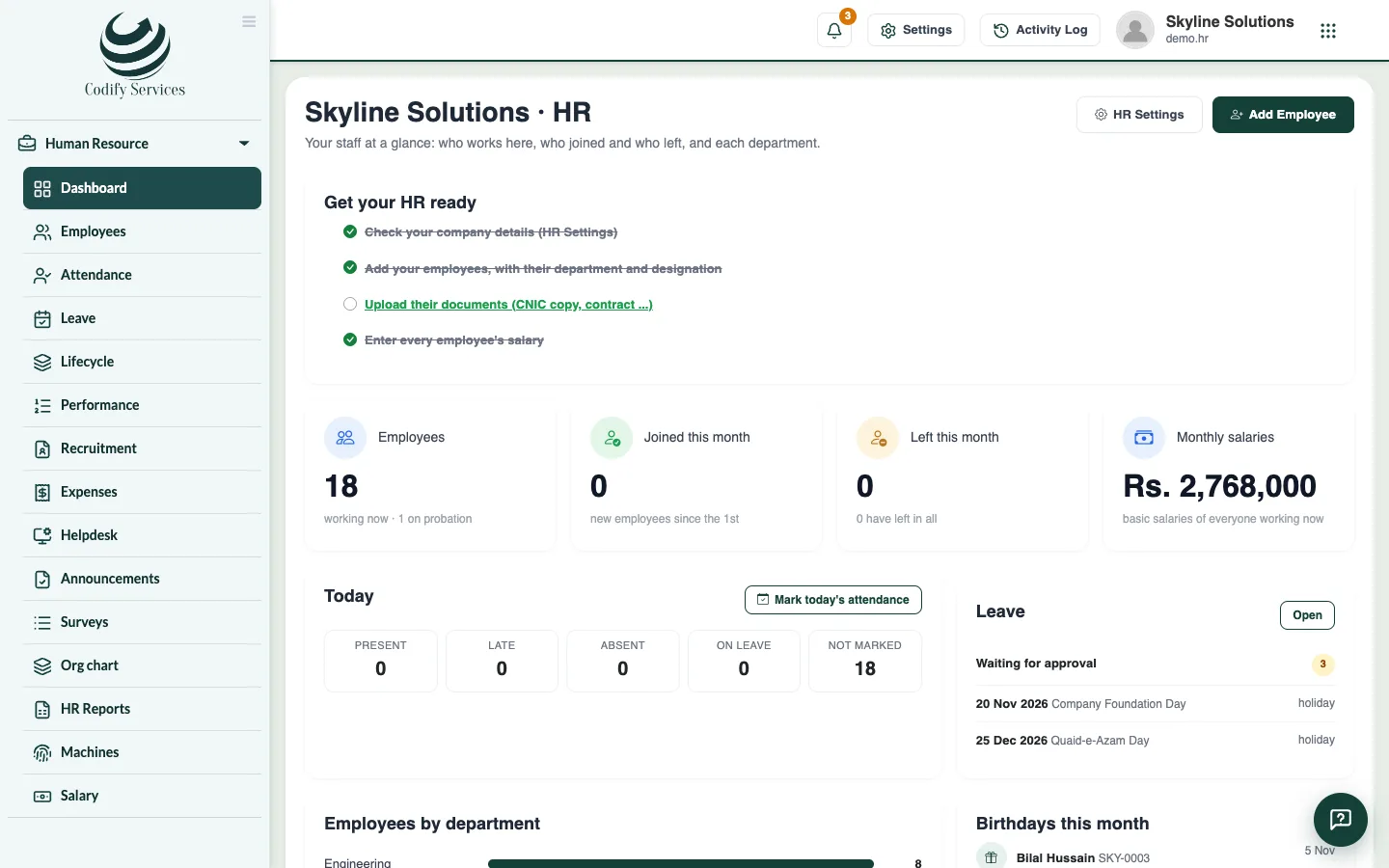
Steps
- Open Sidebar > User & Roles > Role Claims.
- Choose the role.
- Open the Human Resource group and tick what this role may do.
- Save. Users of the role see the change at their next login.
Good to know
The HR permissions are:
- Can View HR Module: opens HR and its pages.
- Can Manage Employees: add and change employees and their documents.
- Can Manage Attendance: mark attendance and handle the machines' punches, files and numbers.
- Can Manage Leave: enter leave.
- Can Approve Leave: approve, reject or cancel leave.
- Can Manage Salaries: salaries, allowances, salary sheets, advances and bank details. Salaries and bank details are hidden from everyone else.
- Can View HR Reports: the HR Reports page.
- Can Manage HR Settings: HR Settings and adding attendance machines.
- Can Close HR Months: close and reopen a month's attendance.
- Can Use My HR: the employee's own portal (My HR). Employees get it through the login HR gives them.
Related
More in Set up
Get started with Codify HRWhat Codify HR does, where to find it, and the first steps to set it up for your staff.Set up your company and working hoursEnter your company details, employee codes, office hours, the late margin, weekly days off, departments and designations.Set up shifts and overtimeAdd morning, evening or night shifts with their own hours and late margin, and choose how overtime is counted and paid.Add holidays and set up leave typesAdd public holidays for the year and set up your leave types: days a year, paid or unpaid, carry forward and who can take them.
Ready to try it? Open Codify HR