
Codify HR · Set up
Add holidays and set up leave types
Add public holidays for the year and set up your leave types: days a year, paid or unpaid, carry forward and who can take them.
Holidays are not counted as working days, so leave and absence on those days are not cut. Leave types decide how many days each employee gets and whether a day of leave is paid.
Before you start
- Your role needs Can Manage HR Settings.
Steps
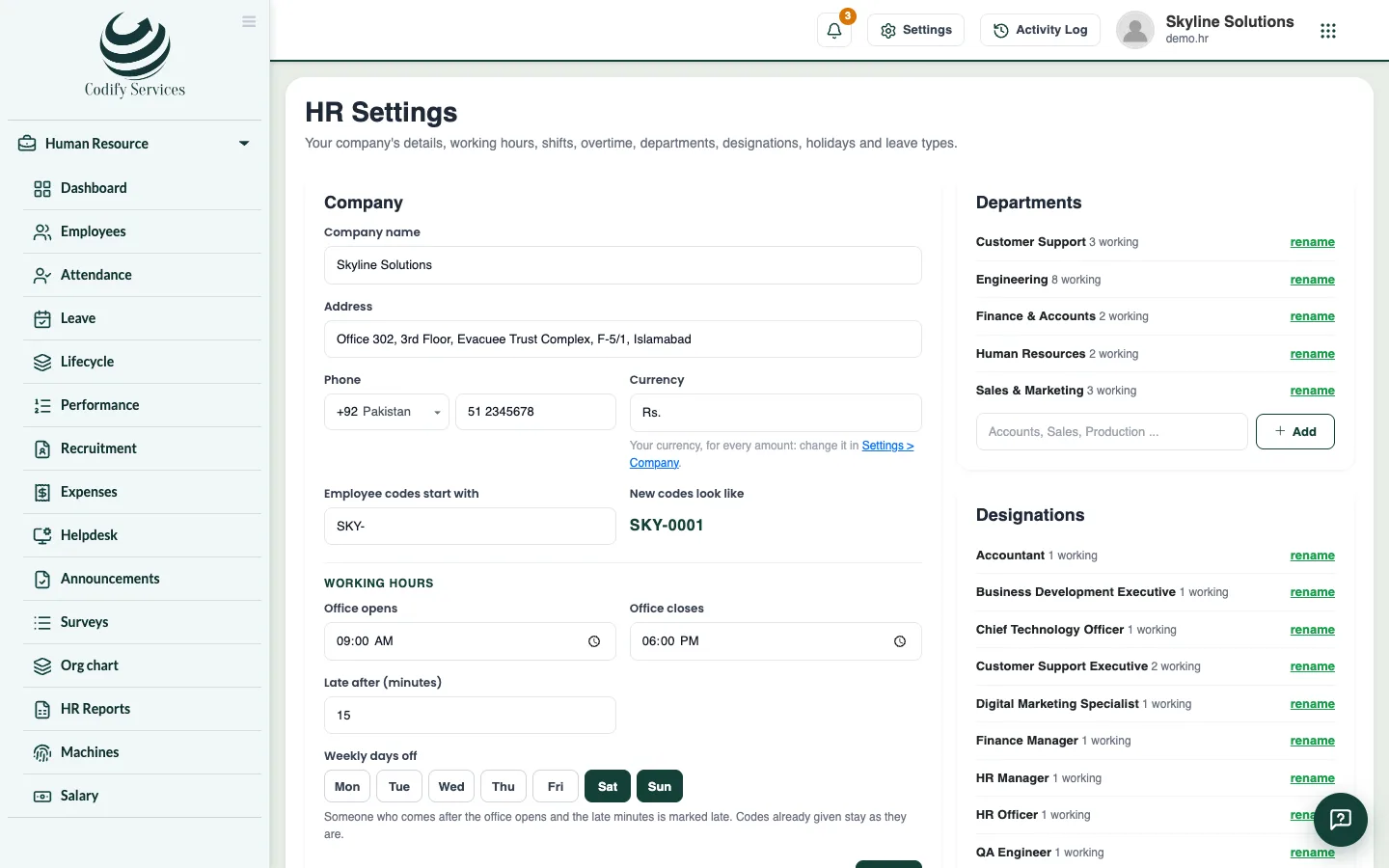
- Open Sidebar > Human Resource > HR Settings.
- In the Holidays box, choose the year.
- Press Add [your country]'s public holidays to add the holidays on fixed dates (for example 23 March, 14 August, 25 December in Pakistan).
- Add the holidays whose dates change every year (Eid and other religious days) yourself: enter the date and name and press Add.
- In the Leave types box, press change on a type to edit it, or Add to make a new one.
- Enter the Name and Days a year, and tick Paid if a day of this leave is not cut from the salary.
- Choose how Its days come: All at the year's start or Month by month.
- Set the other rules you need: Carried to next year (most days), Can be paid out (days a year), After months of service, Most days in one leave, and For (Everyone, Women only or Men only).
- Press Save.
Good to know
- New companies start with Casual, Sick, Annual and Unpaid leave. Change them to match your policy.
- Tick Comp-off for a type whose days are earned by working on a day off or a holiday.
- Someone who joins in the year gets the share of the months left gives new staff a part of the year's days.
- A type that is in use cannot be deleted. Untick In use to stop offering it.
Related
More in Set up
Get started with Codify HRWhat Codify HR does, where to find it, and the first steps to set it up for your staff.Set up your company and working hoursEnter your company details, employee codes, office hours, the late margin, weekly days off, departments and designations.Set up shifts and overtimeAdd morning, evening or night shifts with their own hours and late margin, and choose how overtime is counted and paid.HR roles and permissionsWhich permission opens which part of Codify HR, and how to give your staff the right access.
Ready to try it? Open Codify HR