
Codify HR · Employees
Open an employee's record and keep their documents
See an employee's attendance, leave, salary items and advances, confirm probation, and upload documents such as a CNIC copy or contract.
An employee's record shows everything about one person on one page: this month's attendance, their leave this year, their salary items and advances, and their documents.
Before you start
- To change a record or upload documents, your role needs Can Manage Employees.
Steps
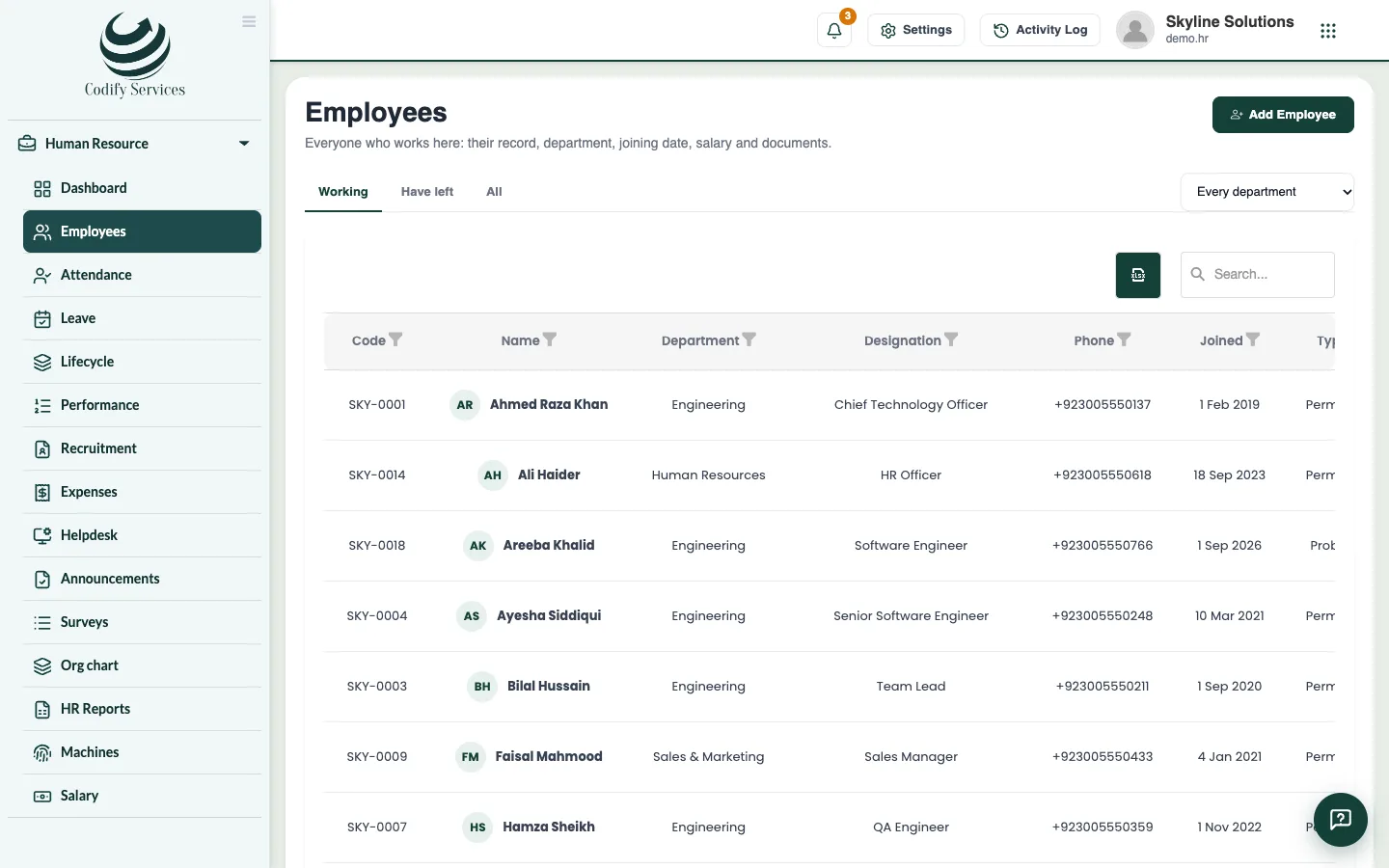
- Open Sidebar > Human Resource > Employees and click the employee's name.
- Look at This month (present, late, half days, absent) and Leave this year (taken and left of each type).
- To change their details, press Edit, make the change and press Save.
- If they are on probation, press Confirm when it ends, or Extend to give more time.
- To keep a document, go to Documents and press Upload document. Choose the file.
- Press Number / expiry on a document to add its number and expiry date (for example a passport or visa).
- Use Open or Download to see a document, and Delete to remove one.
Good to know
- Salary, bank details, allowances and advances show only to roles with Can Manage Salaries.
- Enter a leave for opens a new leave for this person.
- More details shows your company's own fields (blood group, vehicle number and so on). See Custom fields.
- Onboarding and exit shows this person's steps, the company assets they hold and the letters given to them.
- Documents that expire soon also show on Lifecycle > Reminders.
Related
More in Employees
Add an employeeAdd a new staff member with their personal details, job, machine number, shift, salary and bank account.When an employee leaves: last day and final settlementMark an employee as left with their last day and reason, then work out and pay their final settlement with leave and gratuity.Onboarding and exit steps, company assets and lettersUse Lifecycle to track joining and leaving steps, who holds which company asset, and to print letters for employees.
Ready to try it? Open Codify HR