
Codify HR · My HR
Give an employee a My HR login
Make a login for an employee so they can use My HR, reset its password, or turn it off.
A My HR login lets an employee sign in and see only their own attendance, leave and payslips. It does not count as one of your package's users.
Before you start
- Your role needs Can Manage Employees.
- An email on the employee's record lets the login details be emailed to them too.
Steps
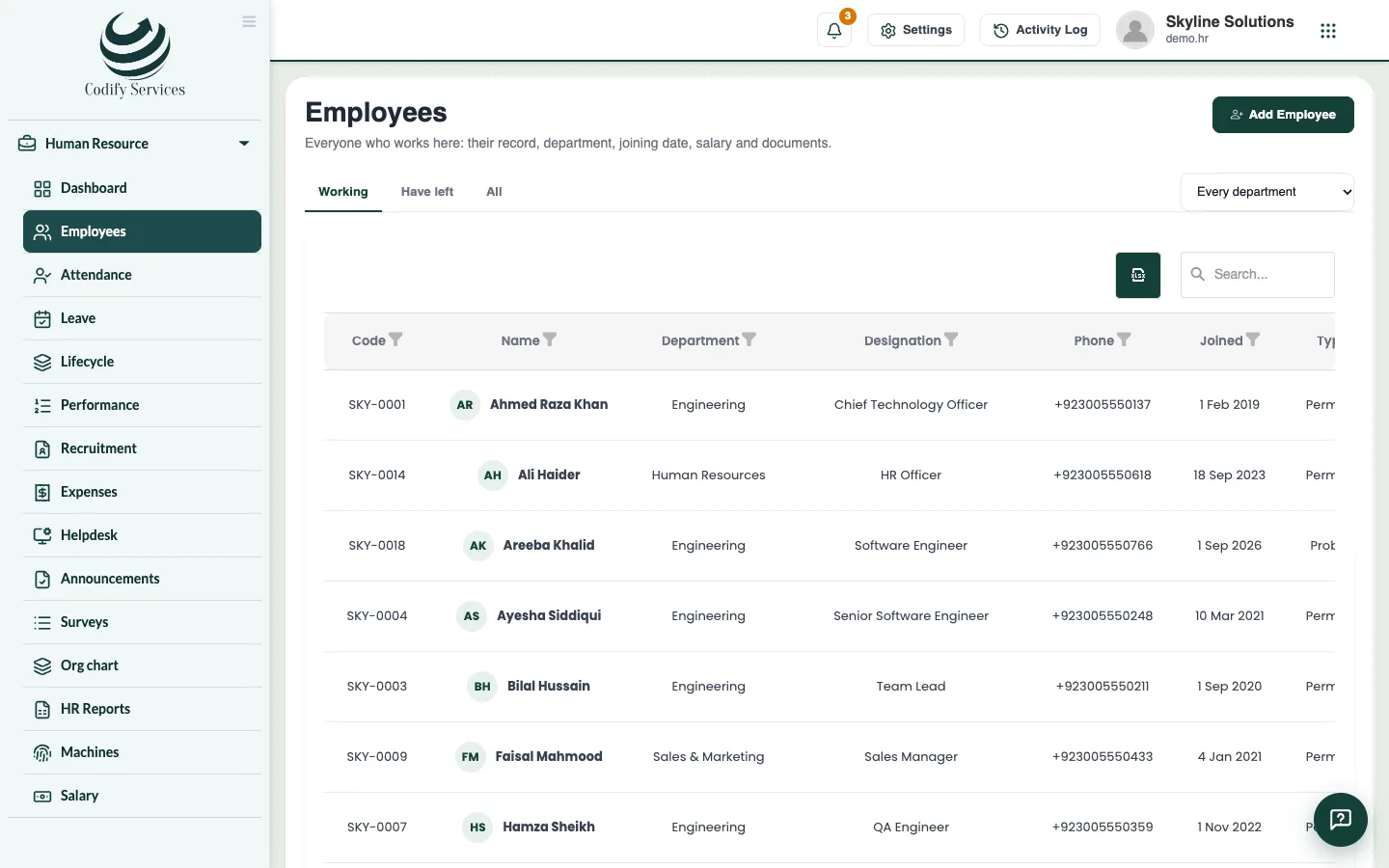
- Open Sidebar > Human Resource > Employees and click the employee.
- In the My HR login box, press Give a My HR login.
- Check the User name and Password and press Make the login.
- Pass the user name and password to the employee now. The password is not shown again.
- Later, press New password to give a new one, or Turn off to stop the login (Turn on brings it back).
Good to know
- With the login, the employee can apply for leave, ask for attendance corrections, see payslips, claim expenses and ask HR.
- A manager's login also shows their team (set the Manager on each team member's record).
- The login uses the company's Employee (My HR) role, which has Can Use My HR.
Related
More in My HR
Ready to try it? Open Codify HR