
Codify HR · Attendance machines
Read older machines with the office network connector
Use the Codify Attendance Connector on an office computer to read machines that cannot send over the internet, or send punches from another program.
Older machines cannot send their punches over the internet. For them, a small Windows program, the Codify Attendance Connector, runs on a computer in your office, reads the machines on your network and sends the punches to Codify HR.
Before you start
- Adding a machine needs Can Manage HR Settings.
- You need a Windows computer in the office that stays on, on the same network as the machines.
Steps
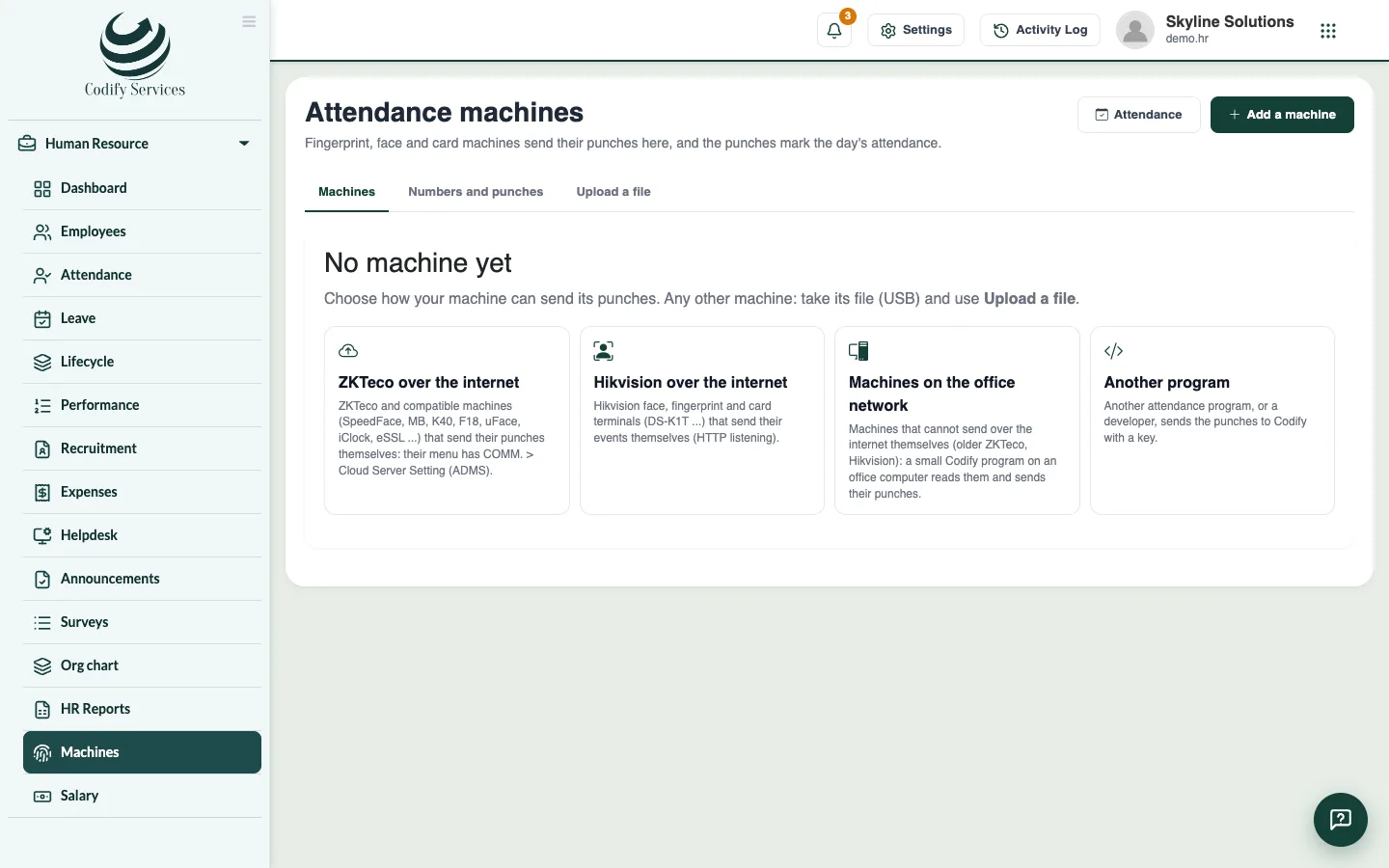
- Open Sidebar > Human Resource > Machines and press Add a machine.
- Choose Machines on the office network, enter a Name and press Add.
- Copy the key shown: it is shown only once.
- Press Download the office program and unzip it on the office computer.
- Run CodifyAttendanceConnector.exe. Enter Codify's address shown on the page and the key.
- Add each machine: its IP address on the office network (machine menu COMM. > Ethernet), its port (ZKTeco 4370, Hikvision 80) and its password if it has one.
- Run install.bat as administrator. The program then runs every few minutes, even when nobody is logged in.
- Back on the Machines page, check that each machine is listed and read.
Good to know
- Another program (when adding a machine) is for your own software that sends punches. The setup page shows the address, the key header and an example.
- A punch sent twice is kept once.
- New key makes a new key; the old one stops working.
Related
More in Attendance machines
Connect a ZKTeco or Hikvision machine over the internetAdd a fingerprint, face or card machine so its punches come to Codify HR over the internet and mark attendance by themselves.Upload a machine's attendance fileTake punches from any machine with a USB file (ZKTeco 1_attlog.dat), CSV or Excel export, and turn them into attendance.Give machine numbers and handle days without a punchMatch each machine number to an employee so punches mark attendance, and mark working days with no punch as absent when you choose.
Ready to try it? Open Codify HR