
Codify HR · Salary and payroll
Give an advance or loan and recover it from salary
Record an advance or loan to an employee with a monthly installment that is cut from each approved salary sheet.
When an employee takes money in advance, record it here. Its installment is cut from each approved salary sheet until it is paid back.
Before you start
- Your role needs Can Manage Salaries.
Steps
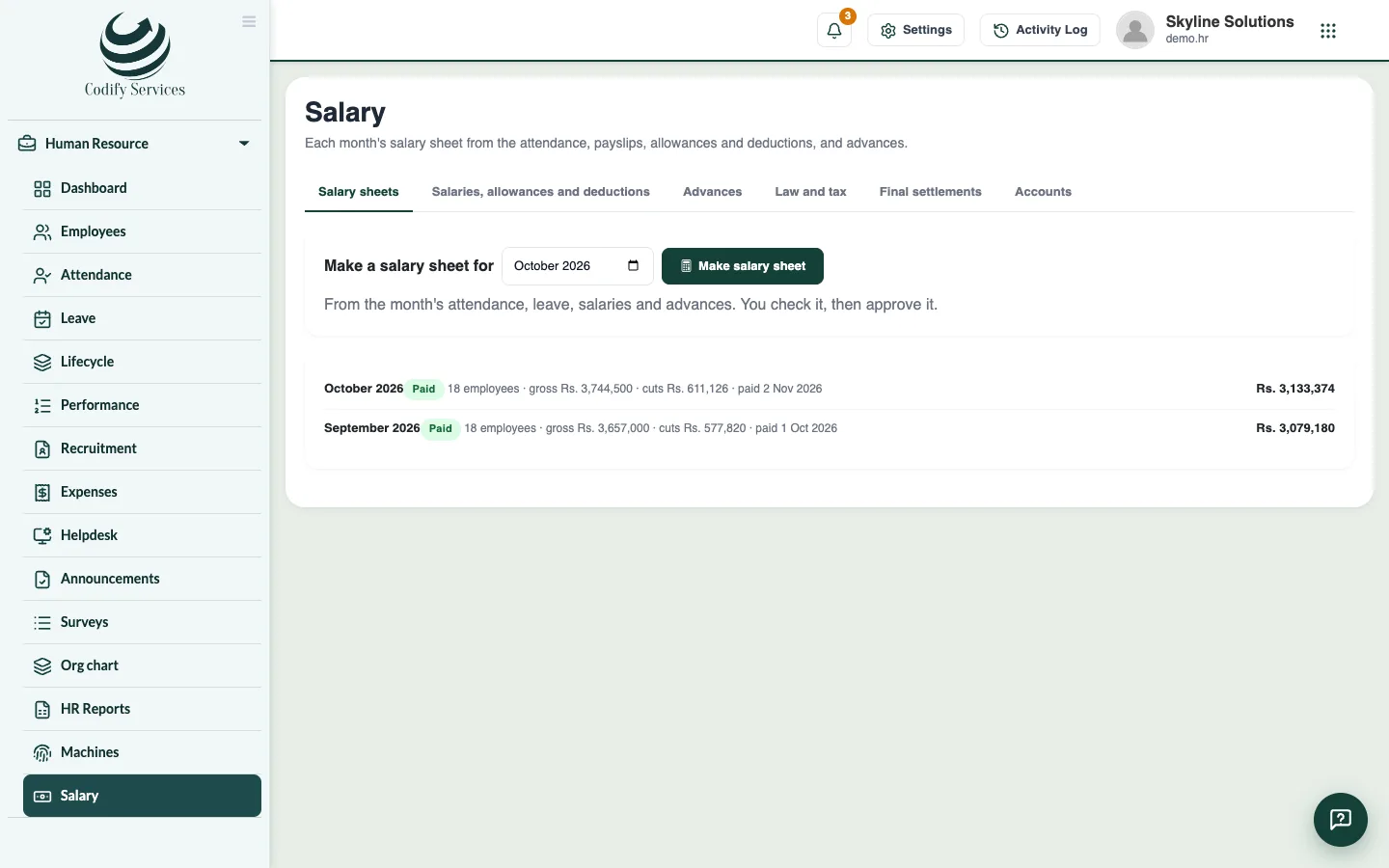
- Open Sidebar > Human Resource > Salary and the tab Advances.
- Press New advance.
- Choose the Employee and enter Given on and the Amount.
- Enter Cut from each salary. Paid back in shows how many months it takes.
- Add a Note and press Save advance.
Good to know
- Each advance shows how much is paid back, in how many installments, and what is left.
- An advance still owed when someone leaves is taken from their final settlement.
- An advance's installments also show on the employee's record.
Related
More in Salary and payroll
Set salaries, allowances, deductions and pay rulesEnter each employee's basic salary and monthly allowances and deductions, and choose how a day's pay, lates and half days are counted.Make the monthly salary sheet and payslipsMake the month's salary sheet from attendance, leave and advances, add bonuses or overtime, approve it, print payslips and mark it paid.Set contributions, income tax and gratuityTake a country's payroll rules or set your own: social security and pension contributions, income tax slabs, gratuity and the UAE WPS file.Post salaries into AccountsLet approved salary sheets write journal and payment vouchers in your Accounts, in the same product or in a linked Finance product.
Ready to try it? Open Codify HR