
Codify HR · Attendance machines
Upload a machine's attendance file
Take punches from any machine with a USB file (ZKTeco 1_attlog.dat), CSV or Excel export, and turn them into attendance.
If a machine cannot connect, copy its attendance to a USB stick or export it from its own program, and upload the file. Codify HR reads each row's machine number and time.
Before you start
- Your role needs Can Manage Attendance.
- Employees need their machine numbers.
Steps
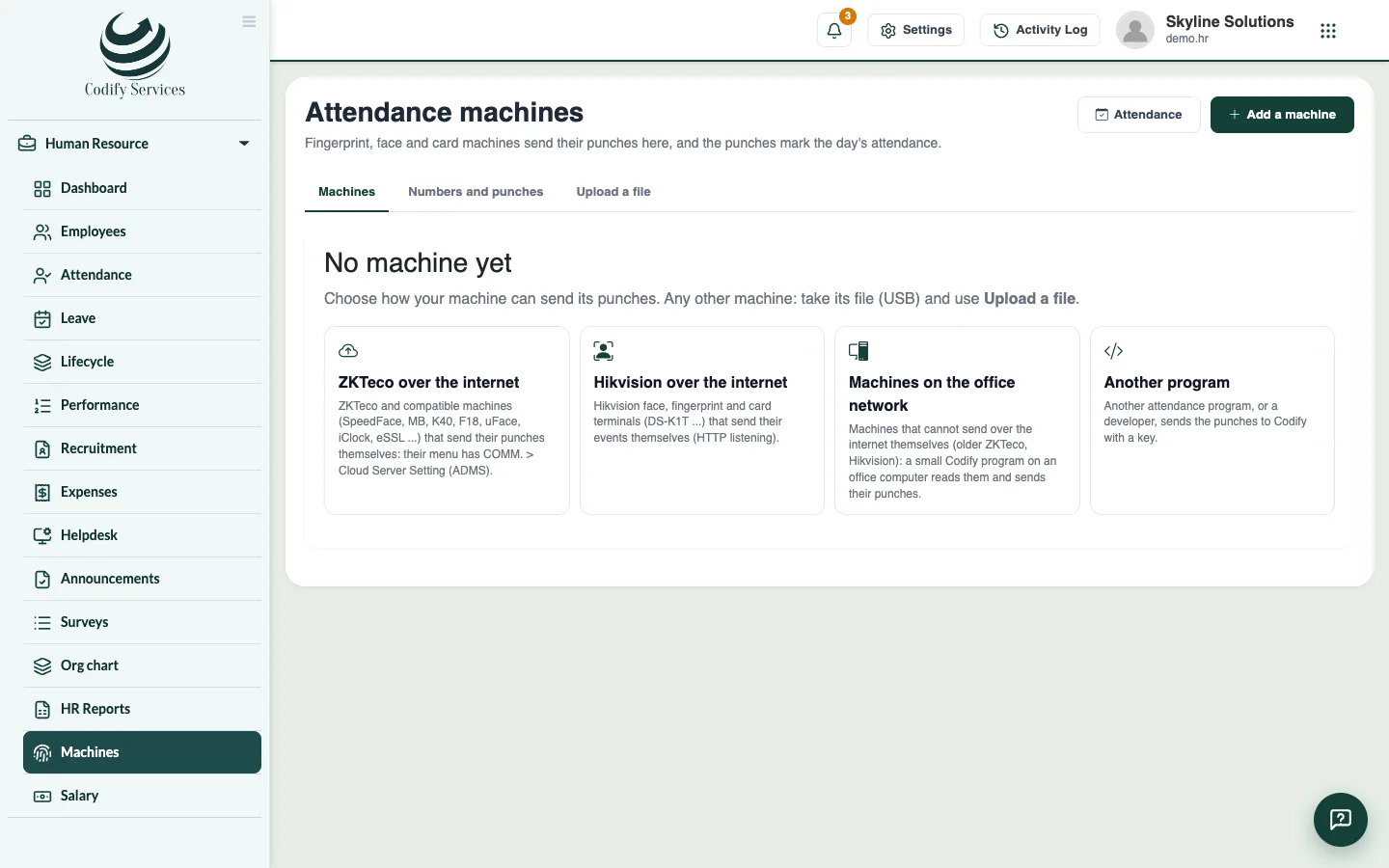
- Open Sidebar > Human Resource > Machines and the tab Upload a file.
- Press Choose the file and pick the file: a ZKTeco log (1_attlog.dat), a CSV or an Excel file.
- For a CSV or Excel file, say Which column is which: the Machine number column, and the Date and time (in one column or in two).
- Choose how Dates are written (day first, month first or year first) and whether The first row names the columns or is a punch.
- Check the preview: Punches read, People, Rows left out and From - to.
- Press Take to add the punches.
Good to know
- A punch already in Codify is not taken twice, so uploading the same file again is safe.
- Rows left out have no machine number or a date and time that cannot be read. Check the columns and the date format.
- After the upload, the page says how many days of attendance were made, and which machine numbers are not given to an employee yet.
Related
More in Attendance machines
Connect a ZKTeco or Hikvision machine over the internetAdd a fingerprint, face or card machine so its punches come to Codify HR over the internet and mark attendance by themselves.Read older machines with the office network connectorUse the Codify Attendance Connector on an office computer to read machines that cannot send over the internet, or send punches from another program.Give machine numbers and handle days without a punchMatch each machine number to an employee so punches mark attendance, and mark working days with no punch as absent when you choose.
Ready to try it? Open Codify HR