
Codify HR · Hiring and performance
Publish your careers page
Turn on a public careers page that lists your open jobs, where people apply with their CV straight into Recruitment.
Your careers page is a page of your own on the internet that lists your open jobs. People apply with their CV, and each application becomes a candidate in Recruitment.
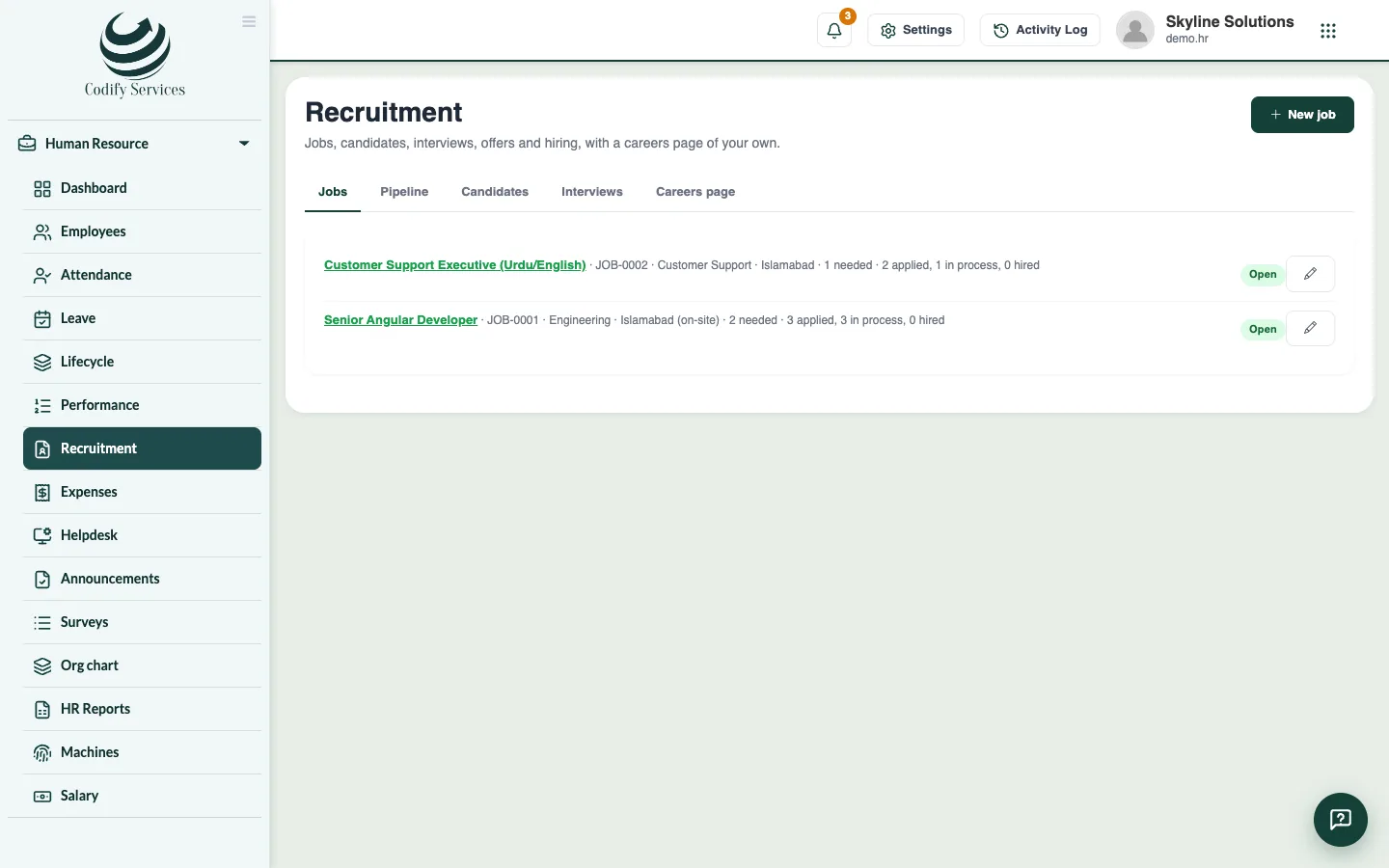
Steps
- Open Sidebar > Human Resource > Recruitment and the tab Careers page.
- Tick The careers page is on.
- Write A few words on top about your company.
- Press Save.
- Press Copy next to the link, and share it on your website, Facebook, LinkedIn or WhatsApp.
- Make sure each job you want to show is Open and has On the careers page ticked.
Good to know
- Applicants enter their name, email, phone, city, current company, experience, expected salary and a note, and attach their CV (PDF or Word, up to 5 MB).
- The salary shows on the page only if Show the salary there is ticked on the job.
- New link makes a new address; the old link stops working.
- When no job is open, the page says so.
Related
More in Hiring and performance
Hire staff: jobs, candidates, interviews and offersPost a job, follow candidates through the hiring pipeline, schedule interviews, send an offer and hire the person as an employee.Run performance reviews, goals and salary incrementsSet goals, run review cycles with self and manager ratings, give feedback, and record increments and promotions with a salary change.
Ready to try it? Open Codify HR