
Codify HR · Hiring and performance
Hire staff: jobs, candidates, interviews and offers
Post a job, follow candidates through the hiring pipeline, schedule interviews, send an offer and hire the person as an employee.
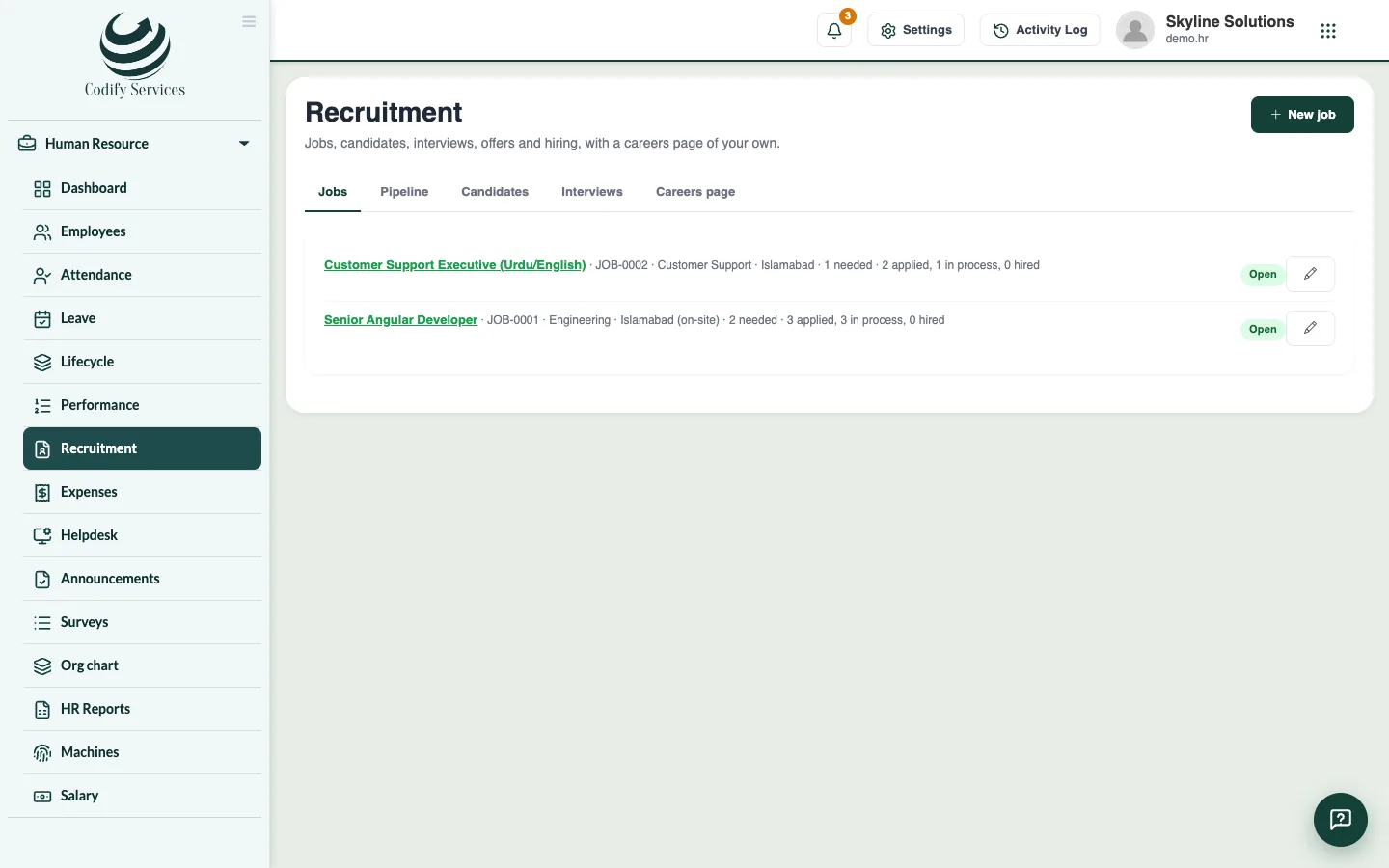
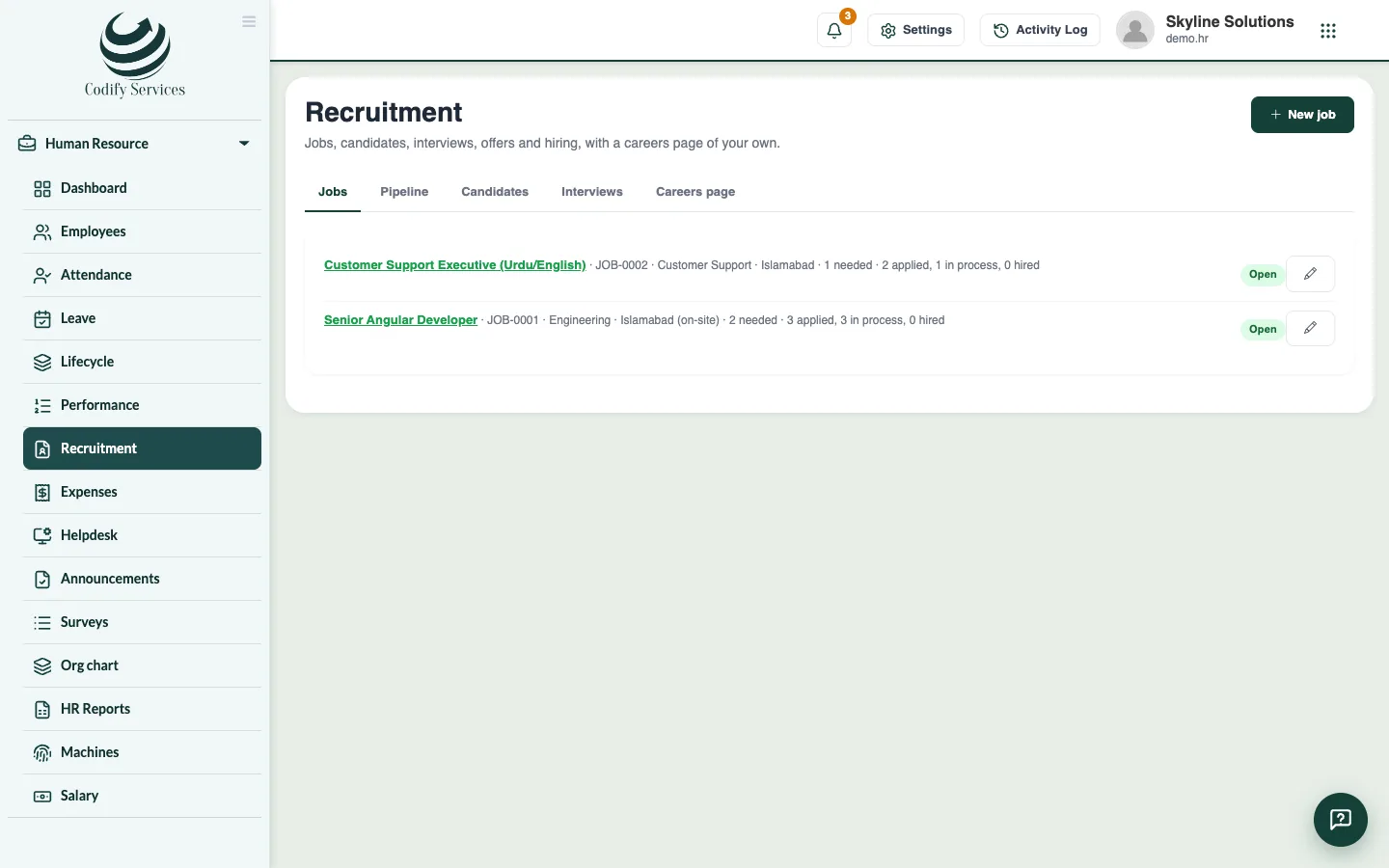
Recruitment keeps your job openings and the people who apply in one place. A candidate moves through stages, gets interviews and an offer, and when hired becomes an employee with one click.
Steps
Open a job
- Open Sidebar > Human Resource > Recruitment and press New job.
- Enter the Title, Department, Location, Employment type, People needed, Experience, the salary range and Apply by.
- Choose the Hiring manager and the State (Open to take applications).
- Write The job and What you look for. Tick On the careers page to show it there. Press Save.
Add and move candidates
- People who apply on your careers page come in by themselves. To add one by hand, press Add a candidate, fill in their details, choose Came from and For the job, and press Save.
- Open the tab Pipeline, choose the job, and move each candidate to the next stage.
- Open a candidate to upload their CV, give a Rating, or add them to another job.
Interview, offer and hire
- On the candidate, press Interview. Enter the Round, When, How (In person, Phone or Video), and the Interviewer. Press Save.
- Record the Result (Pass, Fail, Hold or No show) and Feedback.
- Enter the Offered salary and Joins on, and set Offer to Sent, then Accepted or Declined.
- Press Hire, check the joining date, employment type, basic salary and manager, and press Hire.
Good to know
- The interviewer gets an email (when their record has one) and gives the result in My HR.
- A hired candidate becomes an employee with the job's department and title, and gets the onboarding steps.
- Give the offer or appointment letter from Lifecycle > Letters.
- The Interviews tab lists the interviews coming up.
Related
More in Hiring and performance
Publish your careers pageTurn on a public careers page that lists your open jobs, where people apply with their CV straight into Recruitment.Run performance reviews, goals and salary incrementsSet goals, run review cycles with self and manager ratings, give feedback, and record increments and promotions with a salary change.
Ready to try it? Open Codify HR