
Codify HR · Employees
Onboarding and exit steps, company assets and letters
Use Lifecycle to track joining and leaving steps, who holds which company asset, and to print letters for employees.
Lifecycle covers everything from an employee's first day to their last: the steps to do when someone joins or leaves, the company's laptops, phones and keys, and letters such as an appointment or experience letter.
Steps
Set up your checklists
- Open Sidebar > Human Resource > Lifecycle and the tab Checklists.
- Under Onboarding or Exit, press Add a step.
- Enter the Step, who it is Done by, and when it is Due (days after joining, or days after leaving; a minus number means before). Press Save.
Work through the steps
- Open the tab Steps to do. New employees get the onboarding steps, people who leave get the exit steps.
- Tick each step when it is done.
Company assets
- Open the tab Assets and press New asset. Enter its Name, Kind, Serial / number, Bought on and Value, and press Save.
- Press Give on an asset, choose who gets it To and On which day, and press Give.
- When it comes back, press Take back and say how it is now: Fine (available), For repair or Lost (not returned).
Letters
- Open the tab Letters. Under The company's letters, press New letter to write a template. Click the fields to put the employee's details in it.
- Press Give a letter, choose the Letter and the employee (To), change anything you need, and press Give and print.
Good to know
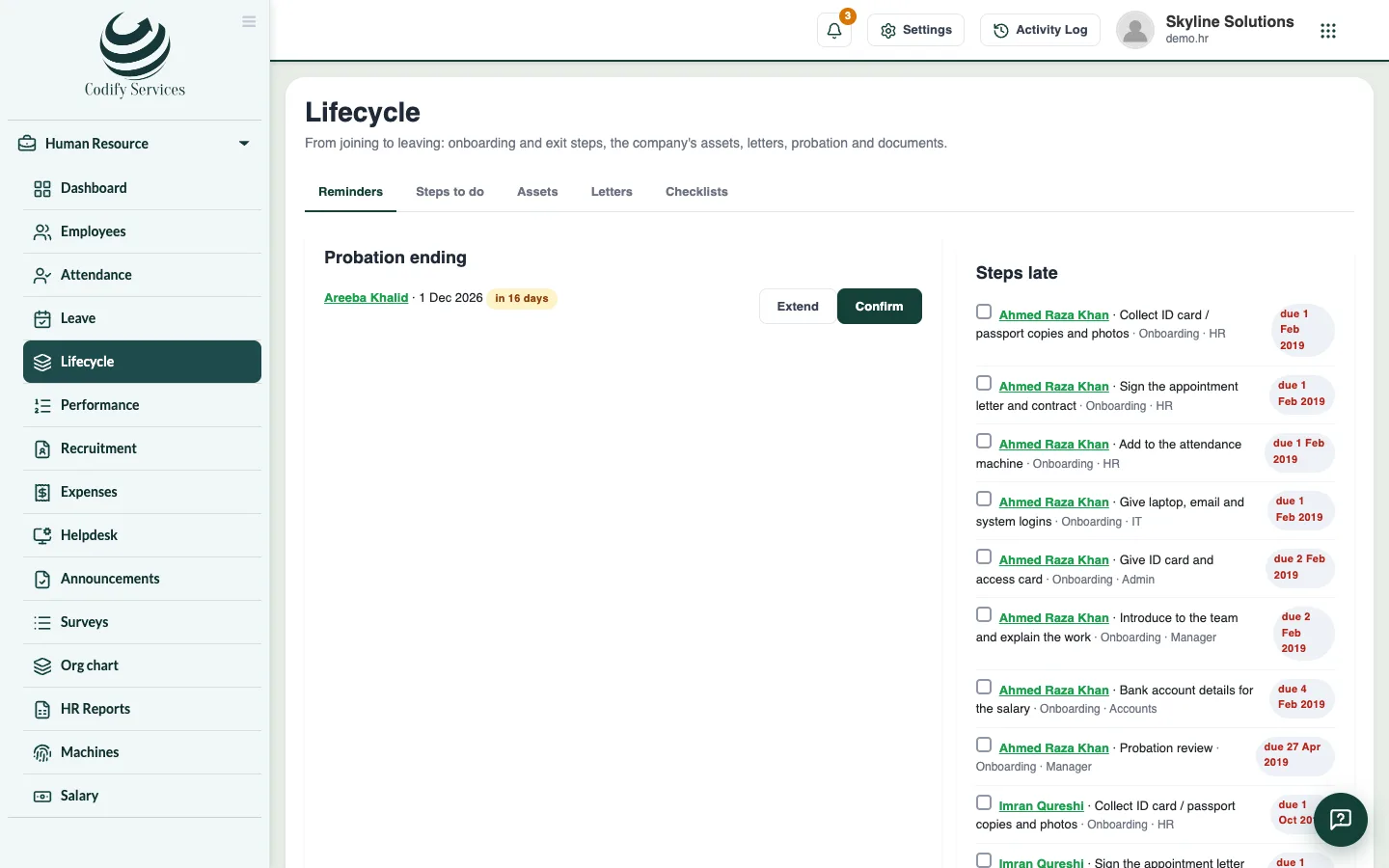
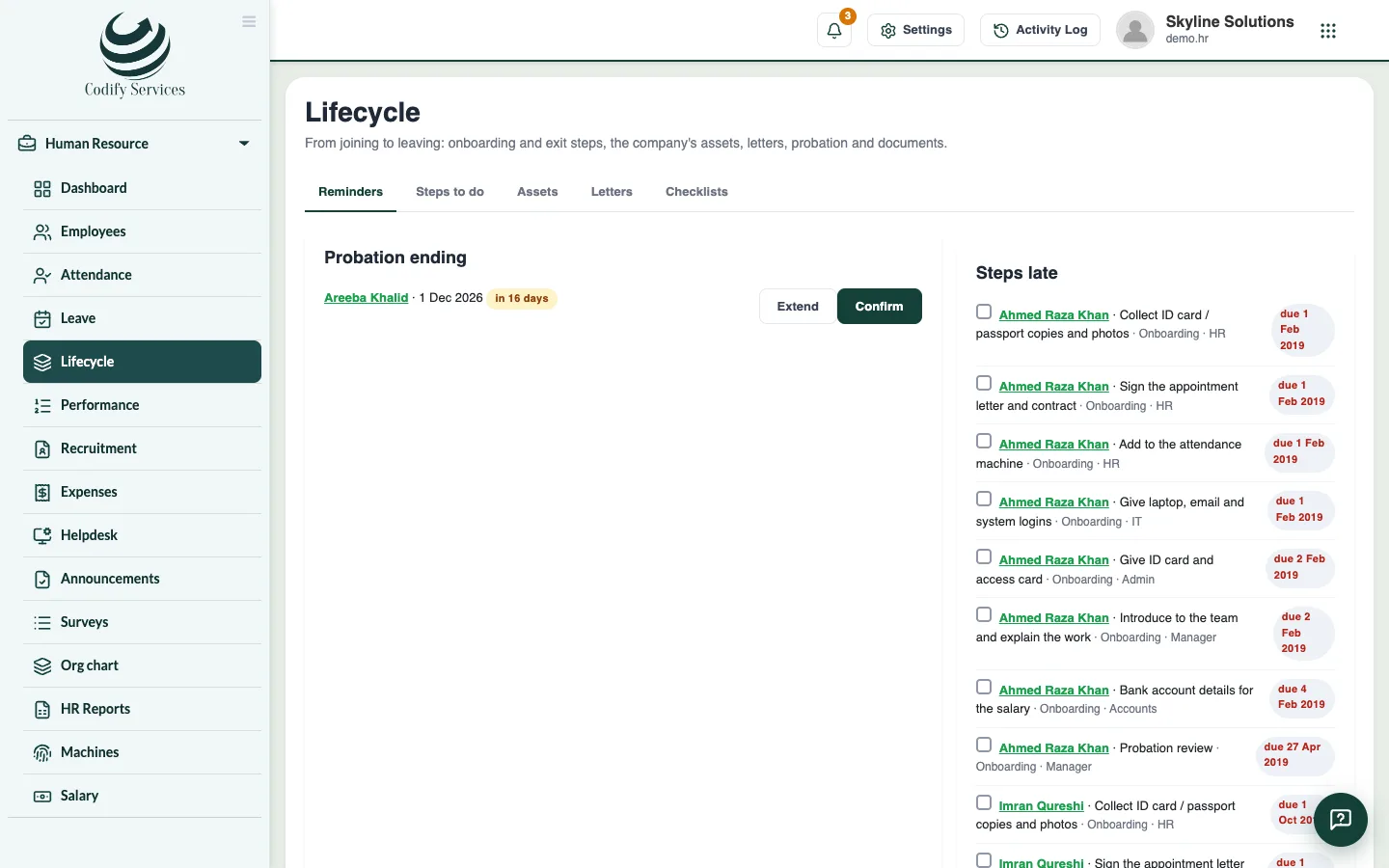
- The Reminders tab shows probation ending, documents expiring, steps that are late, assets with people who left, and work anniversaries in the next two weeks.
- Letters that show a salary are only offered to roles that may see salaries.
- If the page says a database update is needed first, contact Codify support.
Related
More in Employees
Add an employeeAdd a new staff member with their personal details, job, machine number, shift, salary and bank account.Open an employee's record and keep their documentsSee an employee's attendance, leave, salary items and advances, confirm probation, and upload documents such as a CNIC copy or contract.When an employee leaves: last day and final settlementMark an employee as left with their last day and reason, then work out and pay their final settlement with leave and gratuity.
Ready to try it? Open Codify HR