
Codify HR · Attendance and leave
Check leave balances and enter opening balances or comp-off
See what each employee has taken and has left of each leave type, and add opening balances, corrections, comp-off or days paid out.
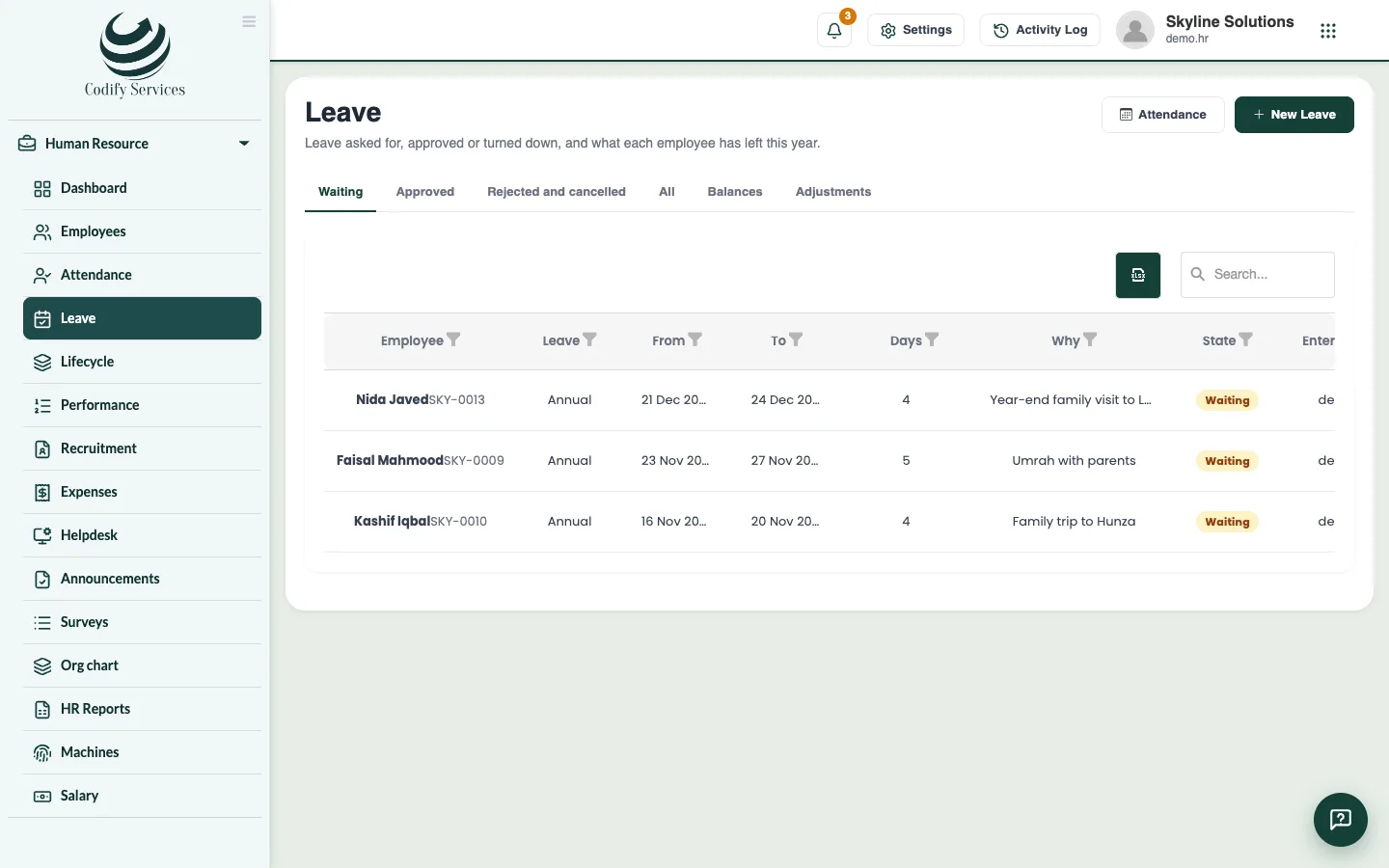
The Balances tab shows each employee's leave for the year, type by type. The Adjustments tab is where you add days by hand: an opening balance when you start using Codify HR, a correction, comp-off earned, or days paid out.
Before you start
- Adjustments need Can Manage Leave.
Steps
- Open Sidebar > Human Resource > Leave and the tab Balances. Choose the year.
- Read each cell: days taken of what is allowed, days carried from last year, and what is waiting.
- To add days by hand, open the tab Adjustments and press New entry.
- Choose What: Opening balance, Correction (+ or -), Comp-off earned or Days paid out.
- Choose the Employee and Leave type, and enter the Days and Year.
- For comp-off, enter the Day off worked. For days paid out, choose the month in Paid with the salary of.
- Add a Note and press Save.
Good to know
- What is allowed includes the year's days so far, what came from last year and what was given by hand. Leave that waits for approval counts too.
- A comp-off is earned by working on a weekly day off or holiday, and that day must be marked as worked. Only comp-off leave types take it.
- Days paid out are paid at a day's pay on the salary sheet of the month chosen, as far as the leave type allows.
Related
More in Attendance and leave
Mark the day's attendanceMark each employee present, late, half day or absent for a day, with the times they came and went.See the monthly attendance sheet and close a monthView a month's attendance with each day's code and totals, export it to Excel, and close the month so it no longer changes.Handle attendance correctionsEnter or decide requests to correct a day's attendance mark and times, sent by HR or by employees from My HR.Enter and approve leaveEnter a leave for an employee, see the working days it counts, and approve, reject or cancel it.
Ready to try it? Open Codify HR