
Codify CRM · Leads
Work a lead: log calls, move stages and close it
Open a lead to call or WhatsApp them, log what was done, move the stage, book the next follow-up, and mark it won or lost.
A lead's page holds everything about one buyer: their details, every call and message on the timeline, the follow-ups, and where the sale stands.
Before you start
- Logging needs Can Log CRM Activities. Changing the lead needs Can Edit Leads.
Steps
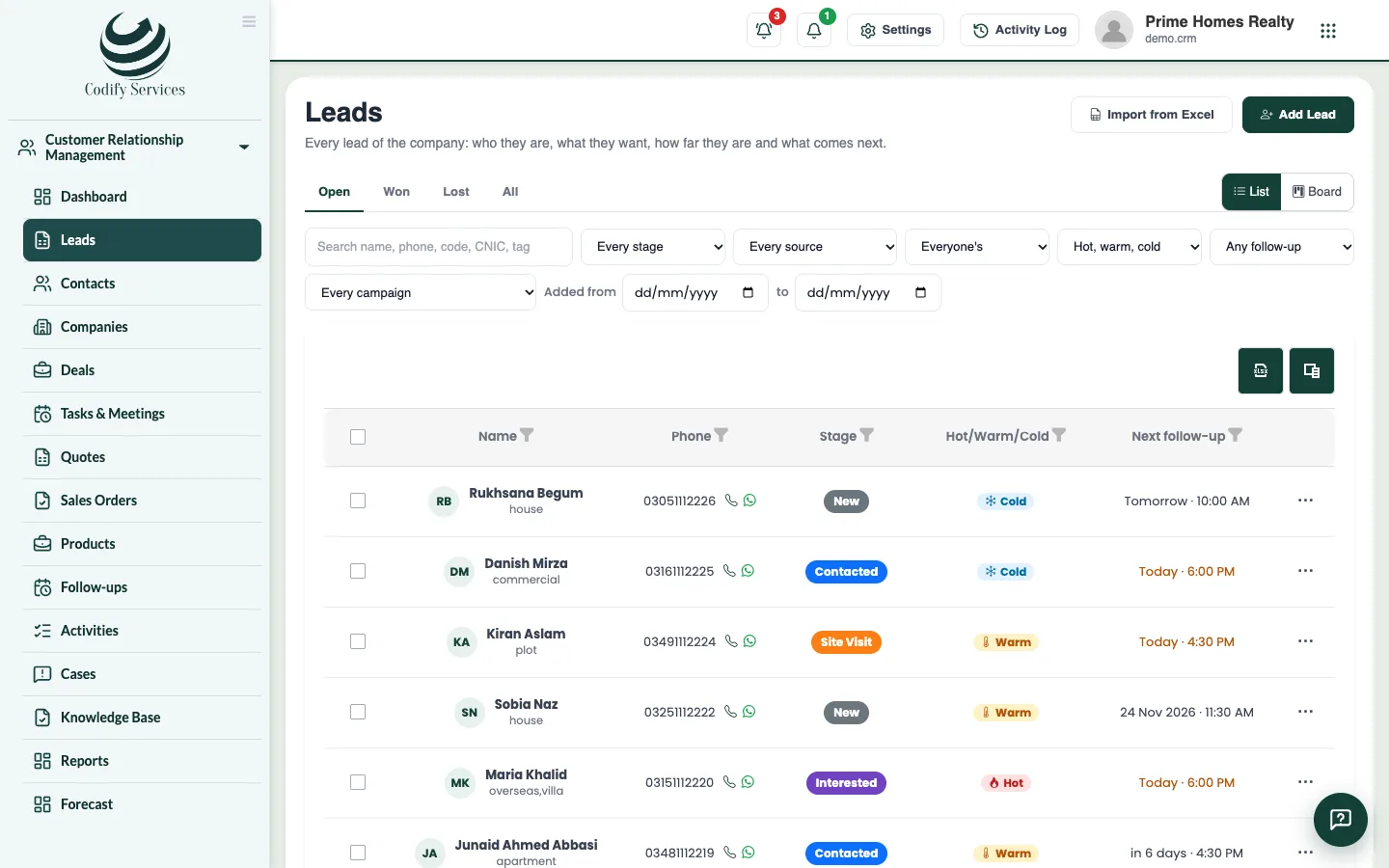
- Open Sidebar > Customer Relationship Management > Leads and click the lead.
- Press Call, WhatsApp or Email to contact them. WhatsApp opens with your greeting already written.
- Under Log what was done, choose the method (call, WhatsApp, visit ...), write what happened, and choose When (empty means now).
- If this answers a follow-up, choose it in It answers the follow-up.
- In Move to stage, choose the new stage (or keep it). If it is lost, choose Lost because.
- Under Book the next follow-up, enter the Date, Time, How and What to do.
- Press Save.
Good to know
- The Timeline shows All, Calls & notes or Changes (stage and owner changes).
- Edit changes the lead's details. Looked after by gives it to someone else (needs Can Assign Leads).
- If the same phone is on another lead, the page warns you and links to it.
- A lost lead can be worked on again: move it to an open stage.
- In the Housing Society ERP, Make member links the lead to the member it became (or opens member registration). The lead becomes Won and its open follow-ups close.
- Convert turns the lead into a contact, company and deal. See Convert a lead.
Related
More in Leads
Add a leadAdd a new lead with their contact details, what they want, their budget, the stage, who looks after it and the first follow-up.Import leads from ExcelBring your old leads into CRM in one go from an Excel template, with up to 5,000 leads at a time.Find and move leads on the list and the boardFilter your leads, switch between the list and the stage board, drag leads between stages, and give or move many leads at once.Get leads from your website and FacebookTake enquiries from your website form, a shareable link and Facebook Lead Ads straight into CRM, each with a follow-up for today.
Ready to try it? Open Codify CRM