
Codify CRM · Leads
Import leads from Excel
Bring your old leads into CRM in one go from an Excel template, with up to 5,000 leads at a time.
If you kept your leads in a spreadsheet, you can bring them all into CRM at once. Fill in the template and import it.
Before you start
- Your role needs Can Import and Export Leads.
Steps
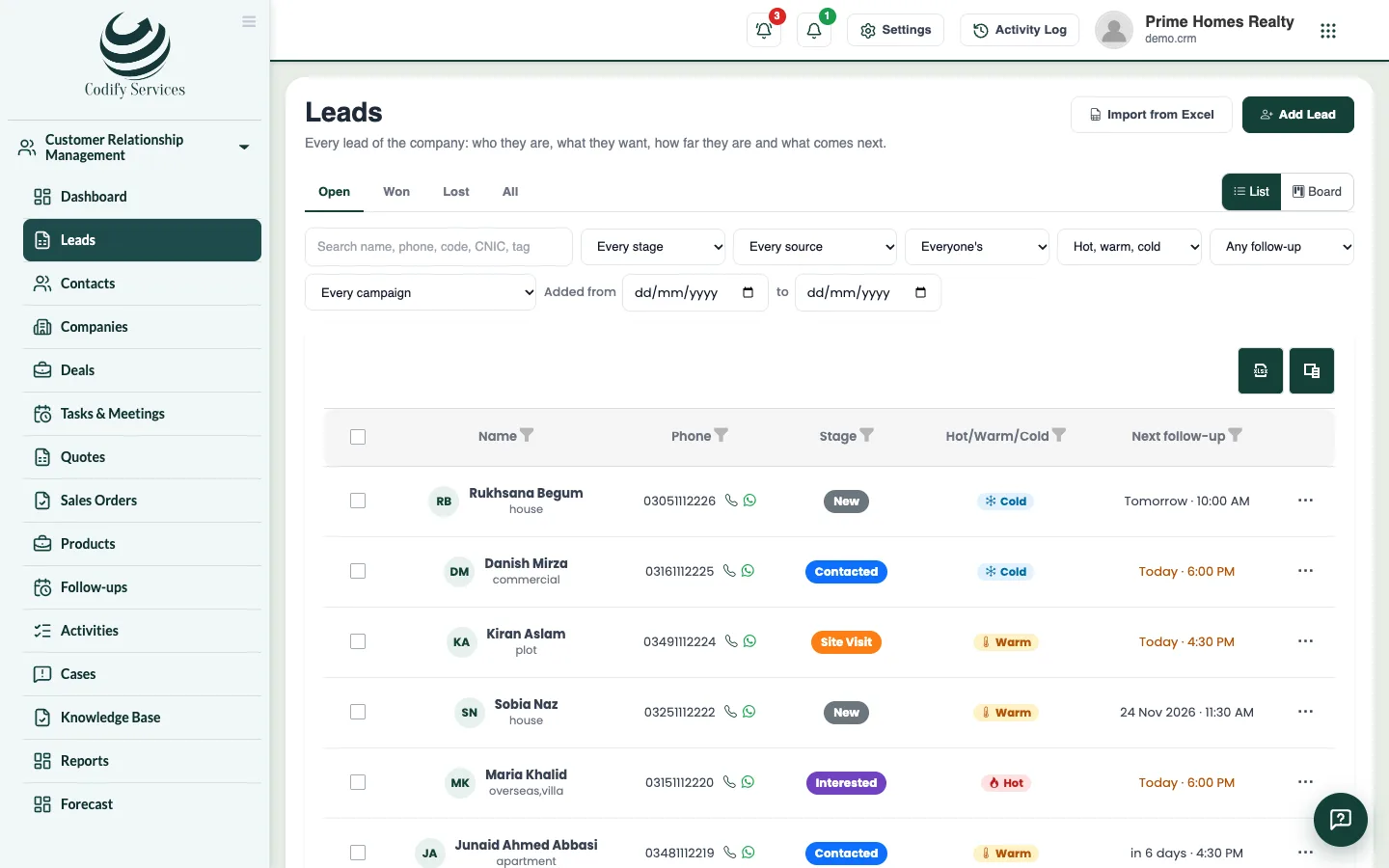
- Open Sidebar > Customer Relationship Management > Leads.
- Press Import from Excel.
- Press Download template.
- Fill one row per lead. Only Name and Phone are needed.
- Write Source, Stage, Size, Project, Owner and the other lists exactly as they are in your lists. The template's second sheet has them.
- Press Choose the filled file and pick your .xlsx file.
- Tick Skip a row whose phone number is already a lead if you want to avoid duplicates.
- Press Import.
- Read the result: how many were imported, skipped and with problems. Each problem row shows what is wrong.
Good to know
- At most 5,000 leads at a time.
- Fix the problem rows in your file and import only those rows again.
- Contacts, companies and deals have their own Import from Excel on their pages.
Related
More in Leads
Add a leadAdd a new lead with their contact details, what they want, their budget, the stage, who looks after it and the first follow-up.Find and move leads on the list and the boardFilter your leads, switch between the list and the stage board, drag leads between stages, and give or move many leads at once.Work a lead: log calls, move stages and close itOpen a lead to call or WhatsApp them, log what was done, move the stage, book the next follow-up, and mark it won or lost.Get leads from your website and FacebookTake enquiries from your website form, a shareable link and Facebook Lead Ads straight into CRM, each with a follow-up for today.
Ready to try it? Open Codify CRM