
Codify CRM · Marketing and automation
Connect other programs to your CRM
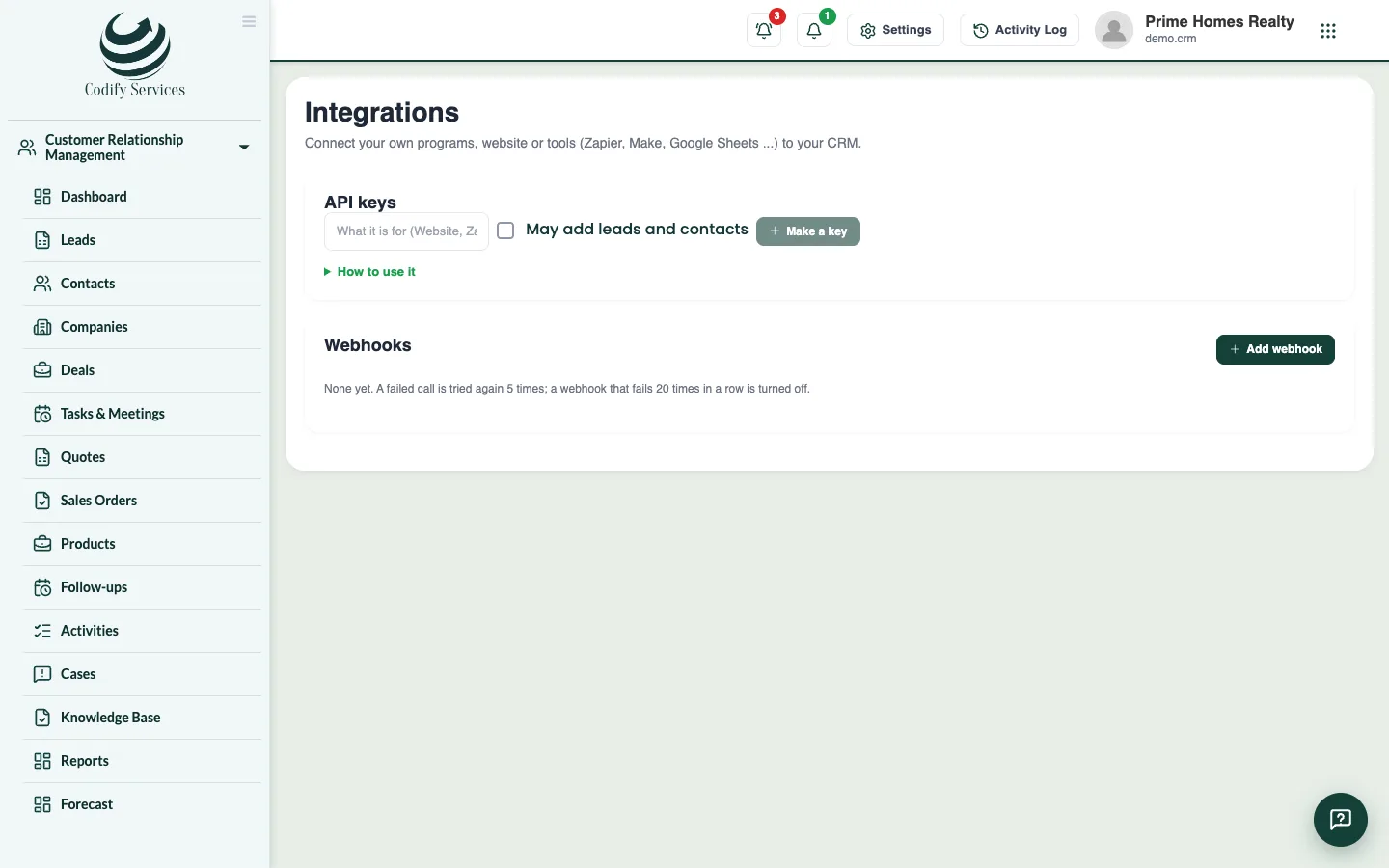
Make API keys so your own programs can read and add leads and contacts, and webhooks that tell another program when a lead or deal changes.
Integrations connect CRM with your own programs, your website or tools such as Zapier, Make or Google Sheets. An API key lets a program read (and add) records; a webhook tells a program at once when something happens.
Before you start
- Your role needs Can Manage CRM Settings.
Steps
API key
- Open Sidebar > Customer Relationship Management > Integrations.
- Under API keys, enter a name and tick May add leads and contacts if the program should add records. Press Make a key.
- Copy the key now: it is not shown again. Press Done.
- Give the key to your developer. How to use it shows the addresses and an example.
Webhook
- Press Add webhook. Enter the Name, the Address (https), and tick the events in Tell it when. Press Save webhook.
- Copy the webhook's secret (shown once). The program uses it to check each call came from your CRM.
Good to know
- Each key allows 120 calls a minute.
- Turn off stops a key at once.
- A failed webhook call is tried again 5 times. A webhook that fails 20 times in a row is turned off.
- The last calls lists each webhook call and its answer.
Related
More in Marketing and automation
Track ad campaigns and email campaignsRecord your ad campaigns to see the leads and sales each brings, make lists, and send email campaigns with opens, clicks and unsubscribes.Automate work with rules and lead scoringMake rules that give out leads, add tasks, tag, notify or email by themselves, and score leads hot, warm or cold.
Ready to try it? Open Codify CRM