
Codify CRM · Reports and team
CRM reports and the report builder
See leads by source, salesperson, stage, lost reason, age, activity, campaign and month, and build and save your own reports.
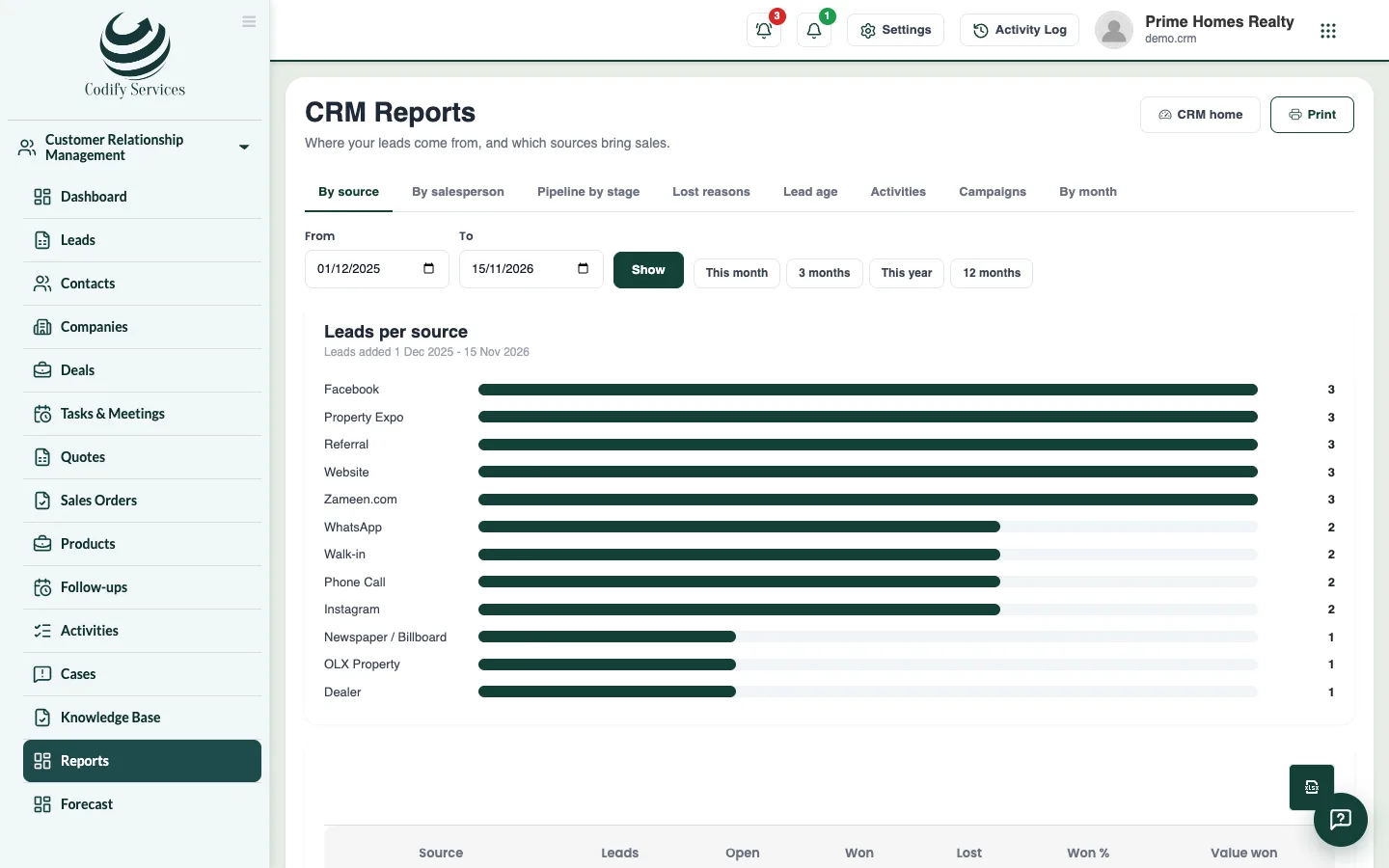
CRM Reports answers the usual sales questions. The Report builder lets you count, add up or average your leads, contacts or deals by anything you choose.
Before you start
- Your role needs Can View CRM Reports.
Steps
- Open Sidebar > Customer Relationship Management > Reports.
- Choose a report: By source, By salesperson, Pipeline by stage, Lost reasons, Lead age, Activities, Campaigns or By month.
- Choose the dates (This month, 3 months, This year, 12 months, or From and To).
- Press Print, or export the table to Excel.
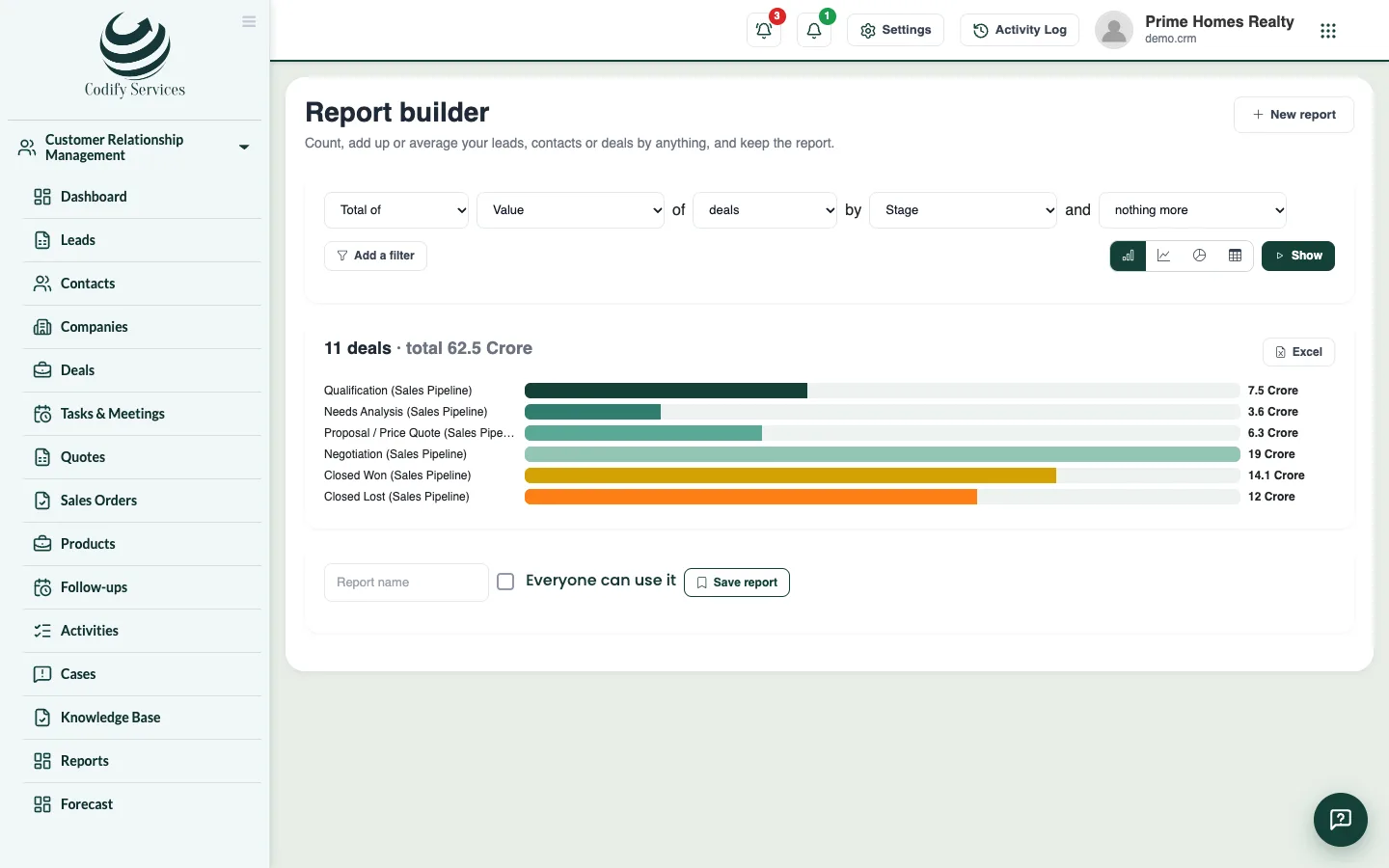
- For your own report, open Sidebar > Customer Relationship Management > Report Builder and press New report.
- Choose Count, Total of or Average of, the records (leads, contacts or deals), what to group by, and any filters.
- Press Show. Press Excel to download it.
- Tick Everyone can use it if you want, and press Save report.
Good to know
- Pipeline by stage and Lead age show the situation now; the dates do not change them.
- Saved reports are listed at the top of the Report builder.
Related
More in Reports and team
Ready to try it? Open Codify CRM