
Codify CRM · Cases and service
Handle complaints and requests as cases
Record a member's or customer's complaint as a case with a time limit, give it to someone, keep notes, and resolve or close it.
After the sale, members and customers call about possession, transfers, documents, payments, development work or utilities. Each one becomes a case with a time limit, so nothing is left waiting.
Before you start
- Seeing cases needs Can View Cases. Adding, changing, giving, resolving and closing need Can Manage Cases.
Steps
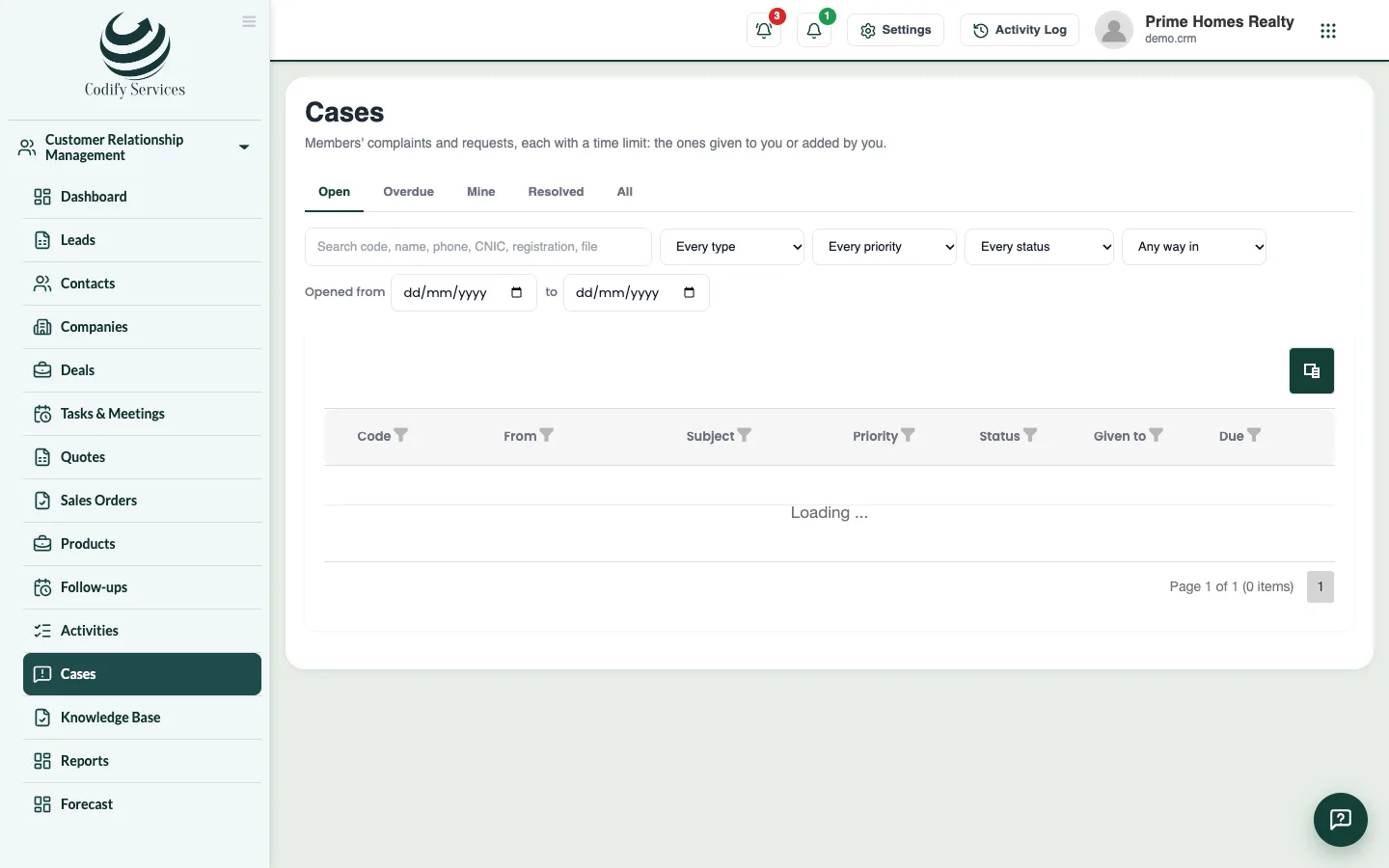
- Open Sidebar > Customer Relationship Management > Cases and press New case.
- Under Who is it from?, choose A member and Find them (or a lead), or Someone else and write their name and phone.
- Choose the Type, the File / plot it is about, and write the Subject and Details.
- Choose how it Came in by (phone, WhatsApp, walk-in, email, the app, a letter).
- Choose the Priority. It sets the time to resolve it.
- Choose who to Give it to and press Add case.
- On the case page, use Add a note: an Internal note, or Told the member for what you told them. Press Save note.
- When it is done, change the status to Resolved and write what was done to resolve it. Ask the member for a rating if you like. Close it when nothing more is needed.
Good to know
- A case not resolved within its time limit is late: red in the list and on the CRM dashboard.
- Without Can View All Leads, you see only the cases given to you or added by you.
- The case page shows the member's files, their other cases, and Answers that may help from your knowledge base.
- Open again gives the case a new time limit from now; what was done before stays on the timeline.
Related
More in Cases and service
Set complaint types and time limitsMake your list of complaint types and choose how many hours a case of each priority may stay open before it is late.Write a knowledge base and public help centreWrite answers to common questions for your staff, have them suggested on cases, and publish some on your own public help centre page.
Ready to try it? Open Codify CRM