
Codify CRM · Marketing and automation
Automate work with rules and lead scoring
Make rules that give out leads, add tasks, tag, notify or email by themselves, and score leads hot, warm or cold.
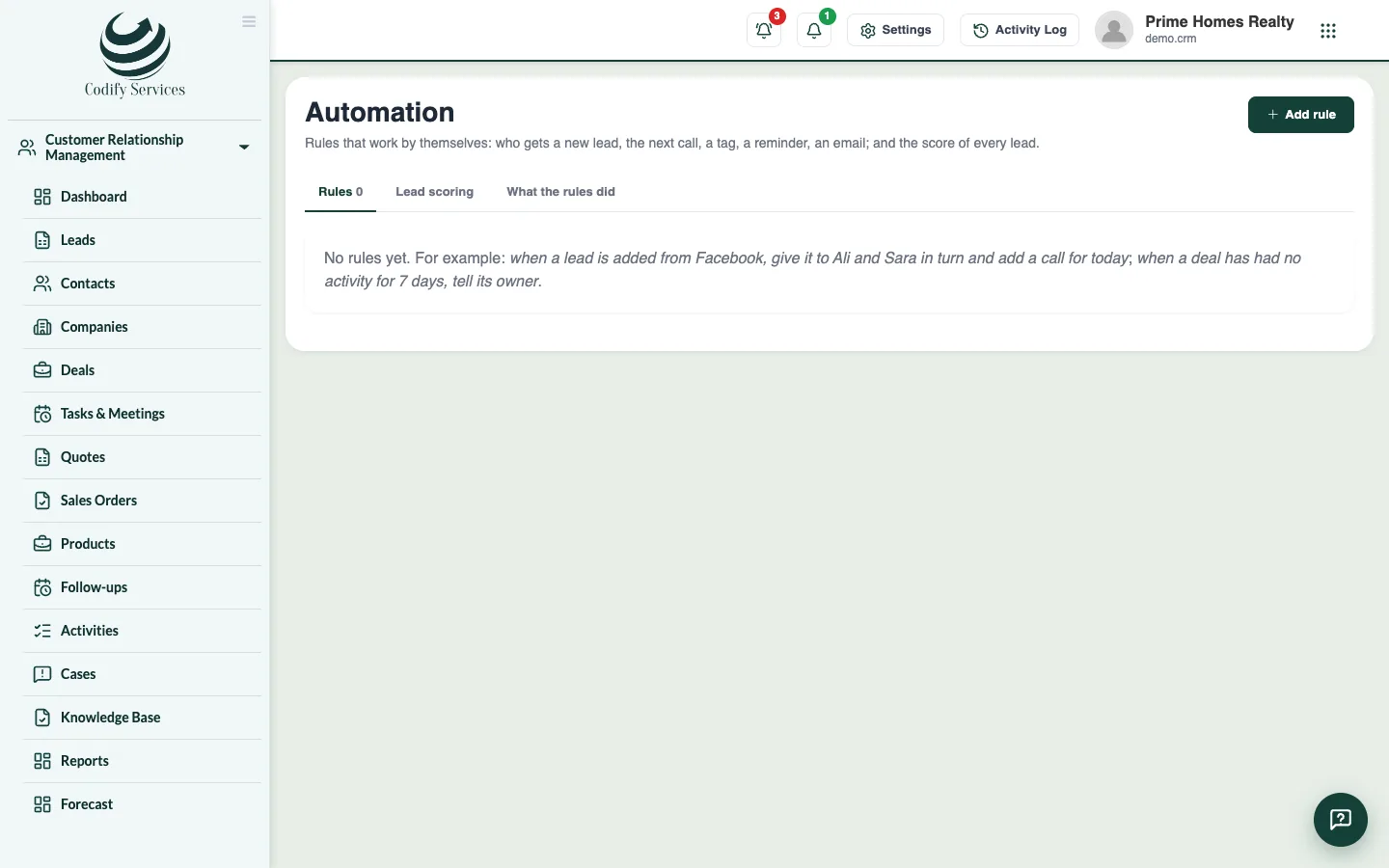
Automation rules do routine work for you. For example: when a lead comes from Facebook, give it to Ali and Sara in turn and add a call for today; or when a deal has had no activity for 7 days, tell its owner.
Before you start
- Your role needs Can Manage CRM Settings.
Steps
Add a rule
- Open Sidebar > Customer Relationship Management > Automation and press Add rule.
- Enter the Name.
- Under WHEN, choose a lead, contact or deal and what happens: is added, is changed, is moved to a stage, has had no activity for some days, has been at a stage for some days, or is past its close date.
- Under IF, press Add a condition to limit the rule (for example source is Facebook). Choose whether all or any must be true.
- Under THEN, press Add an action: give it to someone (or in turn), add a tag, add a task, tell someone in the bell, send an email template, move it to a stage, or make it hot, warm or cold.
- Press Save rule.
Score leads
- Open the tab Lead scoring. Press Add a line for each thing that earns points (a source, a city, a budget, calls made ...). Less than 0 takes points away.
- Enter the scores for Hot from and Warm from (below warm is cold), or leave them empty to set them by hand.
- Press Save scoring, then Score every lead now.
Good to know
- Time rules are checked every minute, once for each record.
- What the rules did shows each run and its result.
- Turn off stops a rule without deleting it.
Related
More in Marketing and automation
Track ad campaigns and email campaignsRecord your ad campaigns to see the leads and sales each brings, make lists, and send email campaigns with opens, clicks and unsubscribes.Connect other programs to your CRMMake API keys so your own programs can read and add leads and contacts, and webhooks that tell another program when a lead or deal changes.
Ready to try it? Open Codify CRM