
Codify CRM · Cases and service
Set complaint types and time limits
Make your list of complaint types and choose how many hours a case of each priority may stay open before it is late.
Complaint types are what members complain about or ask for. Time limits decide how long a case of each priority may stay open.
Before you start
- Your role needs Can Manage CRM Settings.
Steps
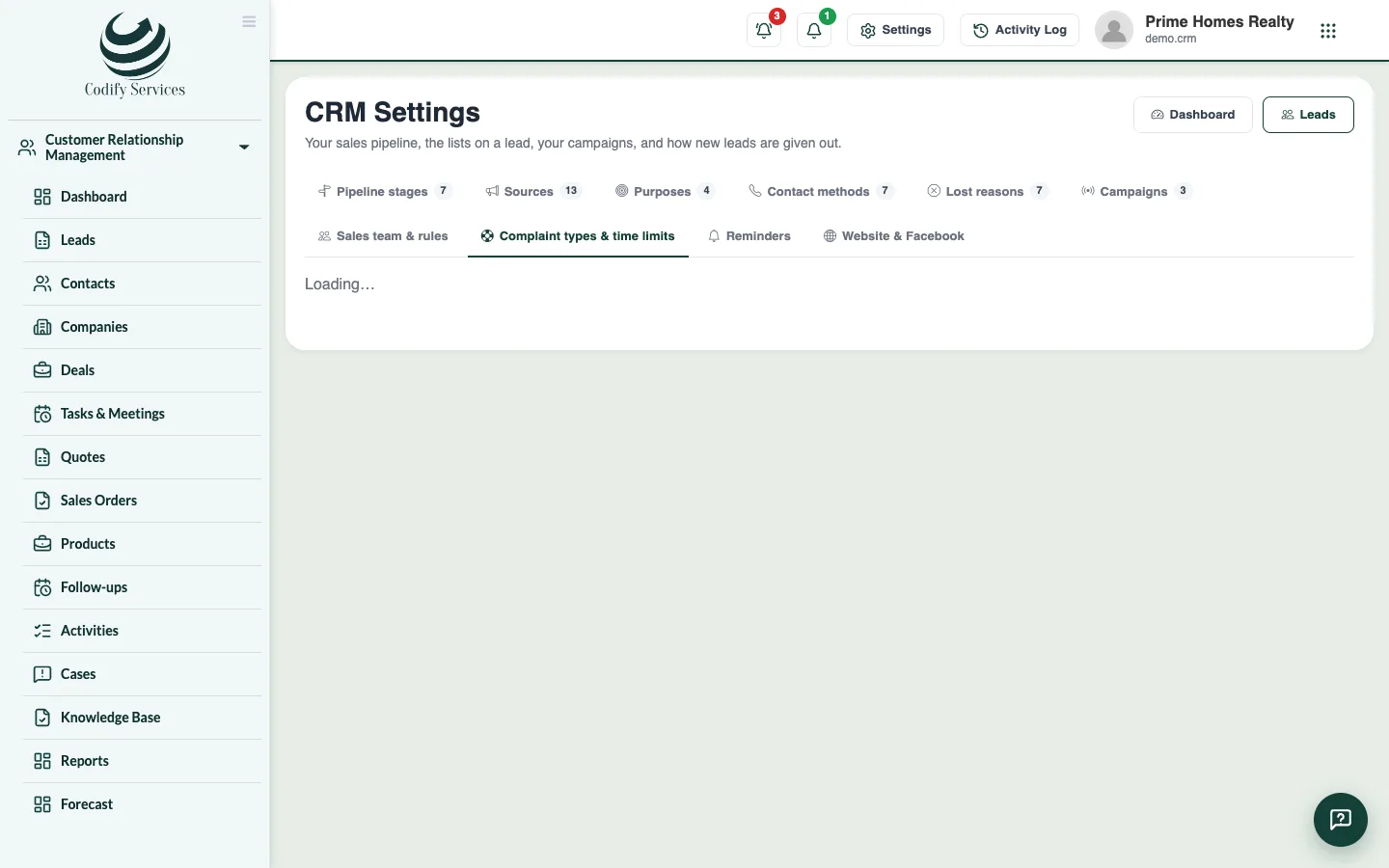
- Open Sidebar > Customer Relationship Management > Cases and press Types & time limits (or open CRM Settings and the tab Complaint types & time limits).
- Under Complaint types, type a type (for example "Water supply" or "Transfer") and press Add. Press Rename to change one.
- Under Time limits, enter the hours for each priority.
- Press Save.
Good to know
- The usual time limits are 4 hours (Urgent), 24 (High), 72 (Normal) and 168 (Low).
- New cases get these limits. A case keeps the time it was given until its priority changes or it is opened again.
- Removing a type keeps it on the cases that already have it.
Related
More in Cases and service
Handle complaints and requests as casesRecord a member's or customer's complaint as a case with a time limit, give it to someone, keep notes, and resolve or close it.Write a knowledge base and public help centreWrite answers to common questions for your staff, have them suggested on cases, and publish some on your own public help centre page.
Ready to try it? Open Codify CRM