
Codify CRM · Follow-ups and activities
Set follow-up reminders by bell, email and WhatsApp
Remind salespeople before each follow-up and every morning, in the bell, by email or by WhatsApp, so no follow-up is forgotten.
Reminders tell each salesperson about their follow-ups. They always show in the bell at the top of the screen, and can also go by email or WhatsApp.
Before you start
- Your role needs Can Manage CRM Settings.
- Email needs your company's sender email (Due Reminders > Sender Email). WhatsApp needs WhatsApp Business set up (Due Reminders > WhatsApp Setup).
Steps
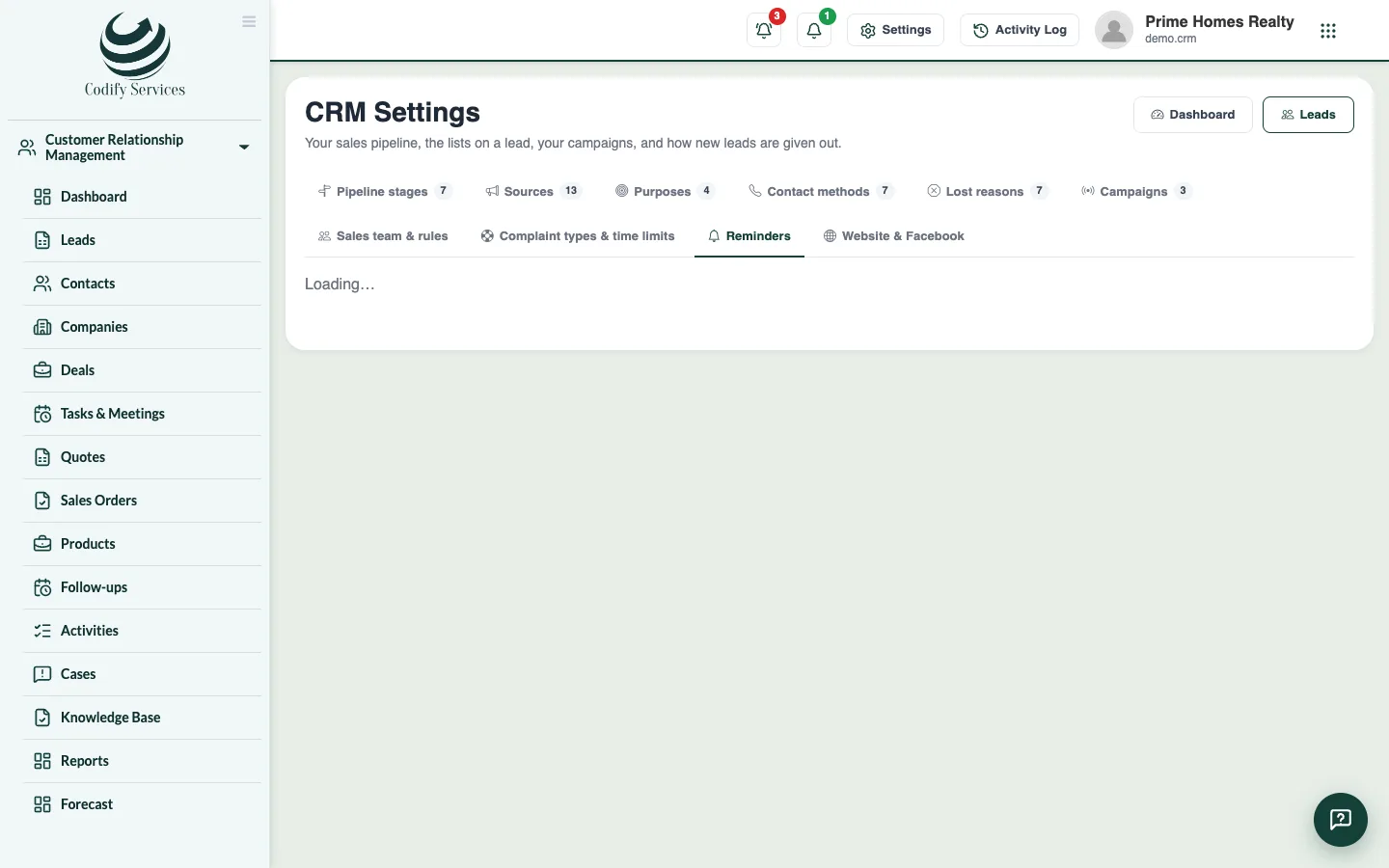
- Open Sidebar > Customer Relationship Management > CRM Settings and the tab Reminders.
- Under Before a follow-up, tick Remind the salesperson and choose how long before.
- Under Every morning, tick the daily list of today's and late follow-ups and choose the hour.
- Under Also send reminders by, tick Email and/or WhatsApp.
- For WhatsApp, enter the name of your approved message template if you have one.
- Under WhatsApp numbers, enter each person's number (empty uses the phone on their HR record, if any).
- Press Send me a test reminder, then Save.
Good to know
- Reminders before a follow-up are only for follow-ups that have a time. Follow-ups without a time are in the morning list.
- A lead given to someone always tells that person, and a case past its due date tells the person it is given to.
- Last sent shows the last reminders that went by email or WhatsApp and what happened.
Related
More in Follow-ups and activities
Do your follow-upsSee who to call or meet today and which follow-ups are late, mark each one done with what came out of it, and book the next one.Plan tasks, calls and meetingsAdd tasks, calls and meetings on any contact, company or deal, see them in a list or calendar, and send emails, WhatsApp or SMS from templates.
Ready to try it? Open Codify CRM