
Codify CRM · Get started
CRM roles and permissions
Which permission opens which part of Codify CRM, and who sees which leads, deals and cases.
Each part of CRM has its own permission. Permissions are given to roles under User & Roles > Role Claims, and users see a change at their next login.
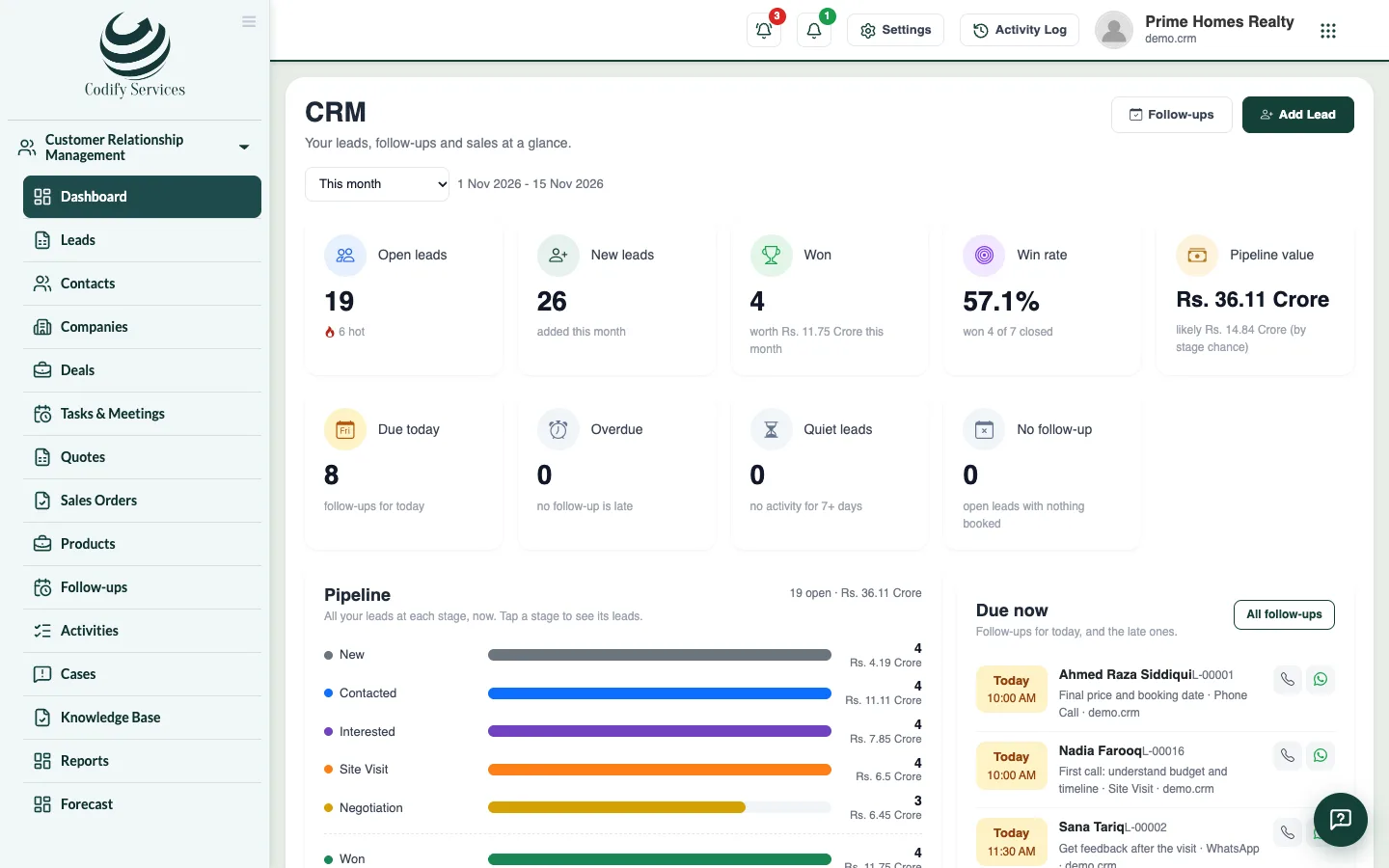
Steps
- Open Sidebar > User & Roles > Role Claims.
- Choose the role and open the CRM permissions.
- Tick what the role may do and save.
Good to know
The CRM permissions are:
- Can View CRM: opens CRM and its pages.
- Can Add Leads, Can Edit Leads, Can Delete Leads: the same for contacts, companies, deals, quotes and orders. Delete also covers merging duplicates.
- Can View All Leads: see every lead, contact, deal and case of the company. Without it you see only your own (and your team's, if you manage a team or territory).
- Can Assign Leads: give a lead to someone else.
- Can Import and Export Leads: Excel import and export.
- Can Manage CRM Settings: CRM Settings, pipelines, fields, templates, products, automation and integrations.
- Can View CRM Reports: Reports, Forecast and Report Builder.
- Can Log CRM Activities: log calls, meetings and notes.
- Can Convert Leads to Members: convert a lead, or link it to a member.
- Can View Cases and Can Manage Cases: complaint cases.
Related
More in Get started
Get started with Codify CRMWhat Codify CRM does, how to open it on its own site or as an add-on of the Housing ERP or Property, and the first steps.Set up pipelines, your own fields and message templatesMake sales pipelines with their own stages, add your own fields to contacts, companies and deals, and write email, WhatsApp and SMS templates.Set up stages, sources and other lead listsSet your lead pipeline stages with their win chance, and your lists of sources, purposes, contact methods and lost reasons.Set your sales team, lead numbers and assignment rulesChoose how lead codes start, whether new leads go to whoever adds them or to the sales team in turn, when a lead is quiet, and the WhatsApp greeting.
Ready to try it? Open Codify CRM