
Codify CRM · Cases and service
Write a knowledge base and public help centre
Write answers to common questions for your staff, have them suggested on cases, and publish some on your own public help centre page.
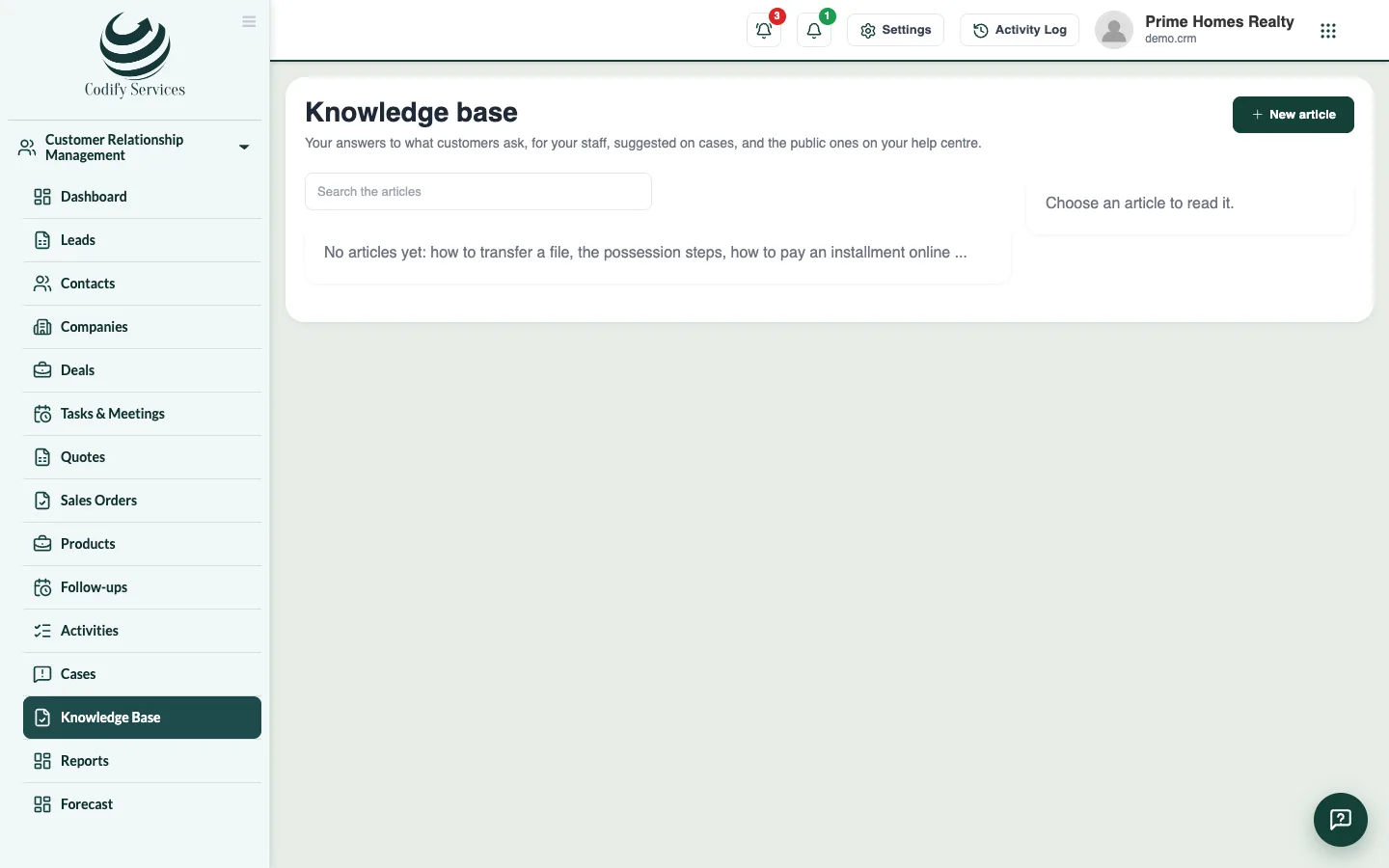
The knowledge base holds your company's answers to common questions, such as how to transfer a file, the possession steps or how to pay an installment online. Staff read them, cases suggest them, and public ones show on your own help centre page.
Before you start
- Writing articles needs Can Manage CRM Settings. Reading needs Can View CRM.
Steps
- Open Sidebar > Customer Relationship Management > Knowledge Base.
- Press New article.
- Enter the Title, Category, Tags (help it be found) and the Article.
- Tick Published so staff see it and cases suggest it.
- Tick Also on the public help centre if customers may read it.
- Press Save article.
- To share your help centre, press Copy next to Your help centre (public articles).
Good to know
- Each article shows its views and how many readers found it helpful.
- An unpublished article is a Draft.
- Its public page gives the link to one public article.
Related
More in Cases and service
Handle complaints and requests as casesRecord a member's or customer's complaint as a case with a time limit, give it to someone, keep notes, and resolve or close it.Set complaint types and time limitsMake your list of complaint types and choose how many hours a case of each priority may stay open before it is late.
Ready to try it? Open Codify CRM