
Codify CRM · Contacts and deals
Convert a lead to a contact, company and deal
When a lead is serious, convert it into a contact (and a company if they buy for a business) with a deal to follow in a pipeline.
Converting a lead turns it into a contact, on a company if you name one, with a deal to follow in a pipeline. The lead moves to its Won stage and keeps the links.
Before you start
- Your role needs Can Convert Leads to Members.
Steps
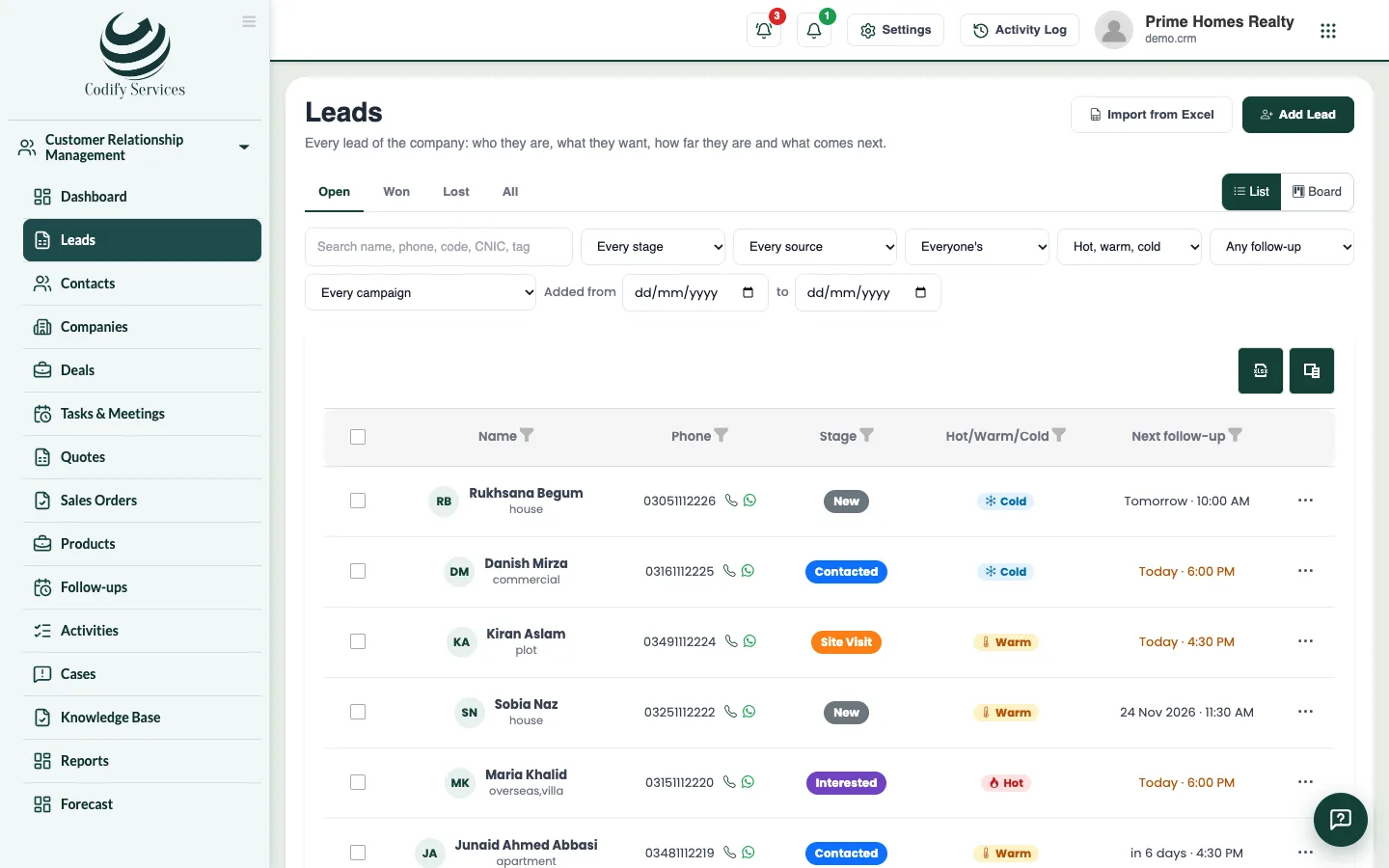
- Open the lead from Sidebar > Customer Relationship Management > Leads.
- Press Convert.
- Under Contact, a new contact is made from the lead. If a contact with the same phone or email is already there, choose it in Join to.
- If the lead buys for a business, type the Company name. A company of that name is found, or made.
- Tick Make a deal and enter the Deal name, Value, Expected to close, Pipeline and Stage.
- Press Convert.
Good to know
- The lead's page then says what it was converted to, with links.
- The deal shows on the Deals board.
Related
More in Contacts and deals
Keep contacts and companiesAdd the people and businesses you sell to, import them from Excel, save filtered views, and merge duplicates.Follow deals on the pipeline boardAdd deals with their value and close date, drag them through your pipeline's stages, and mark them won or lost.Send quotes and sales ordersKeep a product list, add products to a deal, make a quote, email or print it, turn an accepted quote into a sales order and invoice it in Billing.
Ready to try it? Open Codify CRM