
Land Management · Land deals
Post a land deal to accounts
Post a complete land deal into Finance as vouchers, set up the land accounts it needs, and reverse a posting when needed.
Posting puts a land deal into your books: the land asset is debited and each landowner's own account is credited. Commission is posted with it.
Before you start
- Posting needs Can Post Land into Finance. Reversing needs Can Reverse Land Postings.
- In Sidebar > Configuration > System Accounts Configuration, link Land Asset and Land Seller Payable (and the other land accounts you use) to accounts in your Chart of Account. Codify never makes accounts in your chart for you.
Steps
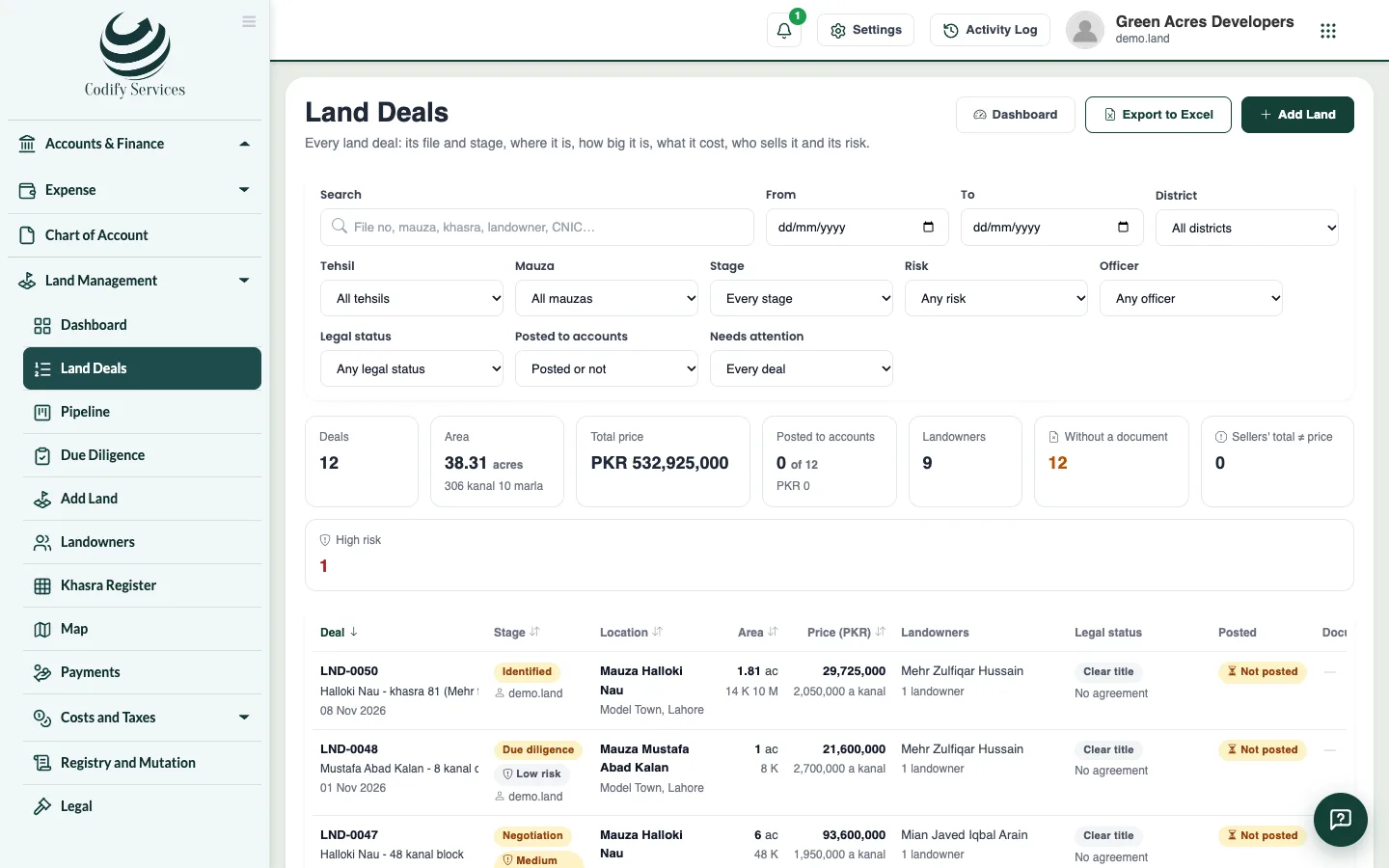
- Open Sidebar > Land Management > Land Deals.
- On the deal's menu, choose Post to accounts (or use the deal's Summary tab).
- Read what is missing, if anything (for example the Land Asset account, a draft not complete, or a price change waiting for approval), and fix it.
- Confirm the date of the vouchers and the amounts, and post.
- To undo it, choose Reverse the posting and give the reason.
Good to know
- Posting writes an LPV voucher, and an LCM voucher for each commission line due on posting.
- A posted deal cannot be changed or deleted until its posting is reversed.
- Each landowner gets one ledger account under Land Seller Payable, across all their deals.
- Land vouchers cannot be posted, edited or deleted from Finance's voucher list: the land keeps them.
- If your company has an approval rule for reversing, the reversal waits in Approvals.
Related
More in Land deals
Add a land dealEnter a land purchase: its place, khasras and areas, landowners and their shares, the price, the agreement, commission and buyers.Find land deals and use a deal's pageSearch and filter every land deal, export them to Excel, and open a deal's page with its summary and tabs.Move deals through the pipeline and log negotiationsSee every land deal by stage on a board, add new prospects, move deals forward with checks, and log each meeting, offer and counter-offer.Run due diligence on a land dealStart a deal's checklist of title and legal checks, mark each one clear or with an issue, record the lawyer's title opinion, and handle risk flags.Record agreements and the payment scheduleRecord a deal's agreement to sell or bayana receipt with its signatories, and set each landowner's schedule of token, installments and final payment.
Ready to try it? Open Land Management