
Land Management · Planning and investors
Pay land dues, manage leases and record disposals
Track recurring dues on land you hold, land you lease out or hold on lease, and land that leaves your land bank by sale, exchange or acquisition.
Land you hold has running costs and sometimes earns rent. Some land also leaves your hands. These pages keep all three.
Before you start
- Dues need Can Manage Land Costs, Taxes, Valuations and Commission. Leases and disposals need Can Manage Land Use and Plots. Posting needs Can Post Land into Finance.
Steps
Dues
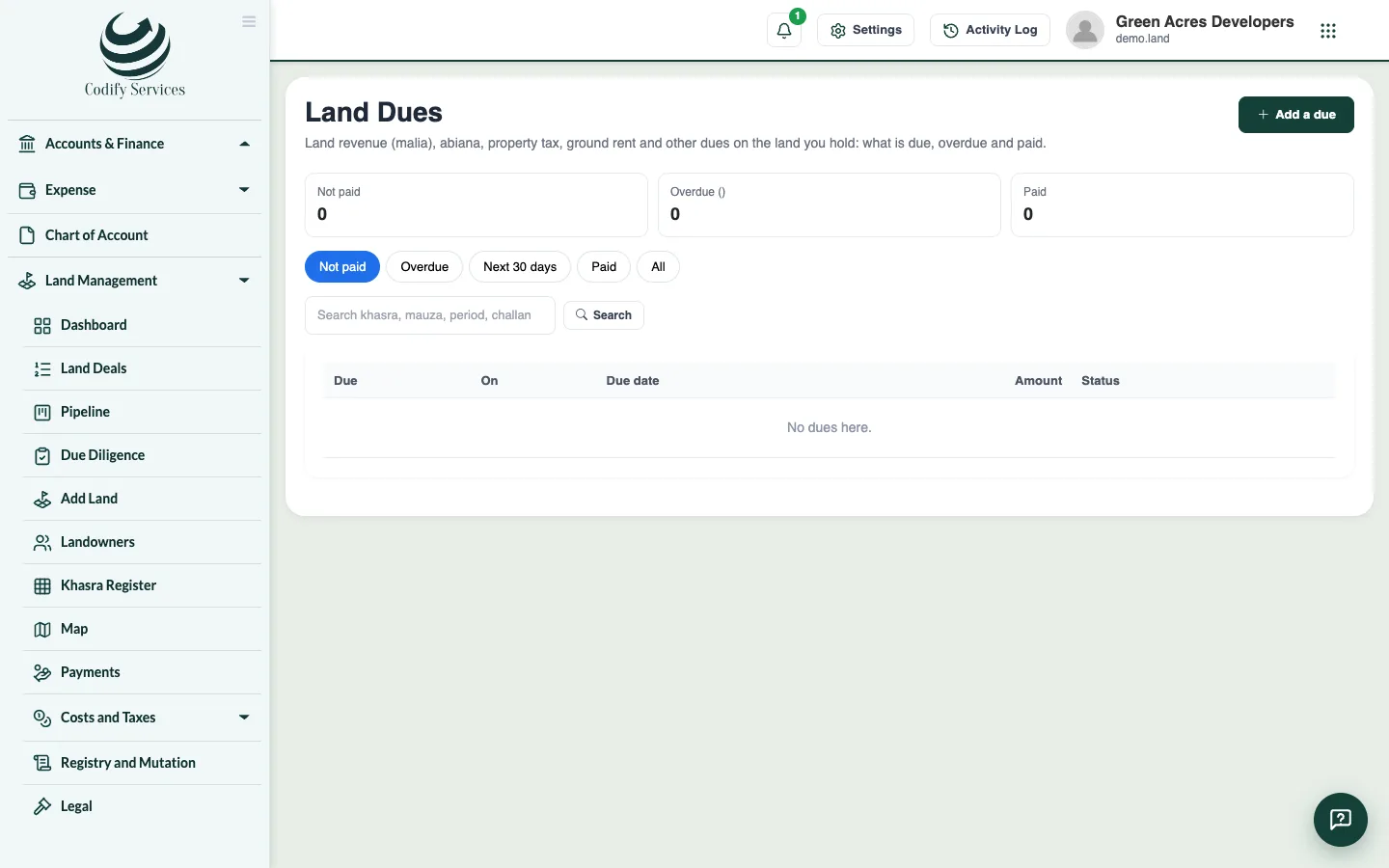
- Open Sidebar > Land Management > Dues, Leases and Disposals > Land Dues.
- Add each due: land revenue (malia), abiana (water charge), property tax, council fee or ground rent, on a khasra, mauza or lease, with its period, due date and amount.
- Press Pay, enter the day, amount and challan number, and tick to post it. Use Waive or Cancel (with a reason) when needed.
Leases
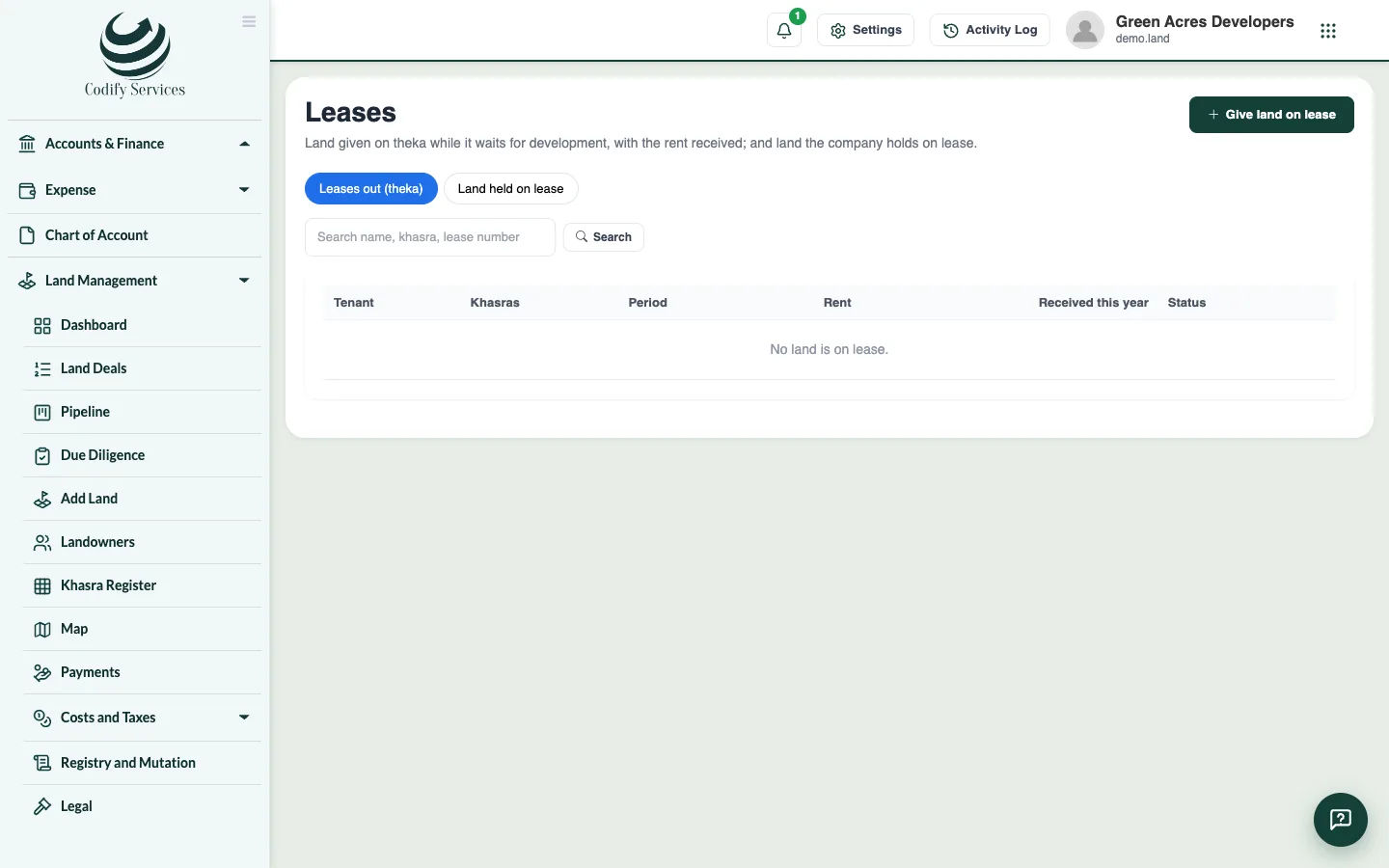
- Open Leases. Under Leases out, add land given to a tenant (theka or cash rent, batai or licence): the tenant, khasras, period, rent and deposit.
- Press Receive rent to record and post a rent receipt. Press End when the tenant leaves.
- Under Land held on lease, record land your company holds on lease, with the lessor, term, ground rent and renewal date.
Disposals
- Open Disposals and press Add a disposal: sale, exchange, government acquisition, gift or surrender. Name the whole khasras and the consideration.
- Check the land cost each khasra carries, then post it.
Good to know
- Unpaid dues and lease renewals show in Land > Alerts.
- A khasra can be on one active lease at a time.
- To dispose of part of a khasra, split it in the Khasra Register first.
- A posted disposal makes its khasras Excluded and takes them out of the Land Bank totals. Reverse gives them back.
Related
More in Planning and investors
Plan the land bank and plots owed (housing schemes)See all land you hold by phase and use, allocate khasras, spread land cost over plots, and manage plots owed and the authority mortgage.Investors, escrow and feasibility studiesRecord investors' shares of land deals, money held in escrow, title insurance, project feasibility with IRR and NPV, options on land and holding cost.
Ready to try it? Open Land Management