
Land Management · Get started
Add places: district, tehsil, union council and mauza
Build your list of places where you buy land, level by level, or import them all from Excel.
Every land deal is placed in a district, tehsil, union council and mauza (the revenue village in the land record). Add these places once, then pick them on each deal.
Before you start
- Each level has its own view, add, edit and delete permission. Import needs the add permission of the levels you import.
Steps
- Open Sidebar > Land Management > Locations > District and add your districts.
- Open Tehsil and add each tehsil under its district.
- Open Union Council and add each one under its tehsil.
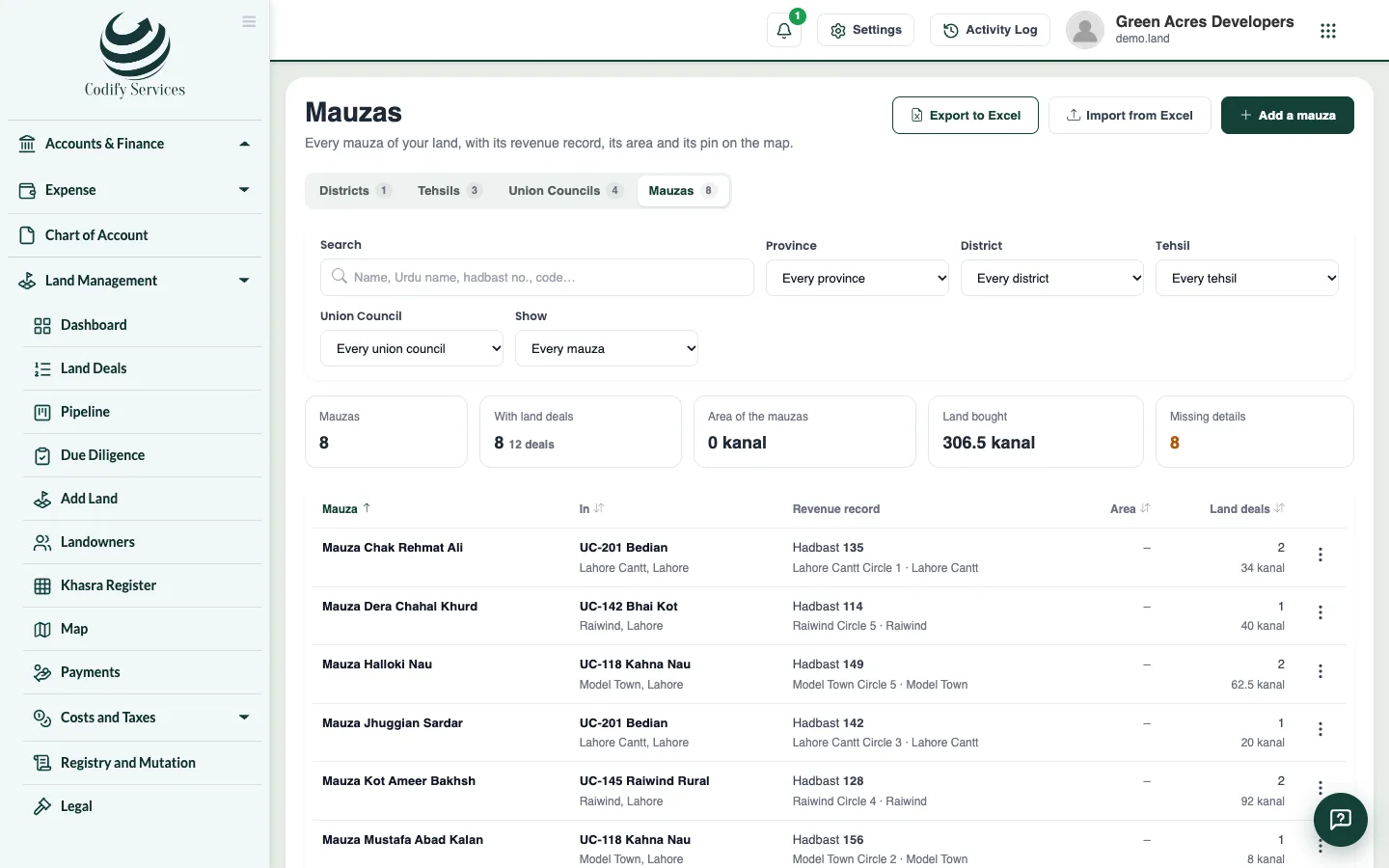
- Open Mauza and add each mauza under its union council.
- Click a mauza to open its record and add its revenue details (hadbast number, patwar circle, qanungo halqa, codes), its total area and its pin on the map.
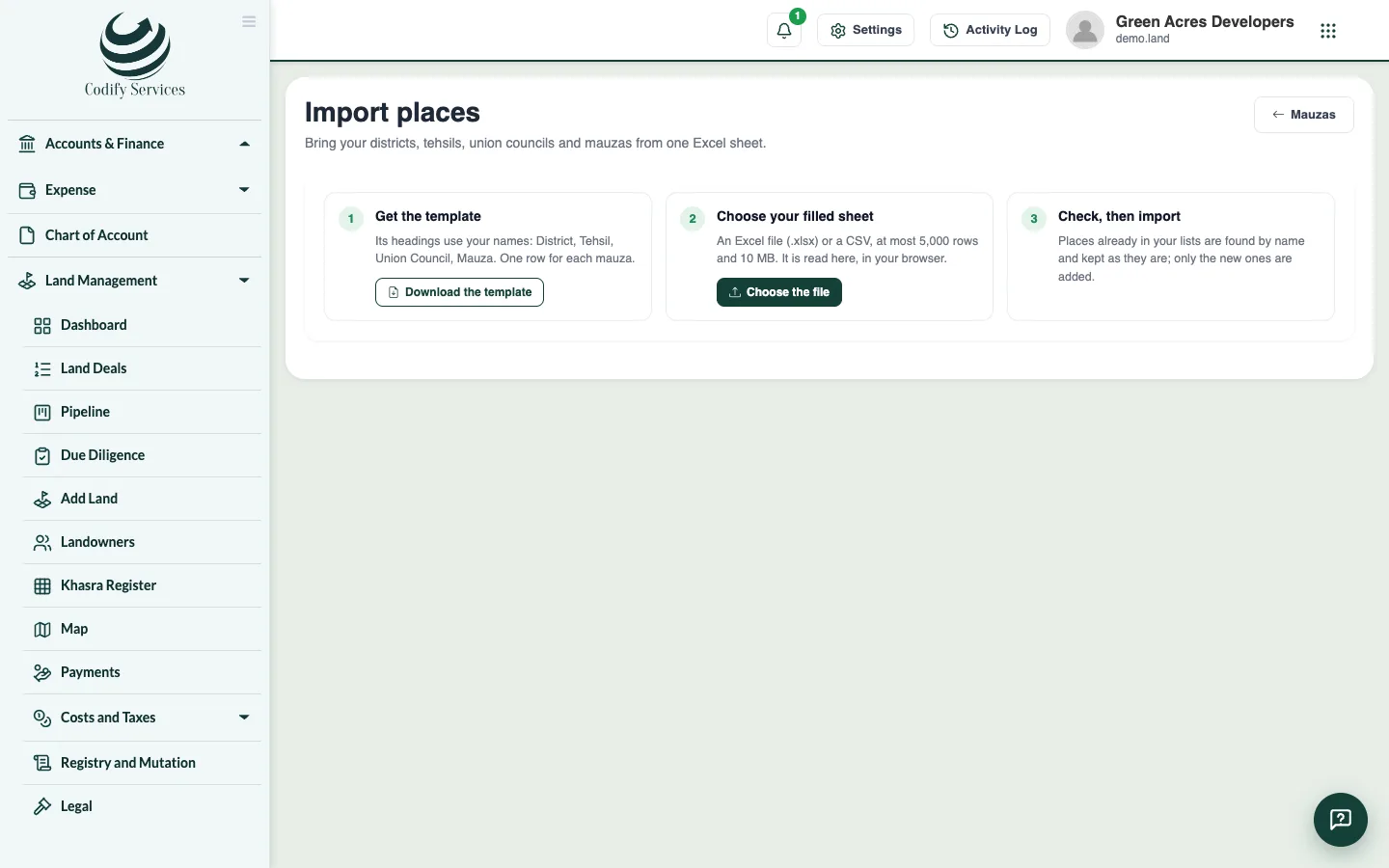
- To add many places at once, open Locations > Import Places and download the template.
- Fill one row per mauza (or a district, tehsil or union council alone), choose the .xlsx or .csv file, and check the result: each row says New, Already there, or what is wrong.
- Press Import.
Good to know
- The levels use your own names: a Sindh company sees Districts, Talukas, Tapos and Dehs (set in Land Settings > Locations and labels).
- A name is not repeated under the same parent.
- A place with places or land deals under it, or used by another land record, cannot be deleted.
- Import adds only places that are not there yet, and never changes one already there. At most 5,000 rows at a time.
- A mauza's area can be typed as the fard writes it (for example 120K-5M) and its pin as coordinates or a Google Maps link.
Related
More in Get started
Ready to try it? Open Land Management