
Land Management · Field work and prints
E-signatures and QR codes on land prints
Every land print carries an electronic signature, a QR code and a check code, so anyone holding the paper can check that it is real.
Every land print (payment receipt, landowner statement, possession letter, chain of title, land file, bayana receipt, iqrarnama, deal print, land reports, tax calculation, hearings diary) ends with "Electronically signed by" the user, the date and time, a QR code and a check code.
Steps
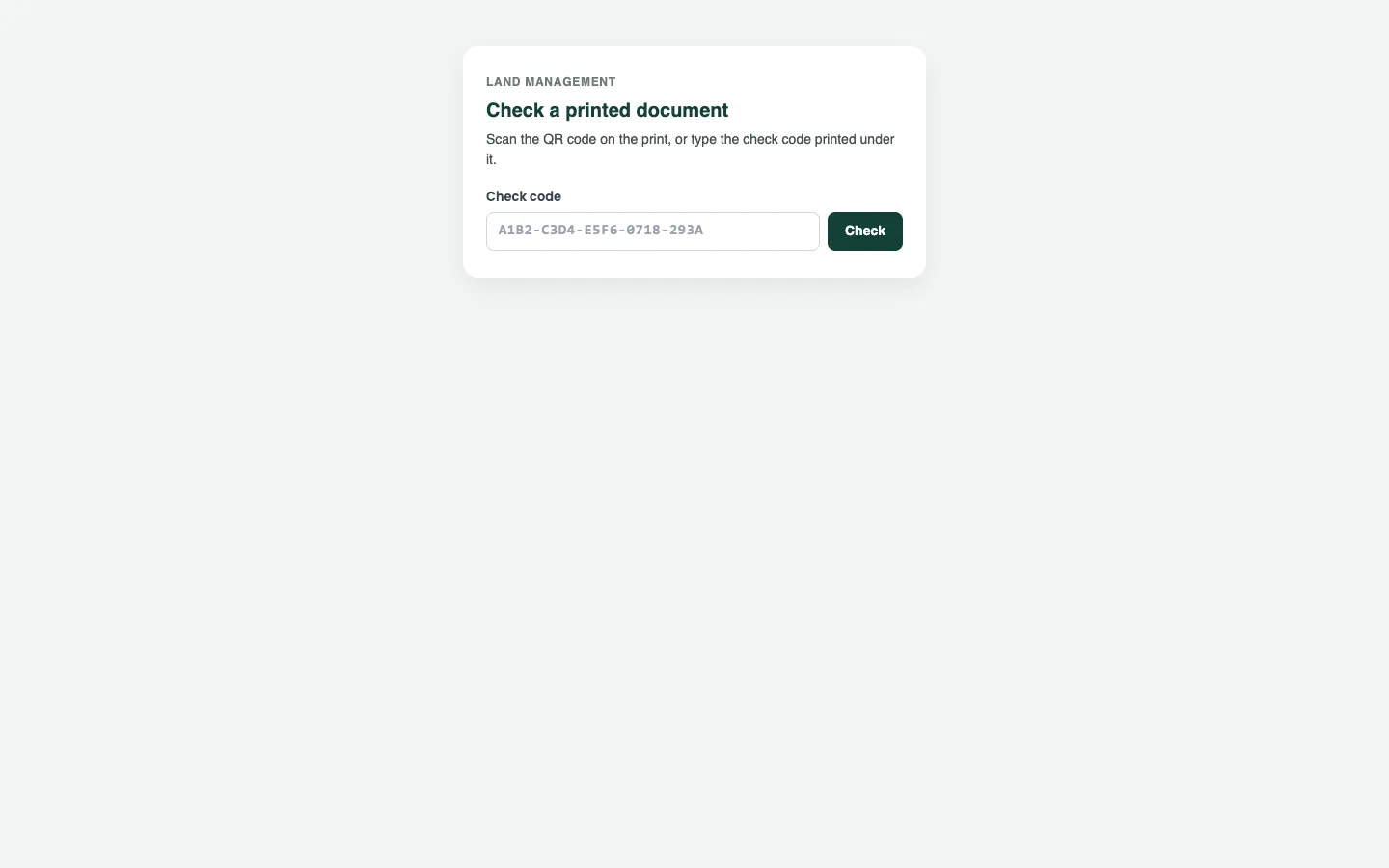
To check a print
- Scan the QR code on the paper with a phone, or open the address printed under it.
- If you opened the address, type the Check code and press Check.
- Read the answer: Valid or Not valid, the kind of document, its number and the day it was signed.
- Compare the kind and number with the paper.
Good to know
- The check page needs no sign-in, and never shows the company, the signer, an amount or a name.
- For a record's print (a receipt, a letter, a deal print), Valid means the code was issued by the system and the record has not changed since.
- A statement, report or tax calculation is a picture of its day: it stays valid, so compare its figures with a new print.
- Not valid means the code is unknown, or the record was changed, cancelled, reversed or deleted after printing. Print it again for a new code.
- Printing the same thing again gives the same code.
- A user whose role cannot print a document gets it without the QR code.
Related
More in Field work and prints
Ready to try it? Open Land Management