
Land Management · Planning and investors
Investors, escrow and feasibility studies
Record investors' shares of land deals, money held in escrow, title insurance, project feasibility with IRR and NPV, options on land and holding cost.
These pages are for companies that buy land with partners or study a project before buying.
Before you start
- Investors: Can See Land Prices and Costs or Can Manage Land Use and Plots (the second to change).
- Escrow: Can Manage Agreements and Schedules to add; Can Approve Payments to Landowners to release or refund.
- Feasibility: Can See Land Prices and Costs or Can Manage Pipeline and Negotiations (the second to save).
Steps
Investors
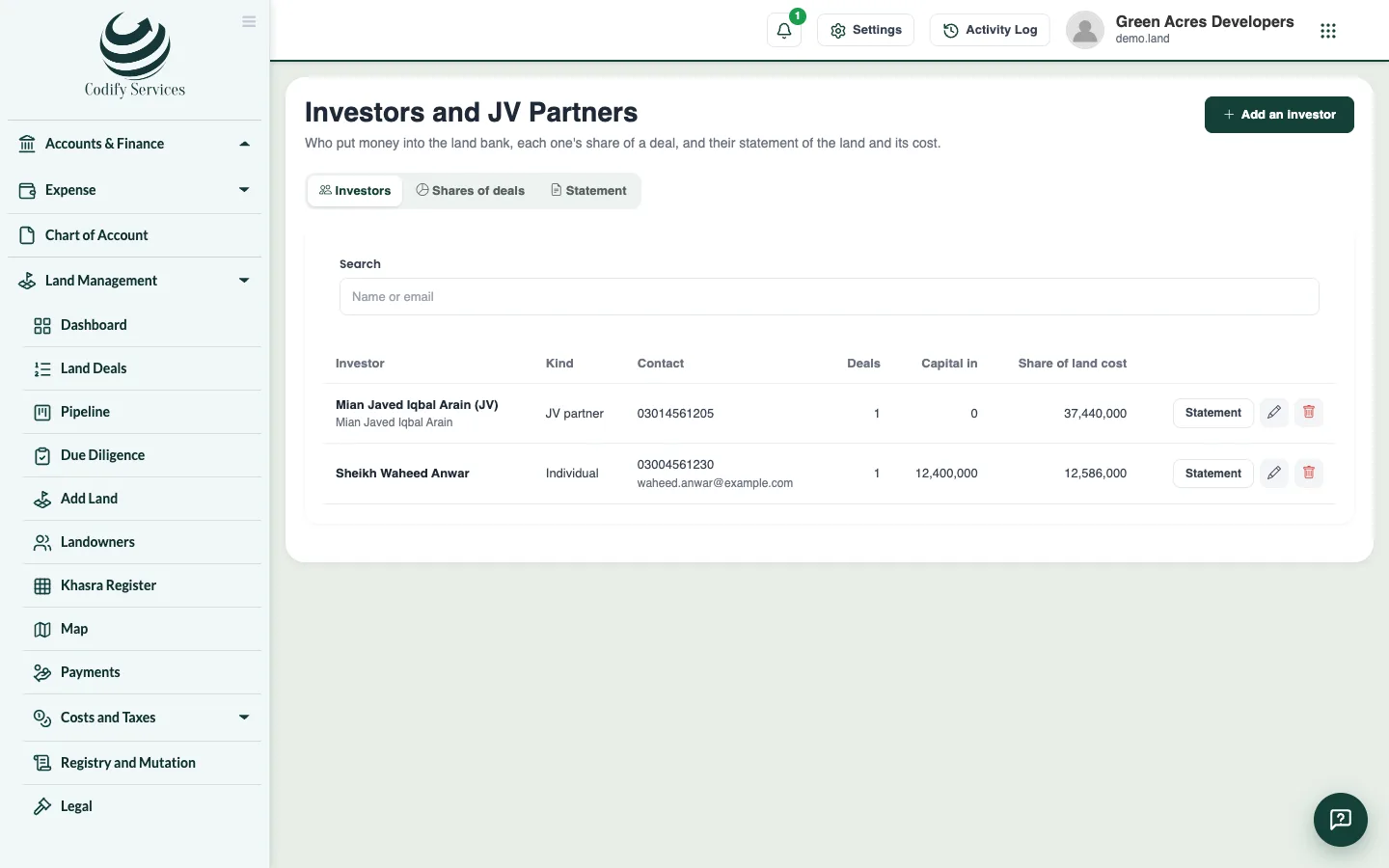
- Open Sidebar > Land Management > Investors and Feasibility > Investors and JV Partners.
- On Investors, add each person, company, JV partner or fund.
- On Shares of deals, press Add a share to give an investor a percentage of a deal and the capital they put in.
- On Statement, choose the investor and the day to see their share of area and cost.
Escrow
- Open Escrow and Title Insurance and press Add an escrow: the deal, the landowner, who holds the money, the amount, and at least one release condition.
- Mark each condition Met. Release works only when all are met; Refund needs a reason.
Feasibility
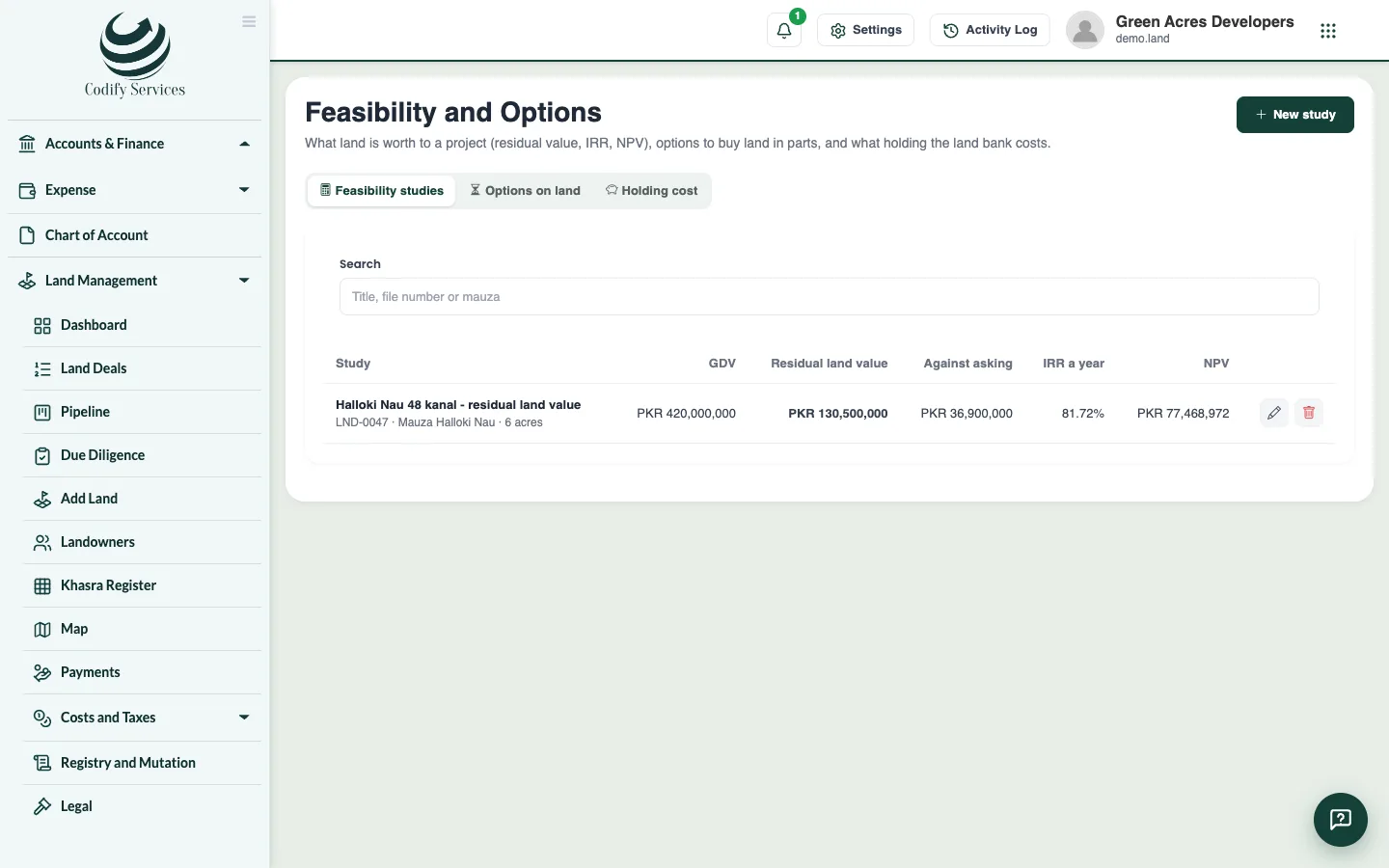
- Open Feasibility and Options and press New study. Enter the GDV (what the finished project sells for), development cost, fees, profit, the asking price and a cash flow.
- Press Work it out to see the residual land value, the IRR and the NPV.
Good to know
- The shares of one deal never add up to more than 100%.
- Options on land records an option to buy land in parts, with its takedown schedule.
- Holding cost shows each deal's carrying cost at a rate you choose.
- Export to Excel needs Can View Land Reports and Export.
Related
More in Planning and investors
Plan the land bank and plots owed (housing schemes)See all land you hold by phase and use, allocate khasras, spread land cost over plots, and manage plots owed and the authority mortgage.Pay land dues, manage leases and record disposalsTrack recurring dues on land you hold, land you lease out or hold on lease, and land that leaves your land bank by sale, exchange or acquisition.
Ready to try it? Open Land Management