
Billing & Invoicing · Sales
Recurring invoices
Bill the same customer every week, month, quarter or year by itself, with a template that turns into an invoice on each date.
A recurring invoice is a template. On each date it falls due, the system makes an invoice from it by itself.
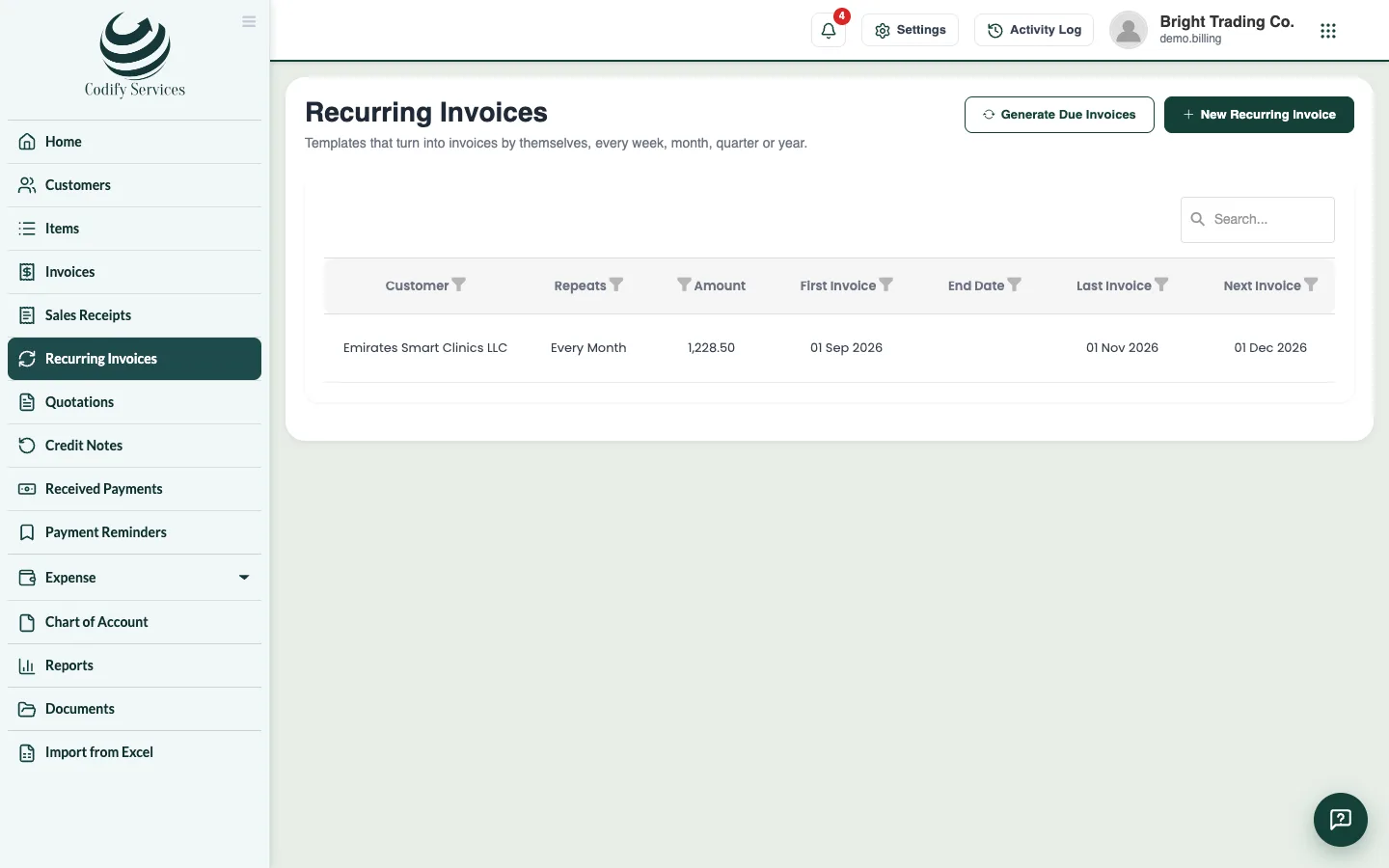
Steps
- Open Sidebar > Recurring Invoices and press New Recurring Invoice.
- Choose the Customer.
- Under Repeat Every, choose Week, Month, 3 Months or Year.
- Enter the First Invoice Date, an End Date (empty: never ends) and Due After (days).
- Add the items, discount and tax as on an invoice.
- Press Create Recurring Invoice.
Good to know
- Invoices are made by themselves when they fall due. Generate Due Invoices makes the ones due today or earlier at once, so you do not have to wait.
- Press Pause on a template to stop it for a while, and Resume to start it again.
- Once invoices have been made from a template, its first date and how often it repeats can no longer change.
- The report Recurring Invoice Details lists your templates.
Related
More in Sales
Credit notes and refundsRecord what you owe back to a customer (goods returned, a price cut, a mistake), apply it to their invoices or refund the money.Send a quotation and turn it into an invoiceMake a quotation (estimate) for a customer, send it, mark it accepted or declined, and turn an accepted one into an invoice in one click.Create and send an invoiceMake an invoice with items, discounts, tax and payment terms, then print it, email it, send it on WhatsApp or save it as PDF.
Ready to try it? Open Billing & Invoicing