
Billing & Invoicing · Accounts and reports
Billing reports
Find sales, receivables, payments, payables, purchases and expenses reports, plus profit and loss, balance sheet and the general ledger.
Billing's reports are grouped as in an accounting app's report center. Open one, choose the dates and the customer or vendor, and print it.
Steps
- Open Reports in the sidebar. The reports window opens.
- Choose a report from its group:
- Business Overview: Profit and Loss, Cash Flow Statement, Balance Sheet, Income and Spending ...
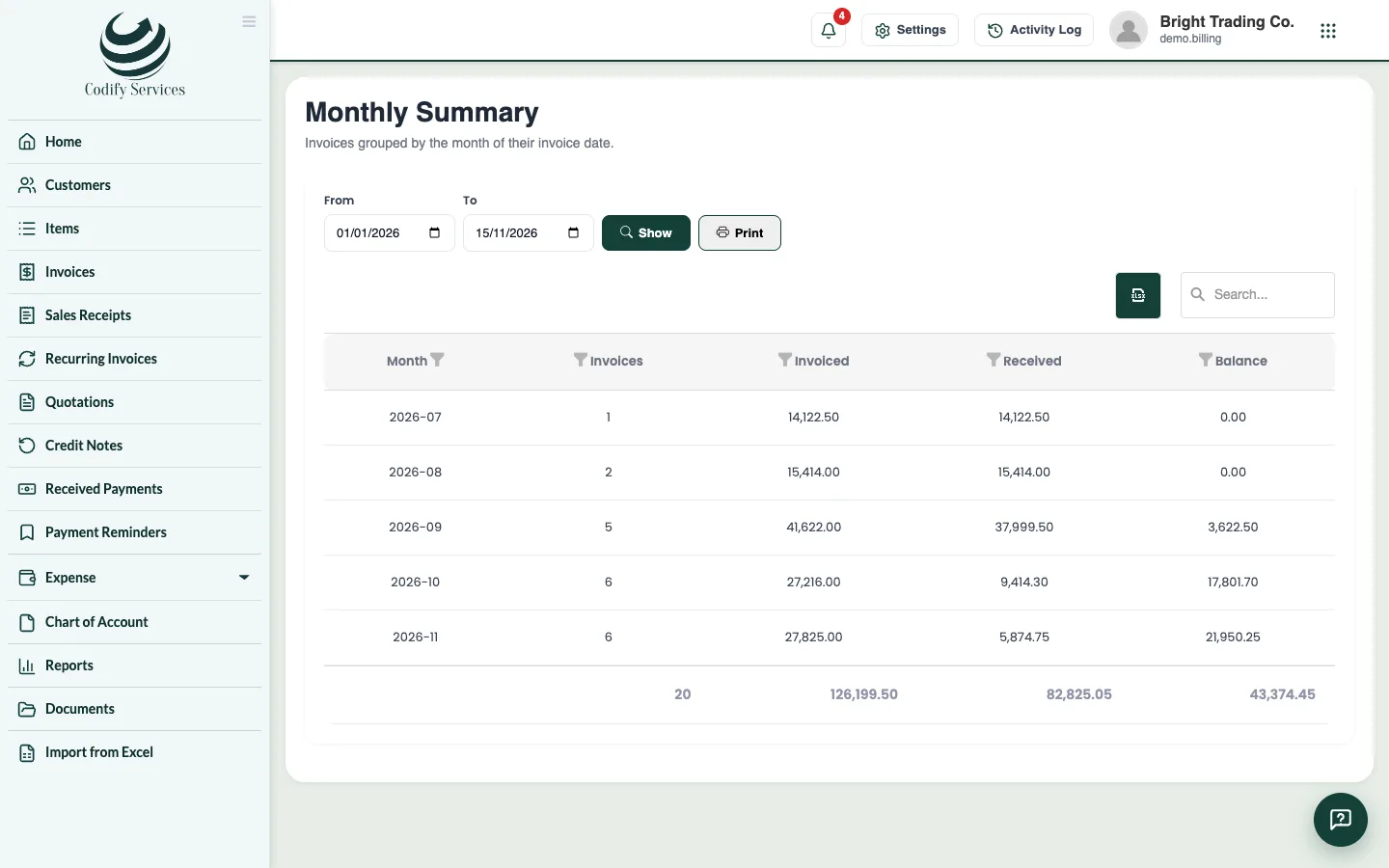
- Sales: Sales by Customer, Item Sales, Sales Summary, Monthly Summary, Customer Summary.
- Receivables: AR Aging Summary and Details, Outstanding Invoices, Invoice Details, Quote Details, Customer Balance Summary ...
- Payments Received: Payments Received, Time to Get Paid, Collections by Payment Mode, Credit Note Details, Refund History.
- Payables: Vendor Balance Summary, AP Aging, Outstanding Bills, Bill Details, Payments Made ...
- Purchases and Expenses: Purchases by Vendor, Purchases by Item, Expense Details, Expenses by Category ...
- Taxes: Tax Summary and Tax Return.
- Accountant: General Ledger, Journal Report, Trial Balance.
- Enter From and To (or As of), choose a customer or vendor if you like, and press Show.
- Press Print.
Good to know
- Reports need Can View Billing Reports. The financial statements need the Finance permissions too.
- The financial statements (Profit and Loss, Balance Sheet ...) show figures only when Billing is linked to Finance.
Related
More in Accounts and reports
Link Billing to your accountsChoose the accounts invoices, payments, bills and expenses post into, switch on posting to Finance, and post older documents.Tax summary and your country's tax returnSee the tax charged on invoices and paid on bills for a period, and the boxes of your country's VAT, GST or sales tax return.
Ready to try it? Open Billing & Invoicing