
Billing & Invoicing · Purchases and expenses
Record expenses
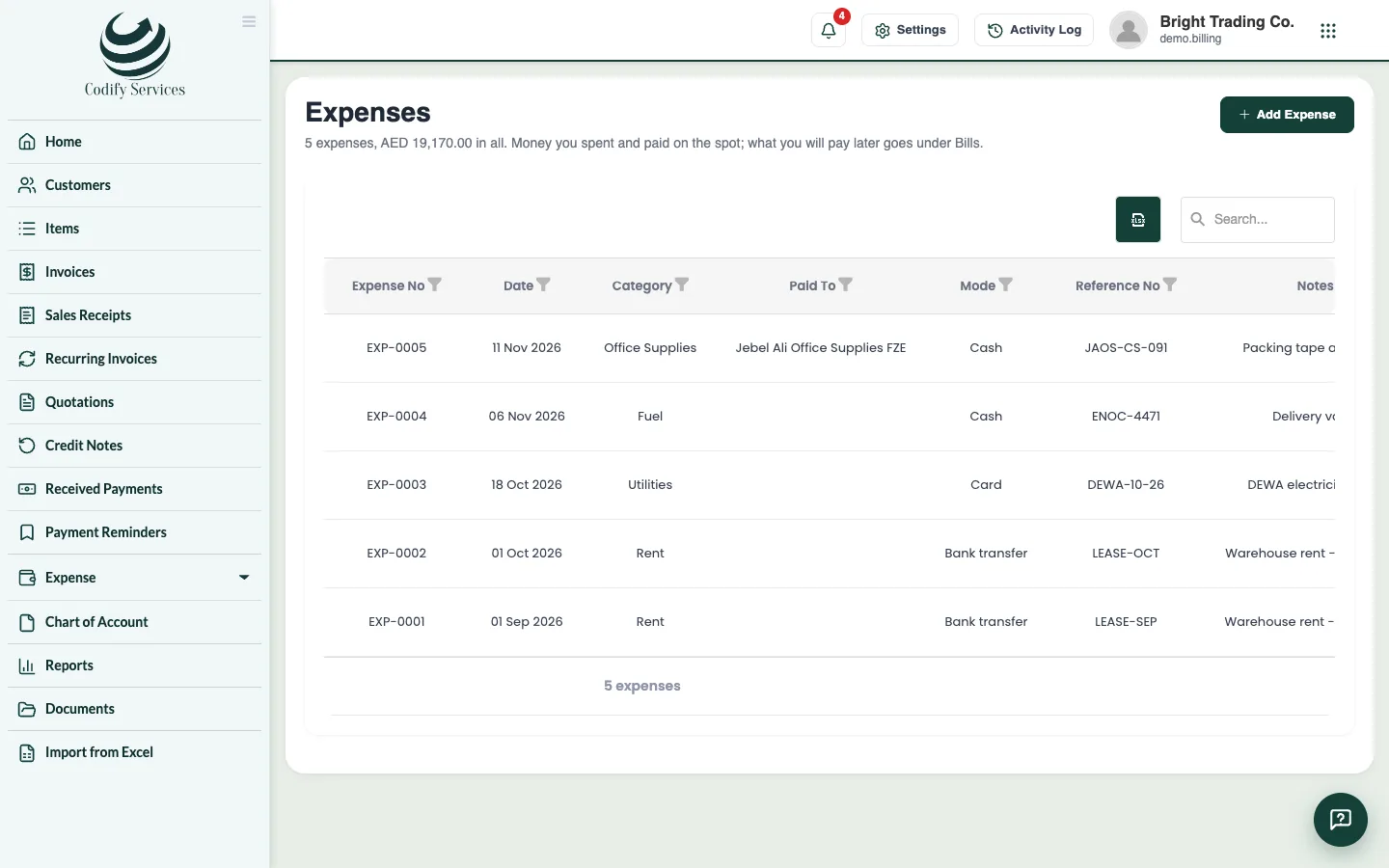
Record money you spent and paid on the spot (rent, salaries, fuel), print its payment voucher, and set up expenses that repeat.
An expense is money you spent and paid on the spot. What you will pay later goes under Bills instead.
Steps
- Open Sidebar > Expense > Expenses and press Add Expense.
- Choose the Category and enter the Amount and Date.
- Choose how it was Paid By.
- Choose who it was Paid To (a vendor), or press New vendor.
- Enter the Reference No and choose the Expense Account it goes under in Finance.
- Add Notes and press Add.
- Press Print voucher on the expense's line to print its payment voucher.
An expense that repeats
- Open Sidebar > Expense > Recurring Expenses and press New Recurring Expense.
- Fill in the expense, choose Repeat Every, the First Expense Date and an End Date (empty: never ends), and press Add.
Good to know
- Recurring expenses are recorded by themselves when they fall due. Generate Due makes the ones due today or earlier at once.
- If Billing is linked to Finance, each expense gets its own voucher (BLE-...).
- The reports Expense Details and Expenses by Category list your spending.
Related
More in Purchases and expenses
Enter vendors' bills and pay themAdd your vendors, enter the bills they send you, pay them in full or in part, and set up bills that repeat every month.Vendor creditsRecord what a vendor owes you back (goods sent back, a price cut, a mistake on a bill), apply it to their bills or record their refund.
Ready to try it? Open Billing & Invoicing