
Billing & Invoicing · Payments
Record a payment received
Record money a customer paid on an invoice, in full or in part, with the payment mode and reference, and see all payments received.
When a customer pays, you record the payment on their invoice. The invoice's balance goes down, and it becomes Partial or Paid.
Steps
- Open Sidebar > Invoices and open the invoice.
- Press Record Payment.
- Enter the Amount (up to the balance due).
- Enter the Payment Date and choose the Payment Mode (Cash, Bank Transfer, Cheque, Card, the mobile wallet of your country, or Other).
- Enter the Reference No and a Note if you like.
- Press Save Payment.
Good to know
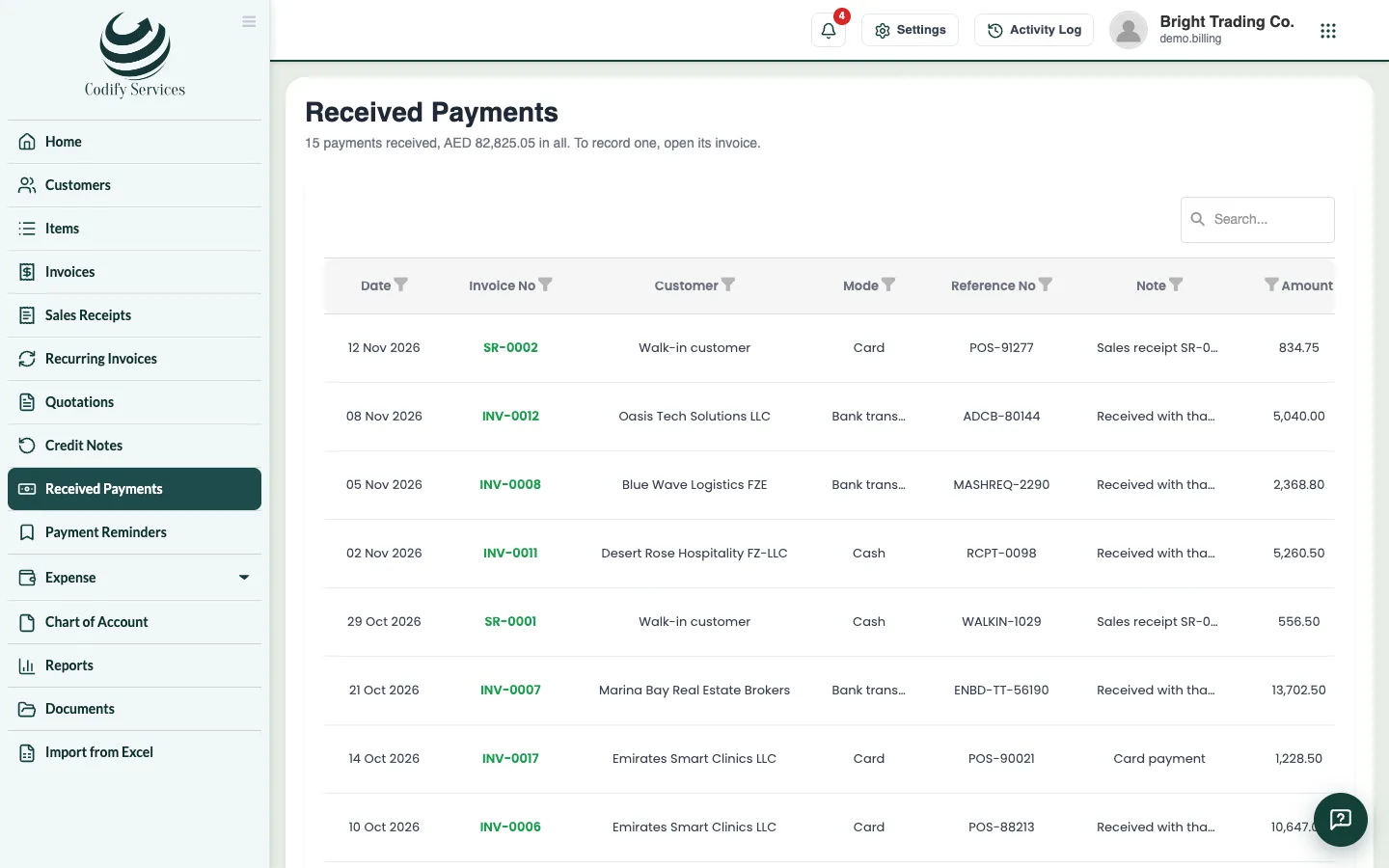
- Sidebar > Received Payments lists every payment received, by month, with the total.
- To remove a payment entered by mistake, press Remove payment on it in the invoice.
- If Billing is linked to Finance, each payment gets its own voucher (BLP-...) into cash or bank.
- For a sale paid in full at once, use a sales receipt instead. See Sales receipts.
Related
More in Payments
Ready to try it? Open Billing & Invoicing