
Billing & Invoicing · Customers and items
Add customers and see their statement
Add the people and companies you bill with their contact, tax number, payment terms and addresses, and print their account statement.
Customers are who you bill. The list shows what each one has been billed, has paid and still owes.
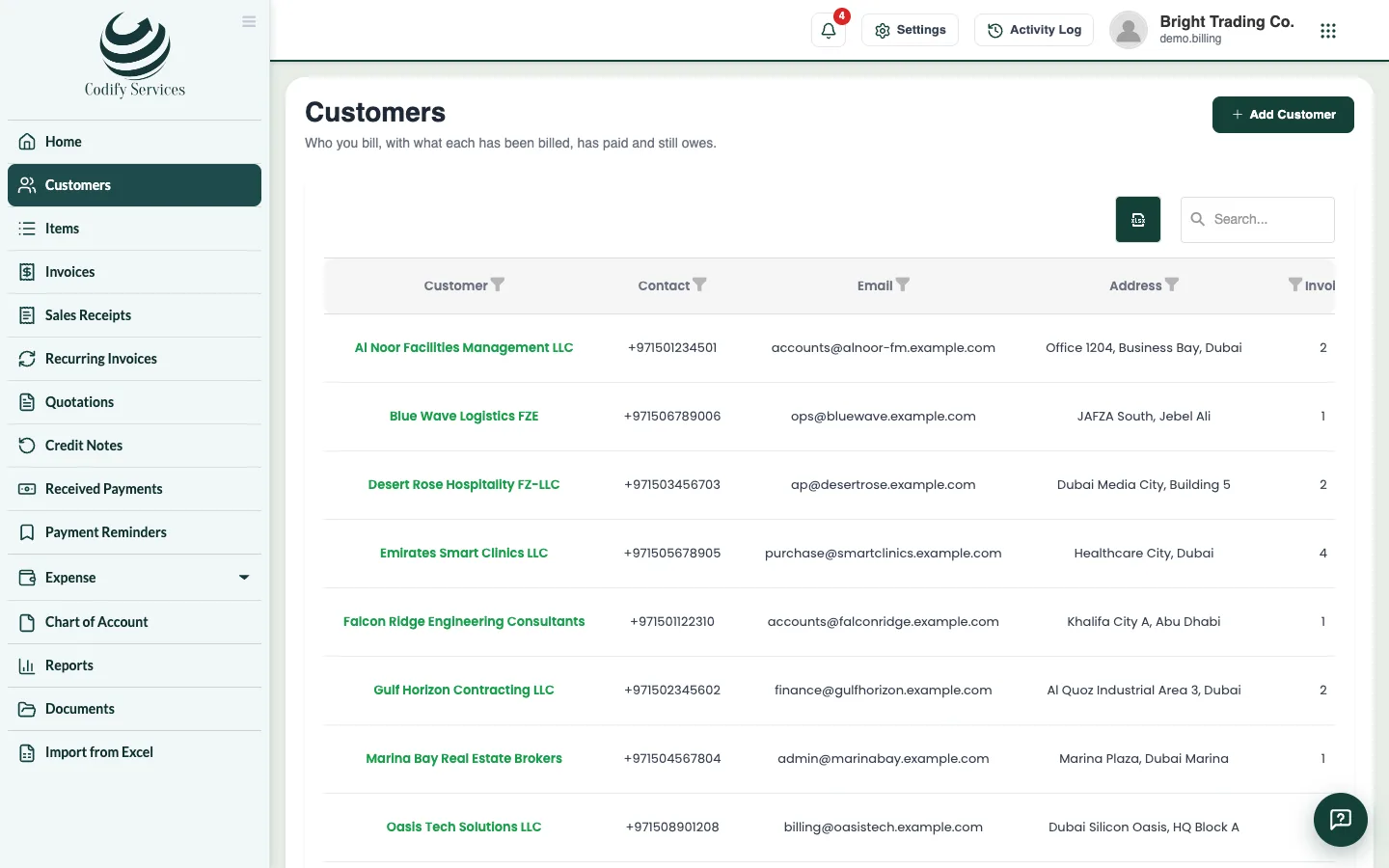
Steps
Add a customer
- Open Sidebar > Customers.
- Press Add Customer.
- Enter the Customer Name, Mobile (WhatsApp) and Email.
- Enter their Tax number if they have one.
- Choose their Payment terms (or keep The company's default).
- Enter the Billing address, and the Shipping address (or tick Same as billing address).
- Press Add Customer.
See the statement
- Press Statement on the customer's line.
- Choose From and To and press Show. It shows the opening balance, every invoice and payment, and what was owed after each.
- Press Print.
Good to know
- You can also add a customer from an invoice: press New next to Customer.
- The mobile number is used to send invoices and reminders on WhatsApp; the email to send them by email.
- In the Housing Society ERP, a registered member can be picked as a customer; saving adds them to your billing customers.
Related
More in Customers and items
Ready to try it? Open Billing & Invoicing