
Codify Store (POS) · Getting started
Set up your store
Set your currency, number format, time zone, receipt details and selling rules before your first sale, and give your staff their roles.
Codify Store is a point of sale for shops and superstores, on its own site (store.codifyservices.com). It works in any country. Before the first sale, set your currency, tax, time zone and what the receipt shows.
Steps
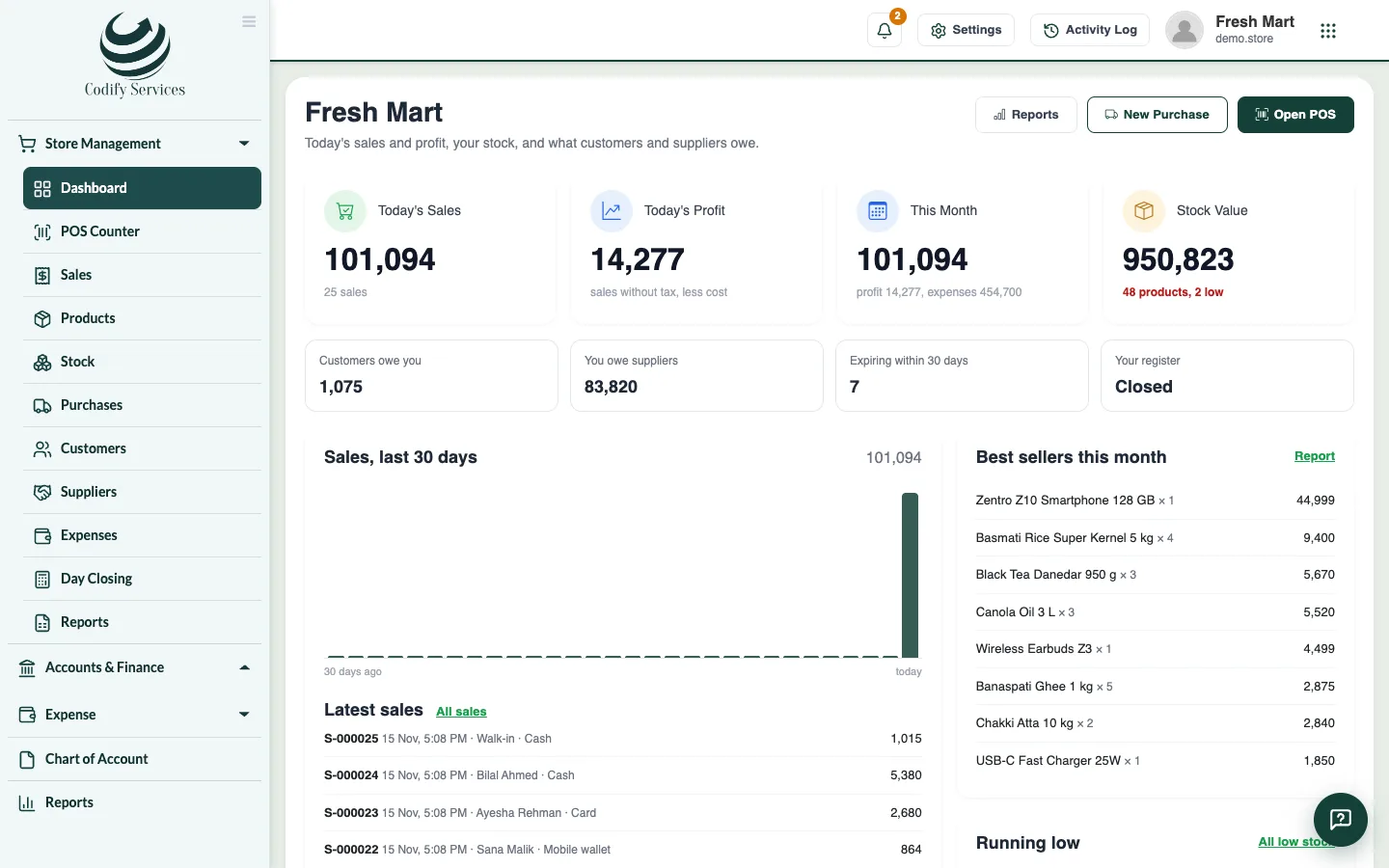
- Sign in. The Store dashboard opens. Until your store has products it shows Get your store ready in three steps.
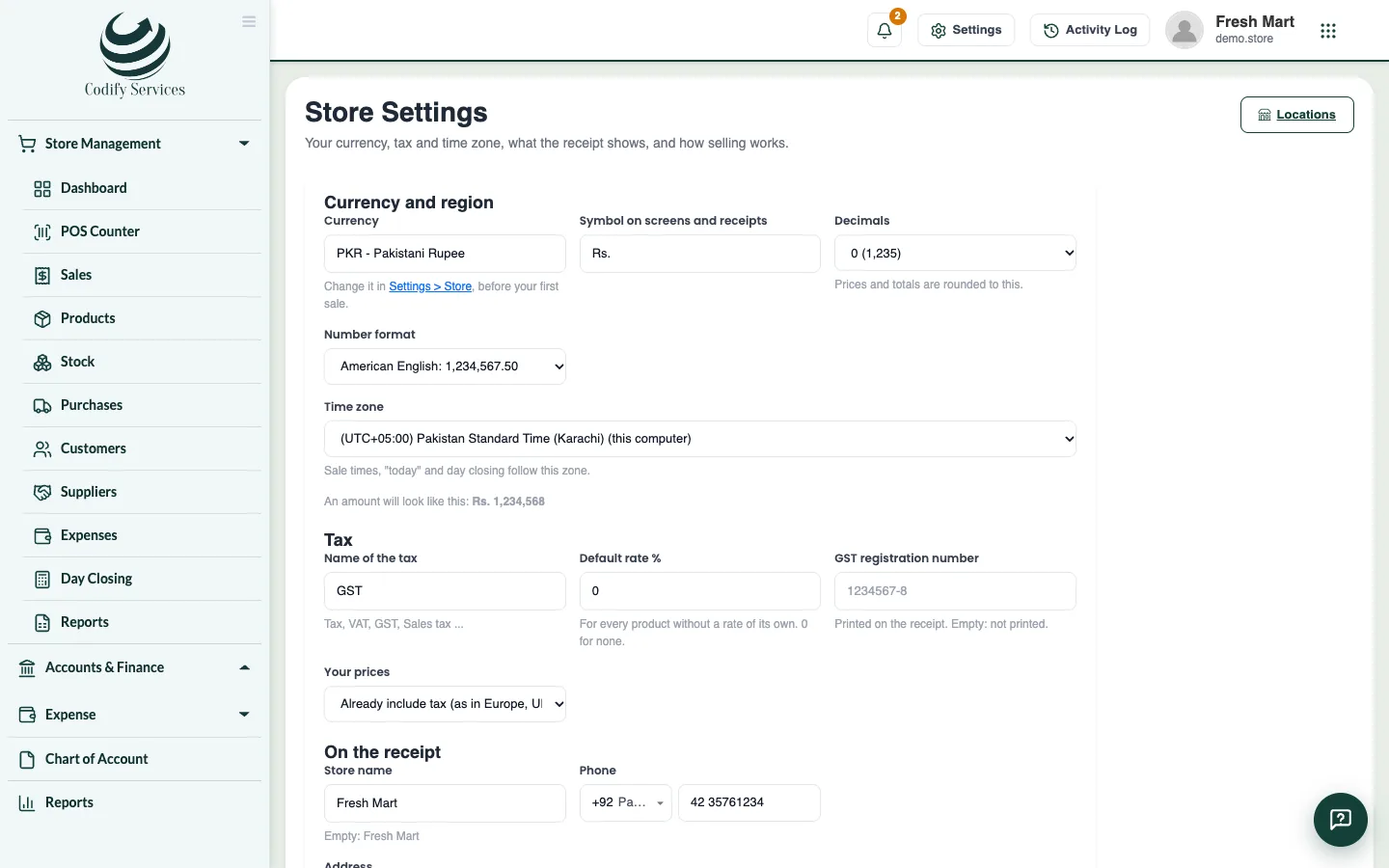
- Press Open Store Settings (or open the gear at the top right, All Settings, and choose Module Settings > Store > Store Settings).
- Under Currency and region, check the Symbol on screens and receipts, the Decimals, the Number format and the Time zone. The line "An amount will look like this" shows the result.
- Under Tax, enter the Name of the tax, the Default rate %, your registration number and whether Your prices include tax. See Set up tax or VAT.
- Under On the receipt, enter the Store name, Phone, Address and the Line at the bottom of the receipt, and choose the Receipt printer (80 mm or 58 mm).
- Under Selling, choose whether Cashiers open a register before selling (day closing), whether to Allow selling more than the stock shows, and the Most discount a cashier may give (%).
- Press Save settings.
- Add your products, then open the POS Counter.
Good to know
- The currency itself is changed under Settings > Store (your store's profile). Set it before your first sale.
- Sale times, "today" and day closing follow the time zone you choose.
- A new store comes with two ready roles: Cashier (sells, opens and closes their own register; sees no profit, cost prices, purchases, suppliers or expenses) and Manager (the whole store except Store Settings). Add staff under User & Roles > Users and give each one a role. You can change the roles under User & Roles > Role Claims > Store Management.
- Store Settings needs Can Manage Store Settings.
Related
More in Getting started
Ready to try it? Open Codify Store (POS)