
Codify Store (POS) · Customers and promotions
Loyalty points and gift cards
Let customers earn points on what they buy and pay with them, and sell, top up and accept gift cards at the counter.
Loyalty points reward customers who come back. Gift cards are sold for an amount and used later to pay at the counter.
Steps
Switch on loyalty points
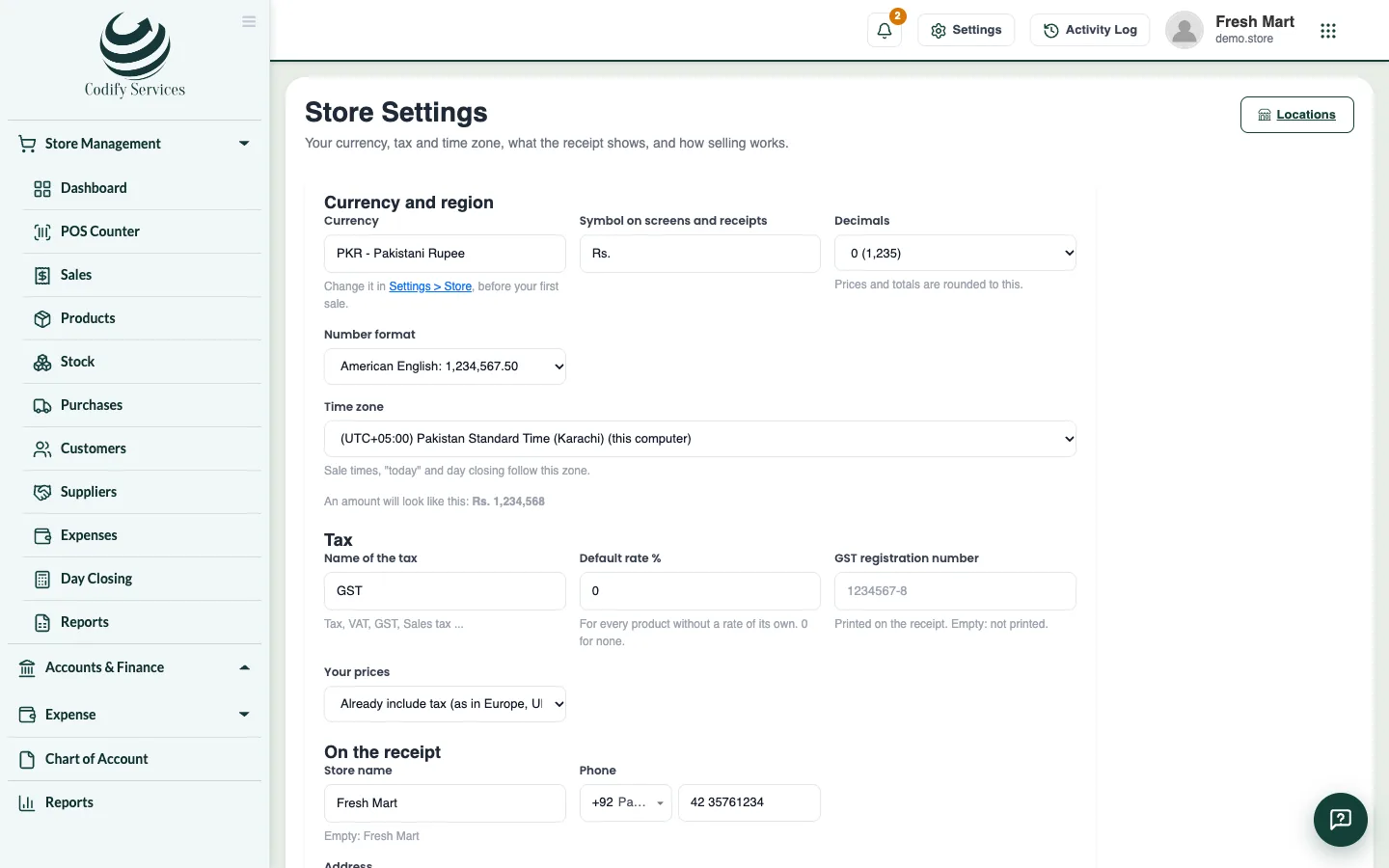
- Open Store Settings and go to Loyalty points.
- Tick Customers earn points on what they buy, and pay with them at the counter.
- Enter Spend this much for 1 point, what 1 point pays, and the Fewest points used at a time.
- Press Save settings.
- At the POS, choose the customer: their points and what they are worth show. Add a Points payment to pay with them.
Sell a gift card
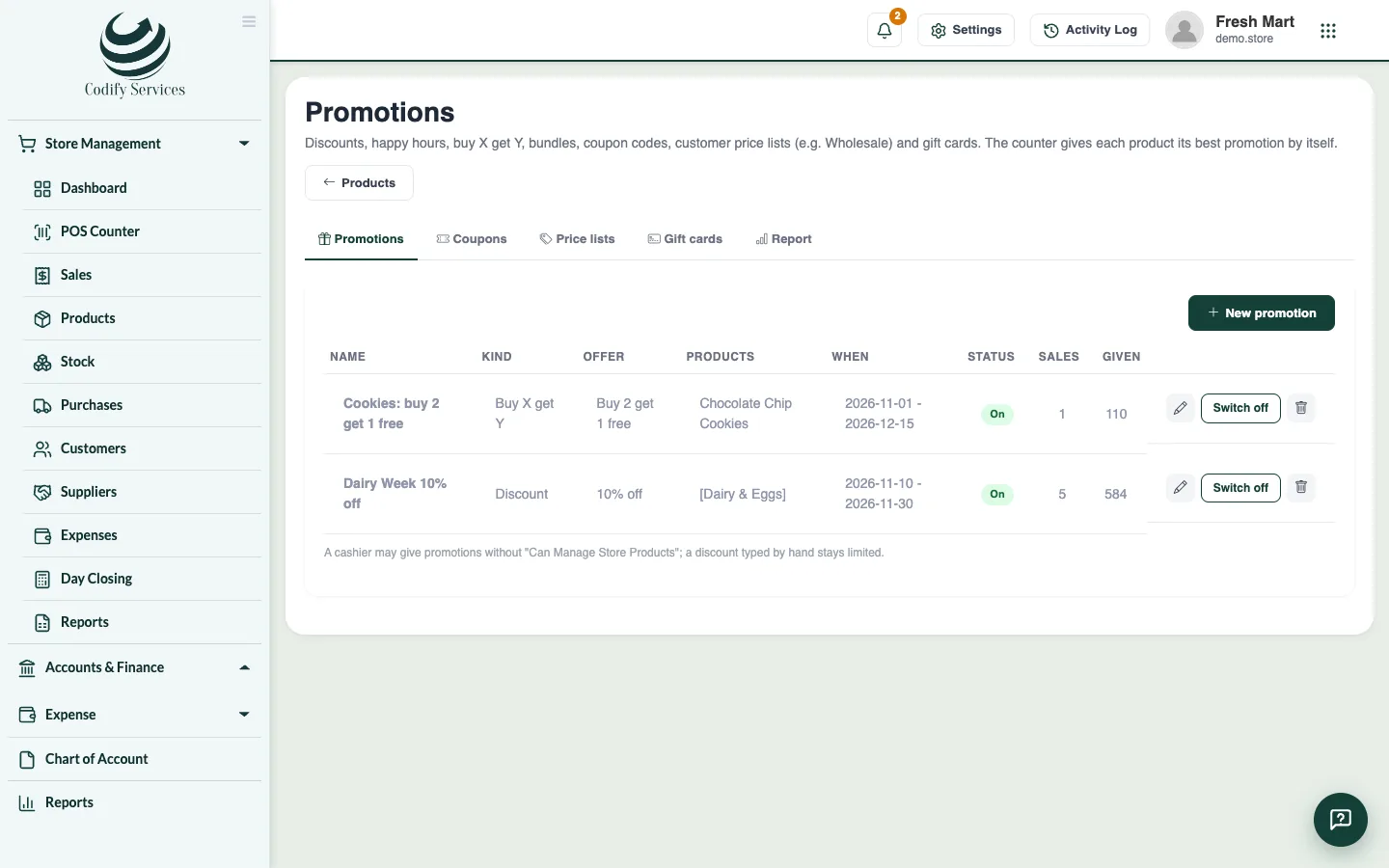
- Open Sidebar > Store Management > Products, press Promotions and open the Gift cards tab.
- Press Sell a gift card.
- Leave Card code (empty: made for you) empty or type your card's code.
- Enter the Amount, how it was Paid by, the Customer (optional) and the Expiry date (optional).
- Press Save and write the code on the card.
- At the POS, add a Gift card payment and scan or type the card's code.
Good to know
- On the Gift cards tab, Top up adds money to a card, History shows every sale, top-up and use, and Switch off stops a card.
- Cash taken for a gift card is part of the register's cash.
- In Accounting, points paid with go to the "Loyalty" account and gift card money to the "GiftCards" account (choose them in the Accounting settings).
Related
More in Customers and promotions
Ready to try it? Open Codify Store (POS)