
Codify Store (POS) · Selling at the counter
Sell at the POS counter
Scan or search products, change quantities and discounts, choose a customer, put a sale on hold and recall it, with keyboard shortcuts.
The POS Counter is where you sell. Scan a barcode or search, then take the payment. Everything can be done with the keyboard.
Before you start
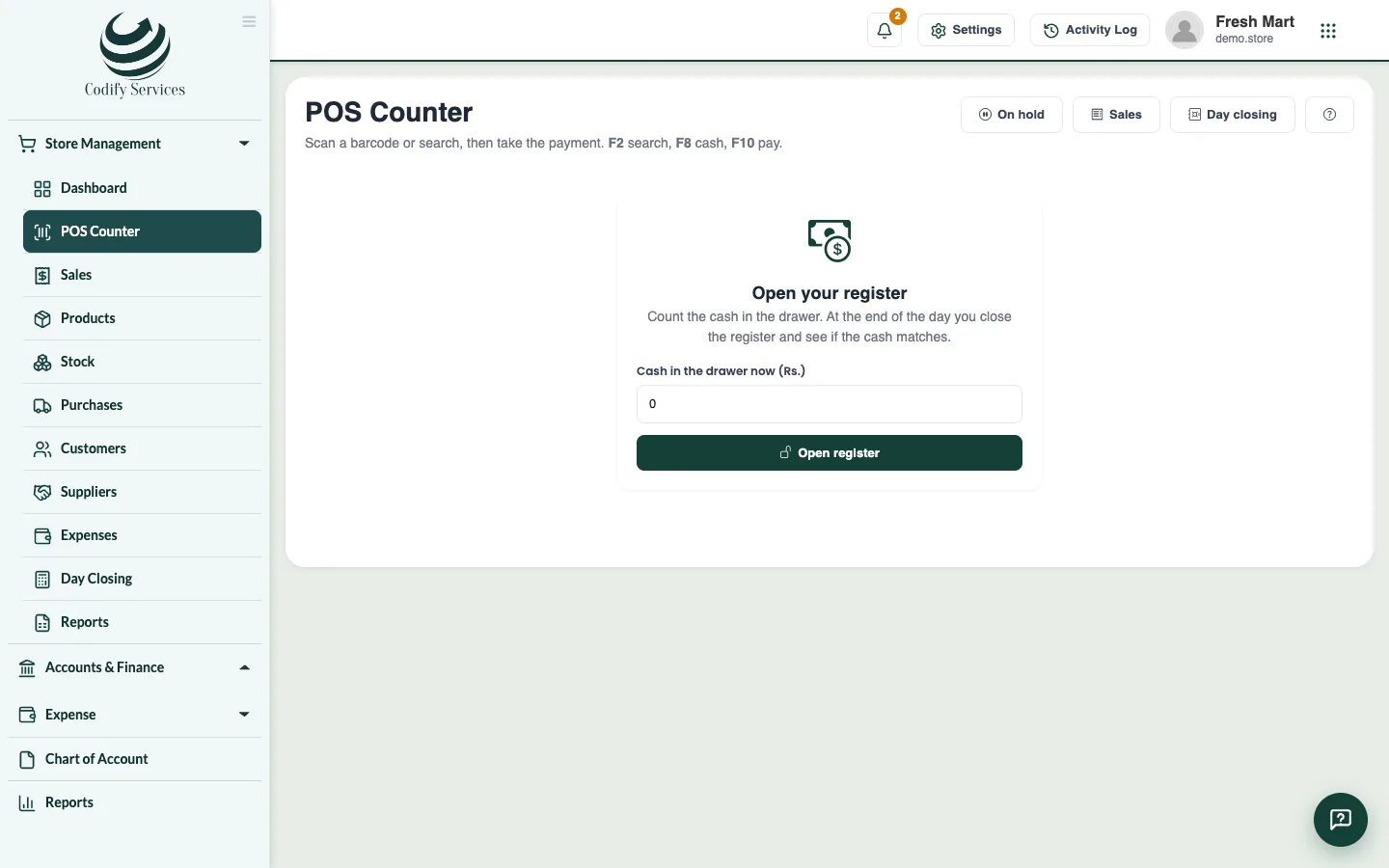
- Add your products. If your store uses registers, open yours first. See Open and close the register.
Steps
- Open Sidebar > Store Management > POS Counter.
- Scan a barcode, or type a product name or code and press Enter, or tap a product in the list.
- Change quantities with + and −. Give a line discount if needed (amount or percent).
- To sell to a customer, choose them in the customer box (it says Walk-in customer), or press + to add a new one with Name and Phone.
- Type a coupon in Code and press Apply, if the customer has one.
- Take the payment: Cash (F8), Card (F9), Mobile wallet or On account. See Take payment by cash, card, split, credit or gift card.
Put a sale on hold
- Press Hold (F4). Add a Note if you like and press Hold. Nothing is sold and no stock moves.
- To bring it back, press On hold (F6) and press Recall on its line.
Good to know
- Shortcuts: F2 search, F4 hold, F6 sales on hold, F7 cash in / out, F8 pay cash, F9 pay by card, F10 pay / complete the sale, Esc clear the sale, ? show the keys.
- Promotions and customer price lists are applied by themselves; the line shows the promotion's name.
- A cashier without Can Manage Store Products can give up to the Most discount a cashier may give (%) of Store Settings, and cannot sell below the price.
- An out-of-stock product cannot be sold unless Allow selling more than the stock shows is on.
- With more than one location, the counter sells from the location of your register.
- Using the POS needs the Use POS permission.
Related
More in Selling at the counter
Take payment by cash, card, split, credit or gift cardTake cash with change, card, bank transfer or mobile wallet, split one sale over several ways, put the rest on the customer's account.Open and close the register (day closing)Open your register with the cash in the drawer, record cash in and out, print an X report, and count the cash at day closing.Print or send receiptsPrint receipts on 58 mm or 80 mm printers or as an A4 invoice, with your logo and QR code, a gift receipt, or send them by email or WhatsApp.Take a return or cancel a saleTake back items from a sale and give the money back in cash, card, wallet or to the customer's account, or cancel a sale made by mistake.
Ready to try it? Open Codify Store (POS)