
Getting started · Account and sign-in
Log in to Codify
How to log in with your user name and password, choose your society or company, and sign out again.
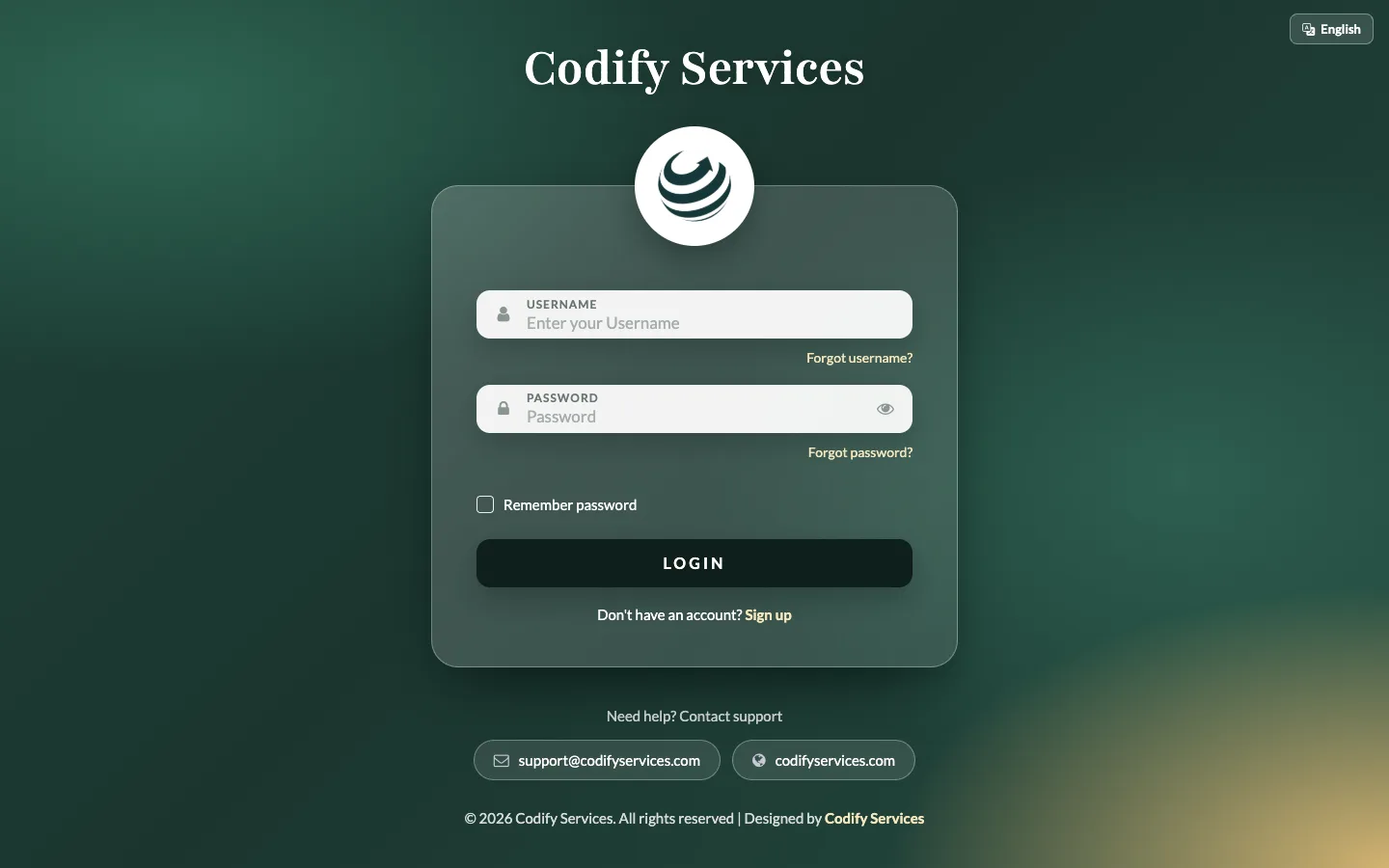
You log in on your product's own site (for example erp.codifyservices.com). One login can work for several societies or companies: you choose which one to open after your password.
Steps
- Open your product's site. The login page opens.
- Type your Username and Password.
- Tick Remember password if this is your own computer.
- Press Login.
- If your login works for more than one society, choose it in the Society list and press Login again.
- If a code is asked for, check your email: Codify sent you a 6-digit code. Type it in Code and press Verify. The code works for 10 minutes; Email a new code sends another one.
Sign out
- Click your picture or name at the top right.
- Press Sign Out.
Good to know
- Everything you see belongs to the society or company you chose at login.
- Forgot your password or user name? Use Forgot password? or Forgot username? on the login page.
- Don't tick Remember password on a shared or public computer.
- After the administrator changes your permissions, log out and log in again to see the change.
Related
More in Account and sign-in
Sign up and start your free trialCreate your Codify account on the sign-up page, choose a package and add-ons, and start using the software straight away.Reset a forgotten password or usernameGet a verification code by email to set a new password, or find the user names linked to your email.Change your own password, email and photoUse My Account to change your user name, email, profile photo and password.