
Getting started · Account and sign-in
Reset a forgotten password or username
Get a verification code by email to set a new password, or find the user names linked to your email.
If you can't remember your password or user name, you can reset it yourself with the email address on your account. Codify emails you a verification code.
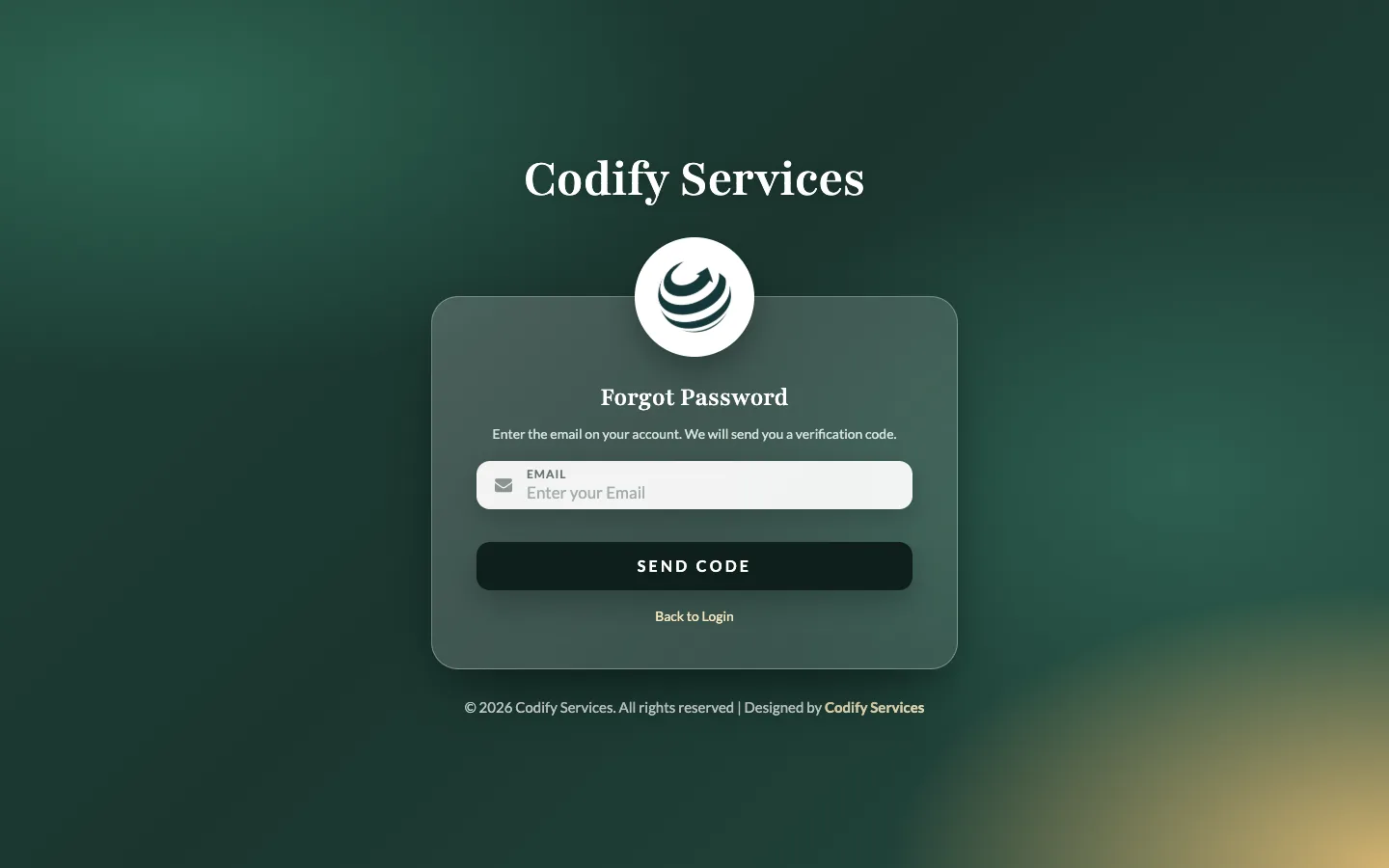
Steps
- On the login page, press Forgot password? (or Forgot username?).
- Type the Email on your account and press Send Code.
- Open your email and copy the code.
- Type it in Verification Code and press Verify Code. Resend code sends a new one.
- If your email has more than one account, choose the user name under This email has more than one account.
- For a password: type the New Password and Confirm New Password, then press Change Password.
- Press Back to Login and log in with the new password.
Good to know
- The email must be the one saved on your user. If no code comes, check your spam folder.
- If your user has no email, ask your administrator to set a new password for you in Settings > Users & Roles > Users (Edit the user, type a New password).
- Need more help? Write to support@codifyservices.com.
Related
More in Account and sign-in
Sign up and start your free trialCreate your Codify account on the sign-up page, choose a package and add-ons, and start using the software straight away.Log in to CodifyHow to log in with your user name and password, choose your society or company, and sign out again.Change your own password, email and photoUse My Account to change your user name, email, profile photo and password.