
Getting started · Data and support
Download a backup of your data
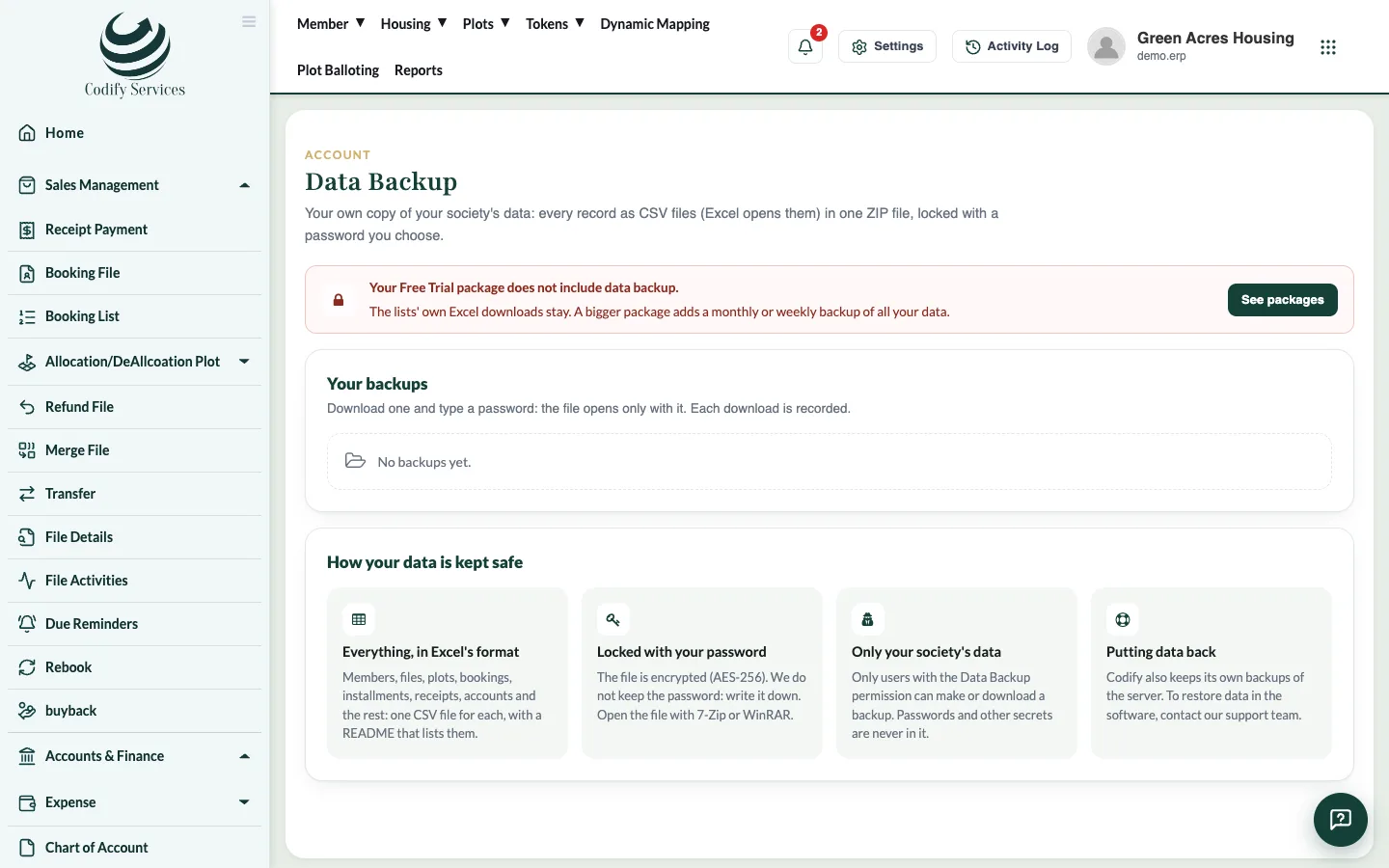
Make a backup of all your data as a password-protected ZIP of Excel-ready CSV files, and download it whenever you need a copy.
A backup is one ZIP file with a CSV file (Excel opens it) for each table of your data: members, files, plots, receipts, vouchers, accounts and the rest, with a README that lists them. You lock it with your own password when you download it.
Before you start
- Your role needs Can Backup Data. The Super Admin role has it. Log out and in again after it is given.
Steps
- Click your picture at the top right and press Data Backup (or Settings > Organization > Data Backup).
- Tick With pictures and documents if you also want member photos, the logo and scanned files (a bigger file).
- Press Make a backup now. It takes a few minutes; you can leave the page. You get an email when it is ready.
- Under Your backups, press Download.
- Type a Password for the file (12 characters or more) and Type it again.
- Save the file. Write the password down.
- Open the file with 7-Zip or WinRAR and type the password.
Good to know
- How often you can make backups, and whether automatic backups are made, depends on your package.
- Codify does not keep your file password. Without it, nobody can open the file.
- Windows' own zip opener can't open this kind of lock: use 7-Zip or WinRAR (both free).
- Each download is recorded (who and when). A backup stays on the server for a limited time; the bin deletes one at once.
- Passwords, the activity log and your subscription are never in the backup.
- Excel may drop the leading 0 of phone numbers when it opens a CSV directly. Use Excel's Data > From Text/CSV and set those columns to Text.
- To put data back into the software (restore), contact Codify support.